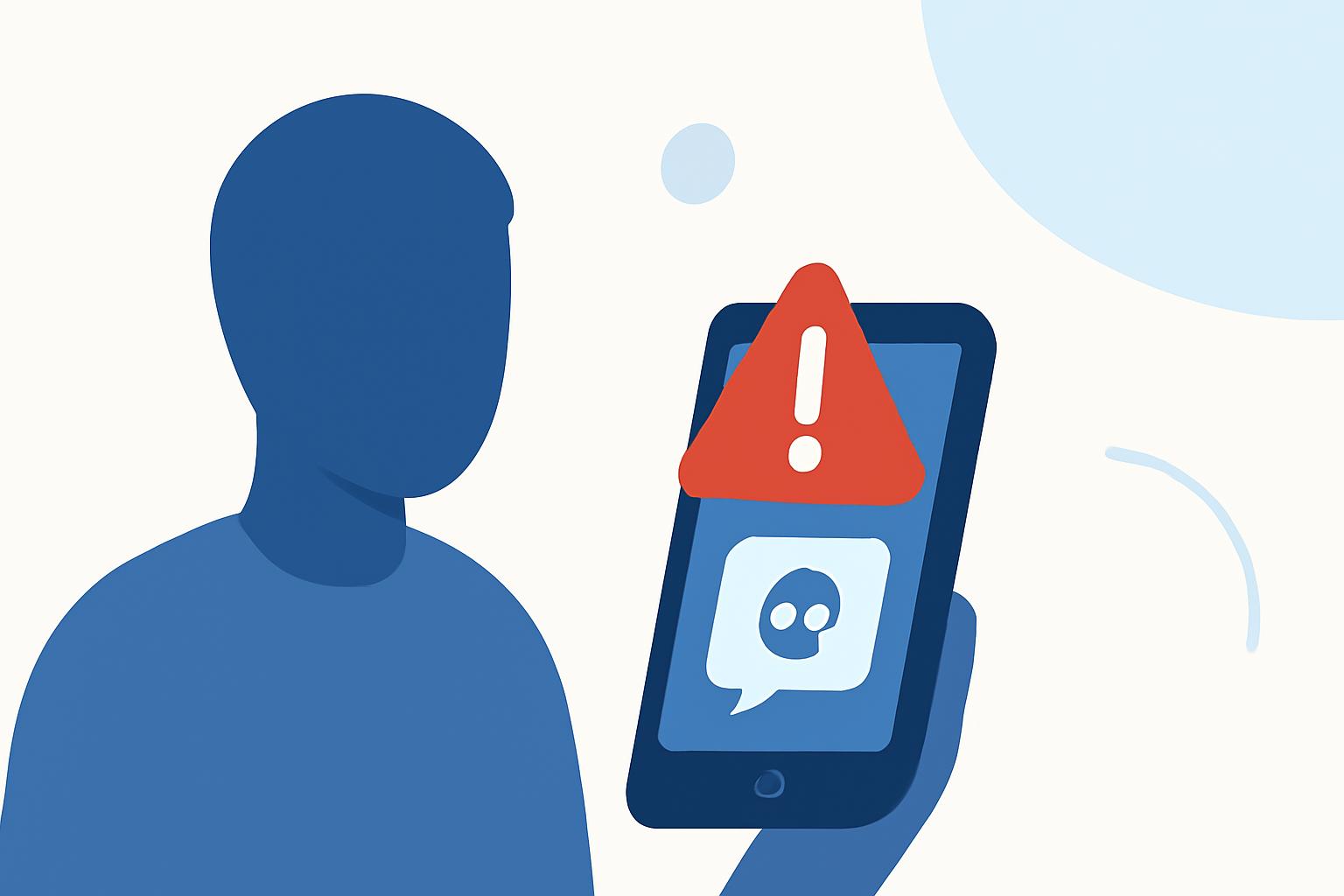
Phishing text messages, or "smishing," are fraudulent texts designed to deceive you into revealing personal information. These messages often impersonate trusted entities, making them a significant threat to your privacy and security. In 2024, consumers lost $470 million to scam texts, highlighting the urgency of addressing this issue. (mcafee.com)
What Are Phishing Texts?
Phishing texts are deceptive messages that appear to come from legitimate sources, such as banks, government agencies, or well-known companies. They typically contain urgent requests, fake prizes, or alarming account alerts, prompting you to click on malicious links or provide sensitive information. For example, a text claiming you've won a prize and asking you to click a link to claim it is likely a phishing attempt. (consumer.ftc.gov)
How Do Phishing Texts Reach You?
Scammers obtain phone numbers through various means, including data breaches, public records, and automated number generation. Once they have your number, they can send bulk messages, hoping to deceive even a small percentage of recipients. The immediacy of text messages makes them an effective tool for scammers, as people often read texts within seconds of receiving them. (mcafee.com)
How Can You Protect Yourself?
- Enable Built-in Spam Filters:
-
iPhone Users: Go to Settings > Messages, then toggle on "Filter Unknown Senders." This will separate messages from unknown contacts into a separate list. (techradar.com)
-
Android Users: Open the Messages app, tap the three dots in the top right corner, select Settings > Spam Protection, and enable "Enable Spam Protection." (techradar.com)
- Use Call-Blocking Apps:
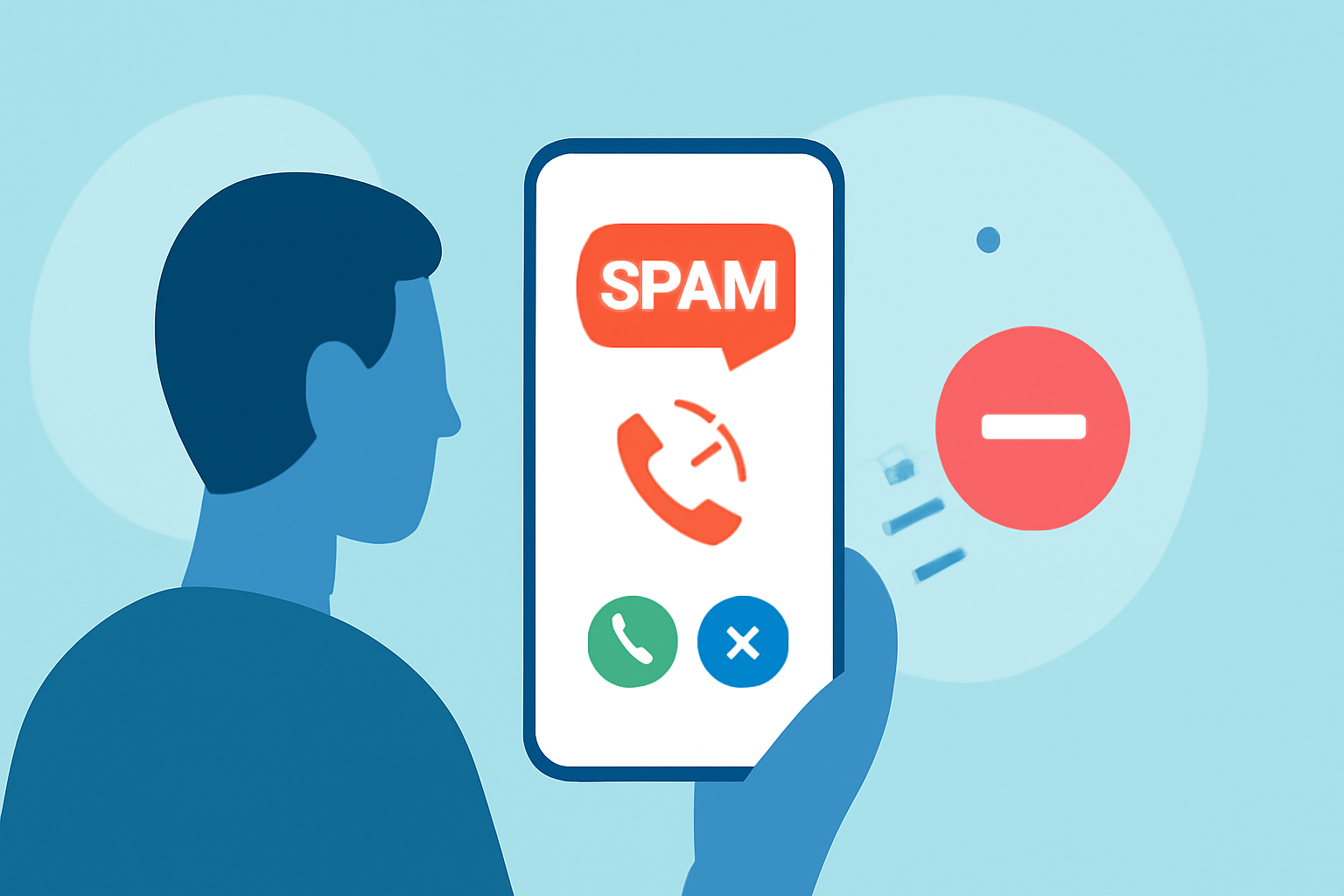
Applications like Robokiller can block up to 95% of unwanted text messages. With over 11 million downloads and a 4.5-star rating from more than 320,000 reviewers, Robokiller offers robust protection against spam and phishing texts. (hp.com)
- Report Suspicious Messages:
-
iPhone Users: Open the suspicious message, tap "Report Junk," and confirm.
-
Android Users: Open the message, tap the three dots, select "Report spam," and confirm. (consumer.ftc.gov)
- Be Cautious with Links and Requests for Personal Information:
Legitimate organizations will not ask for sensitive information via text. Avoid clicking on links or providing personal details in response to unsolicited messages. (consumer.ftc.gov)
- Register with the National Do Not Call Registry:
Adding your number to the National Do Not Call Registry can reduce unsolicited messages. While it may not eliminate all spam, it can decrease the volume of unwanted communications. (cbsnews.com)
What Should You Do If You Receive a Phishing Text?
-
Do Not Respond: Replying can confirm your number is active, leading to more spam.
-
Do Not Click on Links: Links may lead to malicious websites or install malware on your device.
-
Verify the Source: If the message claims to be from a legitimate organization, contact them directly using official contact information to verify the claim.
Conclusion
Phishing texts are a pervasive threat, but by implementing these strategies, you can significantly reduce the risk of falling victim to such scams. Staying vigilant and proactive is key to protecting your personal information and maintaining your digital security.
Highlights:
- How to Stop Spam Texts and Protect Your Phone | McAfee, Published on Friday, April 10
- How to stop spam texts and robotexts - CBS News, Published on Thursday, March 02
- How to Recognize and Report Spam Text Messages | Consumer Advice