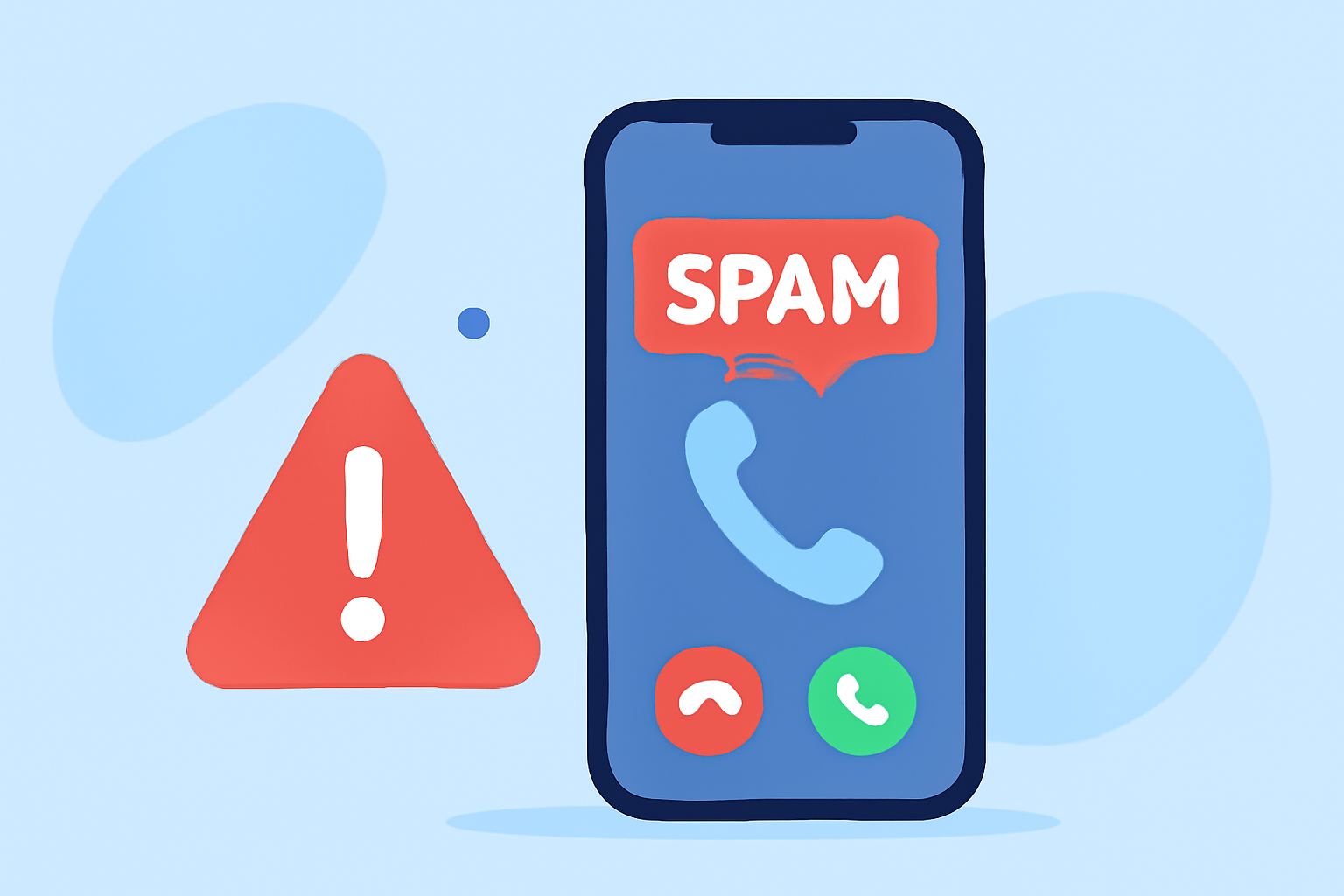
Spam calls are a common nuisance, but with the right strategies, you can manage them effectively. Here's how to identify and handle spam calls safely.
What Are Spam Calls?
Spam calls are unsolicited phone calls, often from unknown numbers, aiming to sell products, services, or gather personal information. They can be intrusive and sometimes deceptive.
How Can I Identify Spam Calls?
Recognizing spam calls involves being aware of certain signs:
-
Unfamiliar Numbers: Calls from numbers not saved in your contacts are more likely to be spam.
-
Generic Greetings: Scammers often use vague greetings like "Dear Customer" instead of your name.
-
Urgent Language: Messages that create a sense of urgency, such as threats of account suspension, are typical of scams.
-
Requests for Personal Information: Legitimate organizations will not ask for sensitive information over the phone.
What Are the Risks of Answering Spam Calls?
Answering spam calls can expose you to several risks:
-
Scams and Fraud: Scammers may attempt to steal your personal or financial information.
-
Malware: Some calls may prompt you to visit malicious websites or download harmful software.
-
Unwanted Charges: Certain calls may lead to premium-rate services, resulting in unexpected charges.
How Can I Protect Myself from Spam Calls?
Implementing protective measures can significantly reduce spam calls:
-
Use Call Blocking Apps: Applications like Robokiller can block up to 99% of spam calls using advanced technology. (robokiller.com)
-
Enable Built-in Features: Smartphones often have built-in features to block unknown callers. For instance, iPhones have a "Silence Unknown Callers" option. (techradar.com)
-
Register with the National Do Not Call Registry: This free service allows you to opt out of receiving unsolicited calls. (makeuseof.com)
How Does Robokiller Help in Blocking Spam Calls?
Robokiller offers several features to protect users from spam calls:
-
Advanced Call Blocking: Utilizes AI-powered audio fingerprinting technology to identify and block spam calls. (robokiller.com)
-
Call Screening: Screens unknown callers by asking for their name and the reason for the call, providing you with the information to decide whether to answer. (support.robokiller.com)
-
Answer Bots: Engages spam callers with humorous recorded messages, wasting their time and preventing them from reaching you. (robokiller.com)
What Should I Do If I Receive a Spam Call?
If you receive a spam call:
-
Do Not Share Personal Information: Never provide sensitive details over the phone.
-
Hang Up Immediately: If you suspect a call is spam, it's best to end the conversation.
-
Report the Call: Use your call blocking app to report the number, helping to prevent future spam calls.
How Can I Adjust My Call Blocking Settings?
Customizing your call blocking settings allows you to control how unknown numbers are handled:
- Robokiller Settings: Within the app, navigate to Settings > Protection > Calls From Unsaved Numbers to adjust your protection level. (support.robokiller.com)
Are There Any Free Options for Blocking Spam Calls?
Yes, Robokiller offers a free version that includes:
-
Global Blacklist: Blocks known spam numbers.
-
Spam Reporting: Allows you to report spam calls and texts.
-
Weekly Insights: Provides information on blocked spam calls and texts. (support.robokiller.com)
How Can I Learn More About Robokiller's Features?
For a comprehensive overview of Robokiller's capabilities, you can watch the following review:
Robokiller Review (2025) — Block Spam Calls & Get Revenge!
By staying informed and utilizing available tools, you can effectively manage spam calls and protect your personal information.