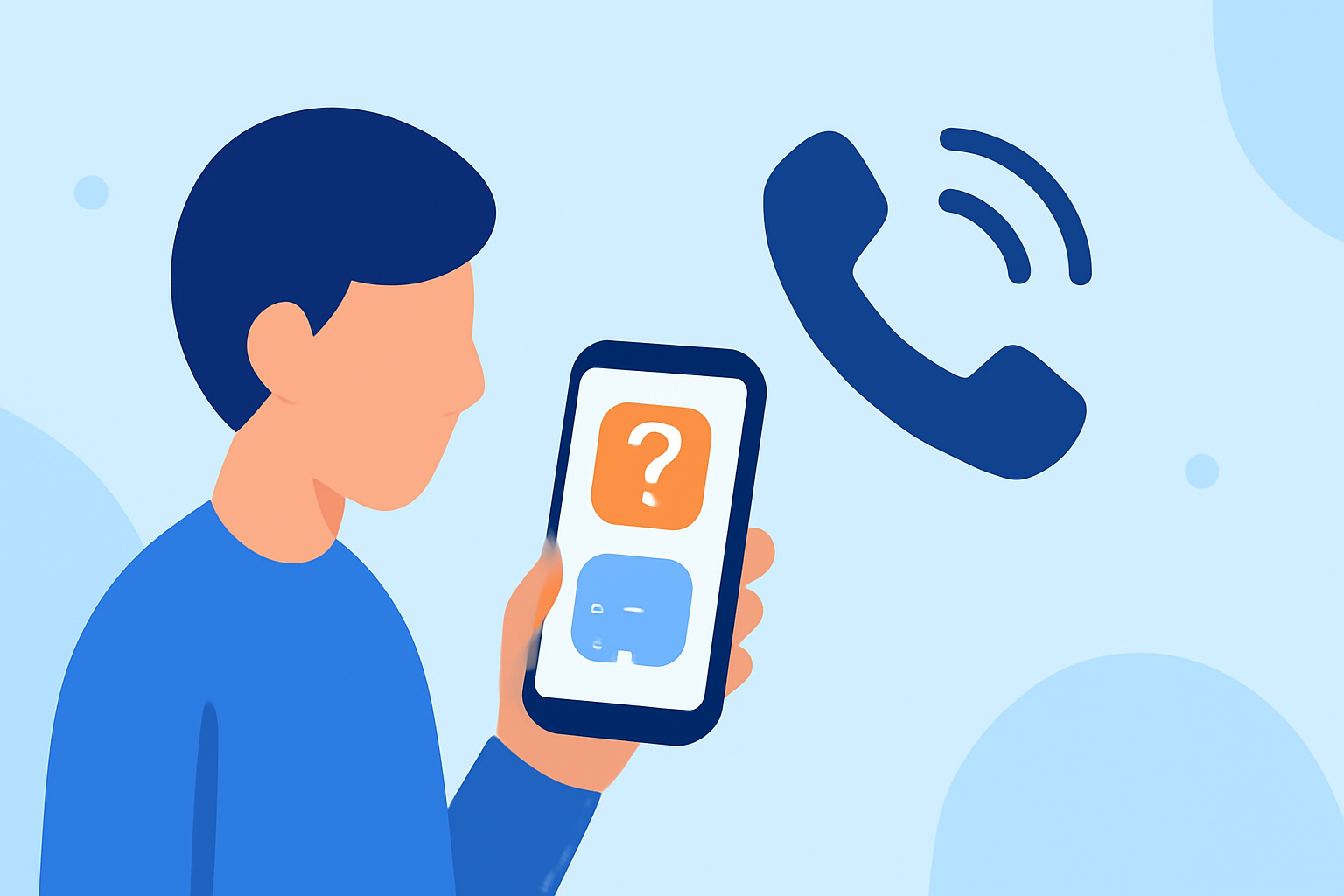
Unwanted calls, including spam and scam attempts, are a common nuisance for many individuals. Recognizing and managing these calls effectively is crucial to protect your personal information and maintain peace of mind.
What Are Unwanted Calls and Why Are They a Concern?
Unwanted calls encompass unsolicited communications from telemarketers, robocallers, and scammers. These calls can be disruptive and may pose risks such as identity theft or financial loss. Scammers often use tactics like spoofing, where they falsify caller ID information to appear as a trusted source, making it challenging to identify malicious calls. (consumer.ftc.gov)
How Can I Identify Safe Unwanted Calls?
Determining the safety of an unknown call involves several steps:
-
Assess the Caller ID: Be cautious of calls from unfamiliar numbers, especially those with your area code or similar digits, as they may be spoofed to appear local. (support.robokiller.com)
-
Listen for Recorded Messages: Automated messages or robocalls are often used by scammers. If you receive a recorded message, it's advisable to hang up immediately. (consumer.ftc.gov)
-
Avoid Sharing Personal Information: Legitimate organizations will not ask for sensitive information over the phone. If a caller requests such details, it's a red flag. (texasattorneygeneral.gov)
-
Use Call Blocking and Labeling Services: Many phone carriers and third-party apps offer services that can block or label potential spam calls, helping you identify and avoid unwanted calls. (consumer.ftc.gov)
How Can Robokiller Help Me Manage Unwanted Calls?
Robokiller is a leading solution designed to block up to 99% of spam calls and texts, providing users with enhanced control over their phone communications. (robokiller.com)
Key Features of Robokiller:
-
Global Blacklist: Robokiller maintains a constantly updated global blacklist of known spam numbers, automatically blocking calls from these sources. (support.robokiller.com)
-
Call Screening: This feature screens unknown callers by requesting their name and the reason for their call, allowing you to decide whether to answer. (support.robokiller.com)
-
Customizable Block and Safe Lists: Users can manually add numbers to block or allow lists, tailoring their call management preferences. (support.robokiller.com)
-
Advanced Call Blocking Technology: Robokiller employs audio fingerprinting and machine learning to identify and block spam calls, even those using spoofed numbers. (robokiller.com)
What Are the Benefits of Using Robokiller?
By integrating Robokiller into your phone, you can experience:
-
Reduced Disruptions: Significantly fewer unwanted calls, leading to a more peaceful phone experience.
-
Enhanced Security: Protection against potential scams and fraudulent activities.
-
User Control: The ability to customize call blocking settings according to your preferences.
How Do I Get Started with Robokiller?
Getting started with Robokiller is straightforward:
-
Download the App: Available for both iOS and Android devices.
-
Set Up an Account: Follow the on-screen instructions to create your account.
-
Configure Settings: Customize your call blocking preferences, including enabling call screening and managing block/safe lists.
-
Activate Protection: Once set up, Robokiller will begin filtering and blocking unwanted calls automatically.
What Are Some Additional Tips for Handling Unwanted Calls?
-
Register with the National Do Not Call Registry: This can reduce the number of unsolicited sales calls you receive. (consumer.ftc.gov)
-
Report Unwanted Calls: If you receive illegal robocalls, report them to the Federal Trade Commission to help authorities take action. (consumer.ftc.gov)
-
Stay Informed: Regularly update your knowledge about common scam tactics to better recognize and avoid them.
By implementing these strategies and utilizing tools like Robokiller, you can effectively manage unwanted calls and safeguard your personal information.
Highlights:
- How to block spam calls on iPhone, Published on Saturday, August 23