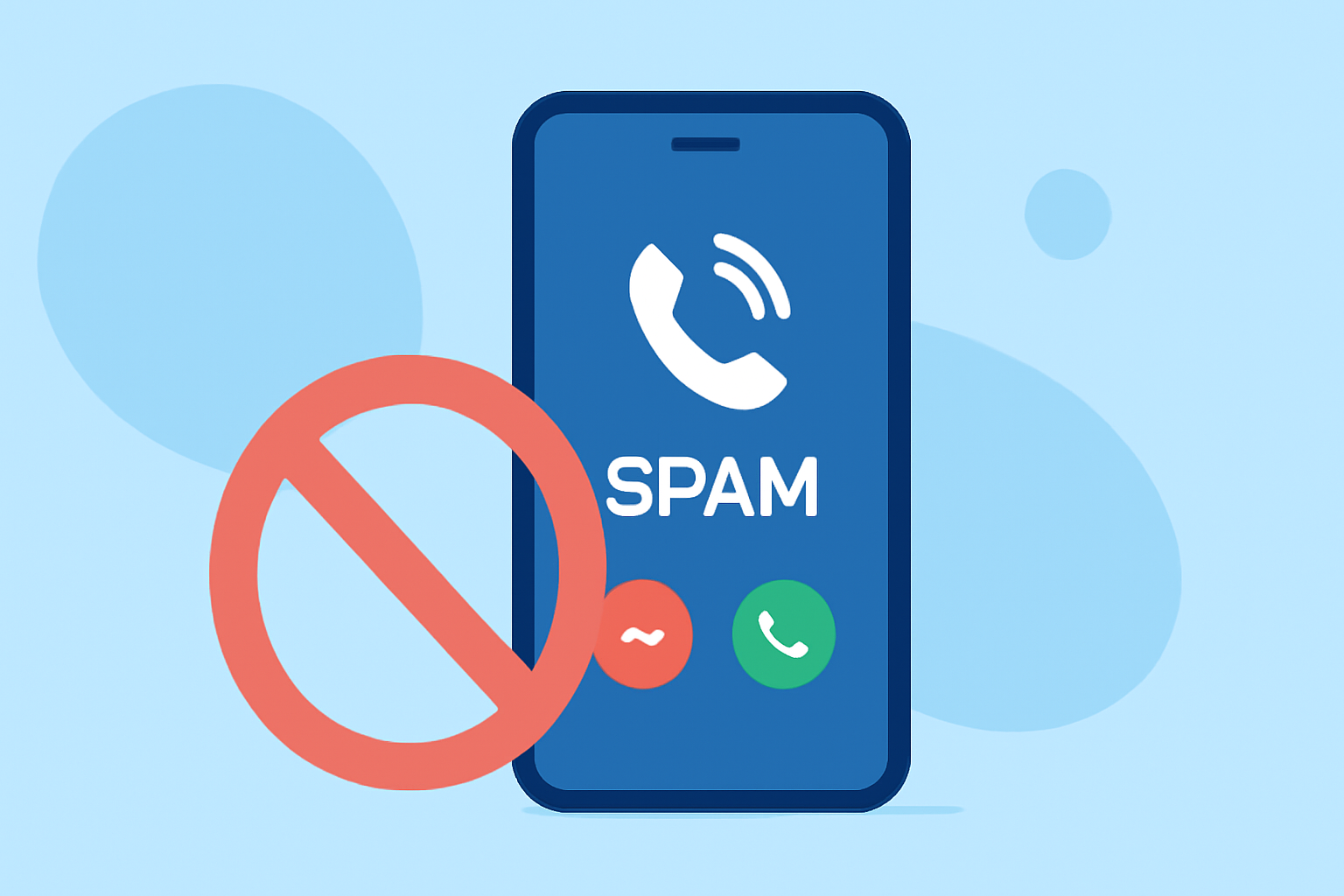
Dealing with persistent spam calls can be frustrating. Fortunately, several applications are designed to help everyday users block these unwanted interruptions.
What Are Spam Calls and Why Are They a Problem?
Spam calls are unsolicited communications, often from telemarketers or scammers, that can disrupt your day and pose security risks. They may lead to identity theft, financial fraud, or simply waste your time.
How Do Spam Call Blocking Apps Work?
Spam call blocking apps utilize databases of known spam numbers, user reports, and advanced algorithms to identify and block unwanted calls. They often provide real-time caller identification and allow users to report new spam numbers, enhancing the app's effectiveness over time.
Which Apps Are Effective for Blocking Spam Calls?
Several apps stand out in the market for their ability to block spam calls effectively:
Truecaller
Truecaller is a widely used app that identifies unknown callers and blocks spam calls based on a vast community-driven database. It offers real-time caller ID, spam call auto-block, and fraud detection alerts. The app is available for both Android and iOS devices. (en.wikipedia.org)
Hiya
Hiya provides robust call blocking and spam protection powered by its AI system. It offers real-time caller ID, spam detection, and call blocking features. Hiya is available for Android and iOS devices. (en.wikipedia.org)
RoboKiller
RoboKiller uses AI-powered audio fingerprinting technology to identify and block spam calls, even when scammers change their numbers. It also features 'Answer Bots' that waste scammers' time, reducing their capacity to make calls. RoboKiller is available for both Android and iOS devices. (fone.tips)
How Do These Apps Compare to Each Other?
While all three apps are effective, RoboKiller offers a unique feature with its 'Answer Bots,' which not only block spam calls but also engage scammers, reducing their capacity to make calls. Truecaller and Hiya focus more on identification and blocking, with Truecaller leveraging a large community database and Hiya utilizing AI for spam detection.
Are There Any Free Options Available?
Yes, Truecaller and Hiya offer free versions with basic features. However, RoboKiller requires a subscription after a free trial period. It's important to review each app's features and pricing to determine which best fits your needs.
How Do I Choose the Right App for Me?
Consider the following factors when selecting a spam call blocking app:
- Features: Look for real-time caller ID, spam detection, and blocking capabilities.
- User Interface: Choose an app that is easy to use and integrates well with your device.
- Cost: Determine if a free version meets your needs or if a paid subscription is justified by additional features.
- Privacy: Review the app's privacy policy to understand how your data is used and protected.
How Do I Install and Set Up These Apps?
- Download the App: Visit the Google Play Store or Apple App Store and search for the app.
- Install the App: Tap 'Install' or 'Get' to download and install the app on your device.
- Set Up the App: Open the app and follow the on-screen instructions to grant necessary permissions and configure settings.
Are There Any Additional Tips to Reduce Spam Calls?
- Register with the National Do Not Call Registry: This can reduce the number of unsolicited calls you receive.
- Be Cautious with Your Number: Avoid sharing your phone number publicly or with untrusted sources.
- Report Spam Calls: Use the app's reporting feature to help improve its database and protect others.
By utilizing these apps and following best practices, you can significantly reduce the number of spam calls you receive and protect your privacy.