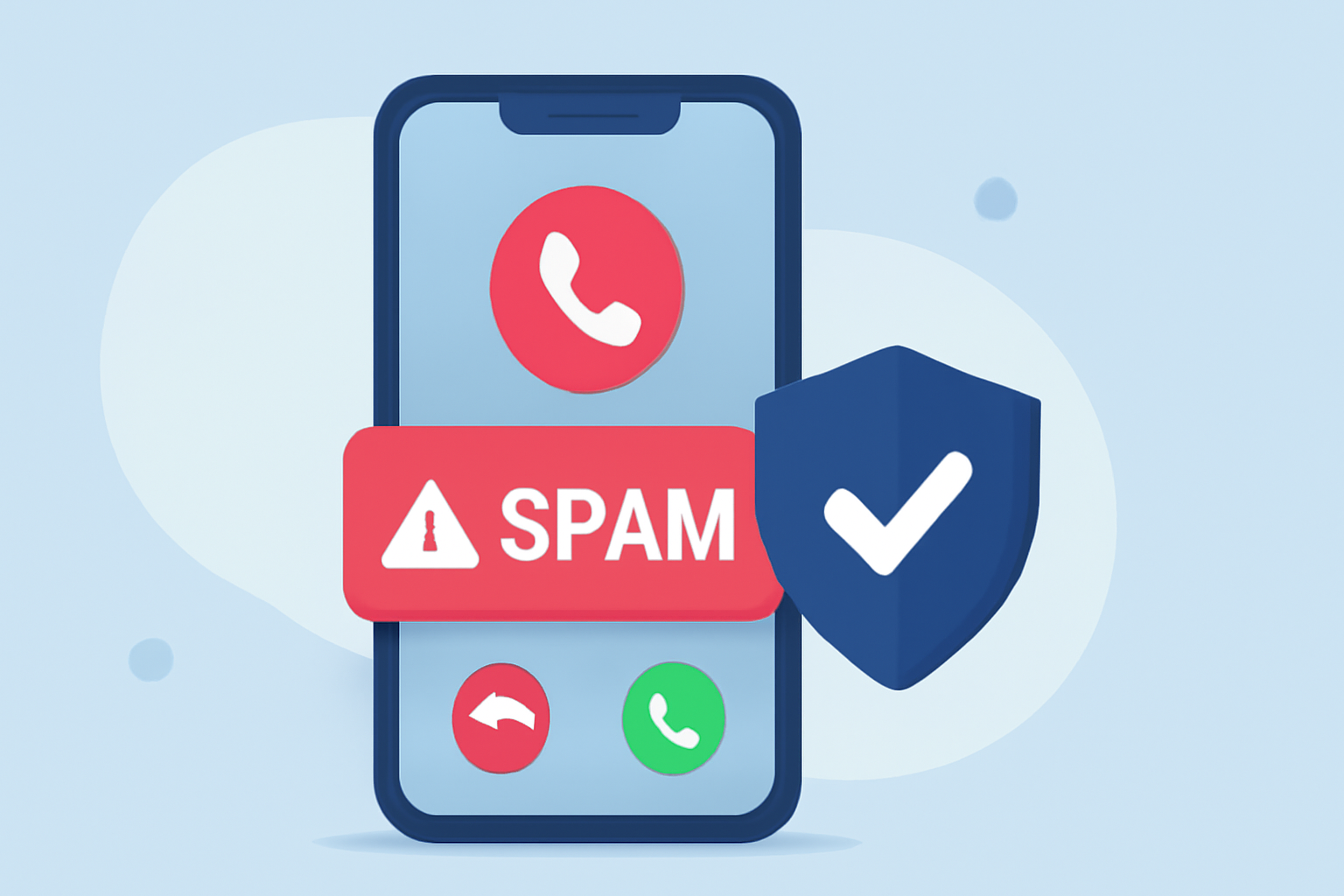
Receiving repeated spam calls can be both frustrating and intrusive. Fortunately, there are several applications designed to help everyday users block these unwanted calls effectively.
What Are Spam Calls and Why Are They a Problem?
Spam calls, also known as robocalls or scam calls, are unsolicited communications from automated systems or telemarketers. They often aim to sell products, services, or gather personal information. These calls can be disruptive and, in some cases, lead to identity theft or financial loss.
How Do Call Blocking Apps Work?
Call blocking apps utilize extensive databases of known spam numbers and employ algorithms to identify and block unwanted calls. They often provide real-time alerts and allow users to report new spam numbers, enhancing the app's effectiveness over time.
What Are the Top Call Blocking Apps Available Today?
Several call blocking apps stand out for their features and user satisfaction:
1. RoboKiller: Block Spam Calls
RoboKiller is a leading app that claims to block up to 99% of spam calls. It uses pre-recorded "answer bots" to engage with spam callers, wasting their time and reducing the number of unwanted calls. The app is available for both iOS and Android devices. (geekschalk.com)
2. Truecaller
Truecaller boasts a vast database of over 300 million users, enabling it to identify and block spam calls effectively. It offers features like advanced caller ID, spam call and SMS blocking, and smart SMS filtering. The app is free with basic features, with a premium plan starting at $29.90 per year. (fone.tips)
3. Hiya
Hiya provides automatic call blocking and alerts users to potential spam calls. It also offers reverse phone lookup to identify unknown callers. The app is free for basic features, with a premium version priced at $3.99 per month. (claritycheck.com)
4. Nomorobo
Nomorobo specializes in blocking robocalls, telemarketers, and phone scammers. It has a database of over 3.2 million known robocallers and updates its blocklist every 15 minutes. The app offers a 14-day free trial, after which it costs $1.99 per month. (mobilemarketingreads.com)
How Do These Apps Compare to Each Other?
While all these apps aim to block spam calls, they differ in features and pricing. RoboKiller's unique approach of engaging spam callers with answer bots sets it apart. Truecaller and Hiya offer extensive caller databases and additional features like SMS filtering and reverse phone lookup. Nomorobo focuses specifically on robocalls and telemarketers.
Are There Any Free Options Available?
Yes, some apps offer free versions with basic features. For instance, Truecaller and Hiya provide free versions with essential call blocking capabilities. However, to access advanced features, a premium subscription is typically required.
How Do I Set Up a Call Blocking App on My Phone?
Setting up a call blocking app generally involves the following steps:
-
Download the App: Visit the App Store (iOS) or Google Play Store (Android) and search for the desired app.
-
Install and Open the App: Follow the on-screen instructions to install and launch the app.
-
Grant Necessary Permissions: Allow the app to access your contacts and call logs to enable effective call blocking.
-
Configure Settings: Customize the app's settings according to your preferences, such as enabling automatic call blocking or setting up alerts.
-
Activate the App: Ensure the app is running in the background to monitor and block incoming calls.
What Are the Benefits of Using a Call Blocking App?
Using a call blocking app offers several advantages:
-
Reduced Interruptions: Minimizes the number of unwanted calls, allowing you to focus on important communications.
-
Enhanced Privacy: Protects your personal information by preventing potential scammers from reaching you.
-
Improved Security: Reduces the risk of falling victim to fraudulent schemes or identity theft.
Are There Any Drawbacks to Using These Apps?
While call blocking apps are beneficial, there are some considerations:
-
Privacy Concerns: Some apps may collect and store your contact information. It's essential to review the app's privacy policy before installation.
-
False Positives: Occasionally, legitimate calls may be mistakenly identified as spam and blocked. Regularly reviewing blocked calls can help mitigate this issue.
Conclusion
Repeated spam calls can be a significant nuisance, but with the right call blocking app, you can effectively reduce or eliminate these interruptions. Apps like RoboKiller, Truecaller, Hiya, and Nomorobo offer various features to suit different user needs. By selecting an app that aligns with your preferences and setting it up correctly, you can enjoy a more peaceful and secure phone experience.
Highlights:
- Say goodbye to spam calls - NordVPN launches new spam call protection, Published on Tuesday, July 29
- Google says Android phones now block more scams than iPhones, Published on Friday, October 31