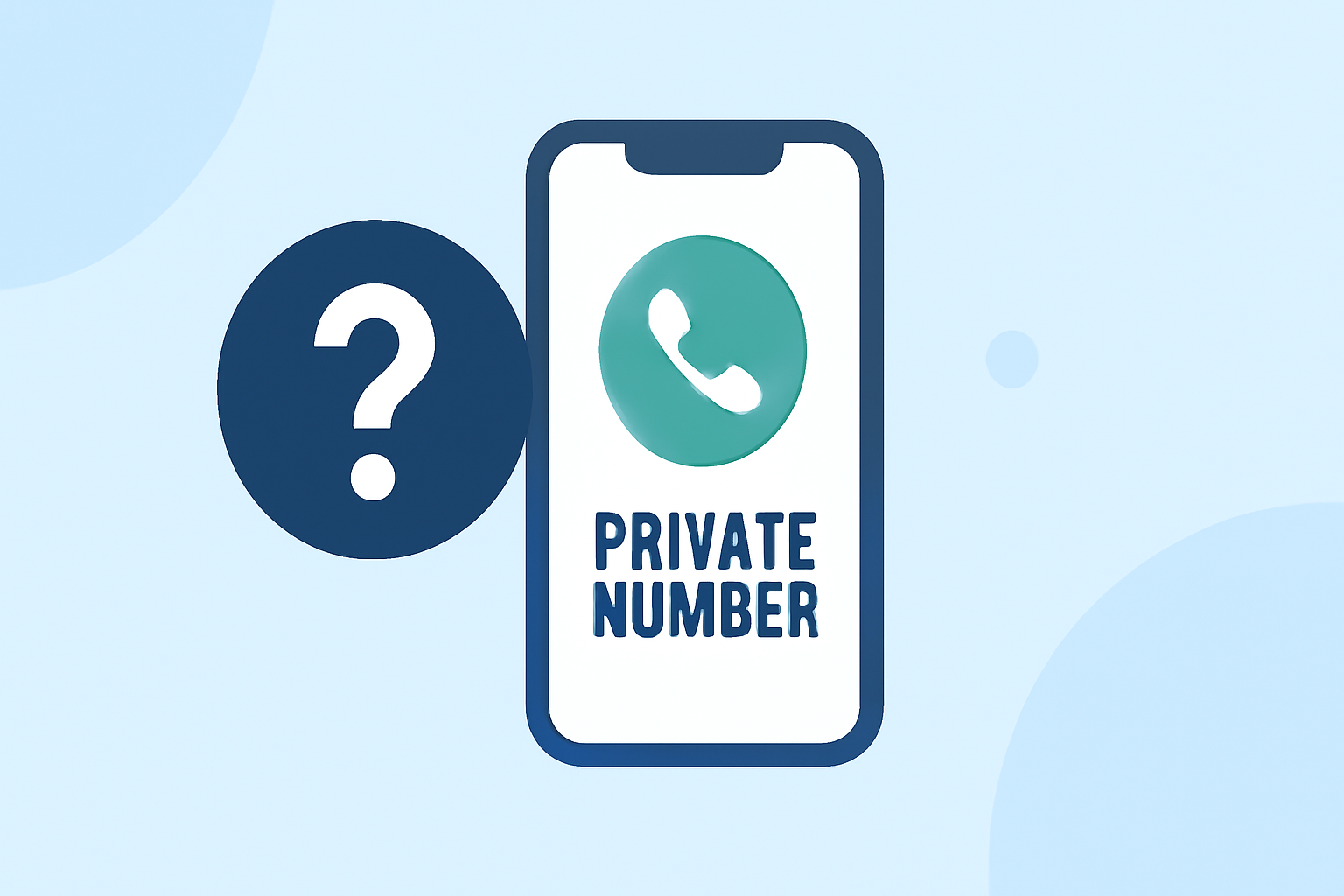
Receiving calls from private or unknown numbers can be unsettling, especially when they turn out to be spam or scams. Fortunately, there are effective ways to identify and block these calls on your iPhone.
What Are Private Number Calls?
Private number calls, also known as unknown or blocked calls, are those where the caller's information is not displayed on your caller ID. This lack of transparency is often used by telemarketers, scammers, and robocallers to conceal their identity.
How Does Robokiller Help Identify Private Number Calls?
Robokiller is a leading app designed to block up to 99% of spam calls and texts. It utilizes a global database of over 1.5 billion analyzed calls to instantly protect users from known phone scams. Robokiller's patented audio fingerprinting technology uses machine learning to stop your phone from ringing with unwanted calls. Additionally, Robokiller offers a feature called Call Screening, which helps block up to 99% of spam calls using live audio fingerprinting. This feature screens unknown callers by informing them that your number is protected by Robokiller, asking for their first and last name, and requesting the reason for the call. If the call seems legitimate, Robokiller shares the caller’s name and reason with you, so you can decide whether to answer. (support.robokiller.com)
How to Use Robokiller to Identify and Block Private Number Calls
-
Download and Install Robokiller: Available on the App Store, Robokiller is free to download, with in-app purchases for full functionality. (apps.apple.com)
-
Enable Call Screening: After installation, enable the Call Screening feature to have unknown callers identify themselves before your phone rings. This feature is available for Premium+ subscribers. (support.robokiller.com)
-
Customize Your Block List: Robokiller allows you to block specific number ranges or area codes. To do this, open the app, go to Settings > Blocked and Safe Filters, and add the number range or area code you wish to block. (support.robokiller.com)
-
Report Spam Calls: If you receive a spam call, you can report it directly through the app to help improve its database. This feature is available for iOS 15 or later. (support.robokiller.com)
Are There Other Apps That Identify Private Number Calls?
Yes, there are other apps available that offer similar functionalities. For instance, RealCall is an AI-powered app that detects and blocks spam calls and messages. It uses AI algorithms with a built-in reverse phone lookup service and customized answer bots for detection, engagement, and blocking of unwanted calls and messages. (en.wikipedia.org)
How Does Robokiller Compare to Other Apps?
While other apps like RealCall offer similar features, Robokiller stands out due to its extensive global database, advanced audio fingerprinting technology, and unique features like Answer Bots, which engage spammers with pre-recorded messages, wasting their time and providing users with a bit of humor. (robokiller.com)
Conclusion
Identifying and blocking private number calls on your iPhone is essential for maintaining privacy and avoiding unwanted interruptions. Robokiller offers a comprehensive solution with its advanced features and user-friendly interface, making it a top choice for many users seeking to protect themselves from spam and scam calls.
Highlights:
- The Text & Spam Call Blocker App That Actually Works | Robokiller