Last updated: 2023-09-24
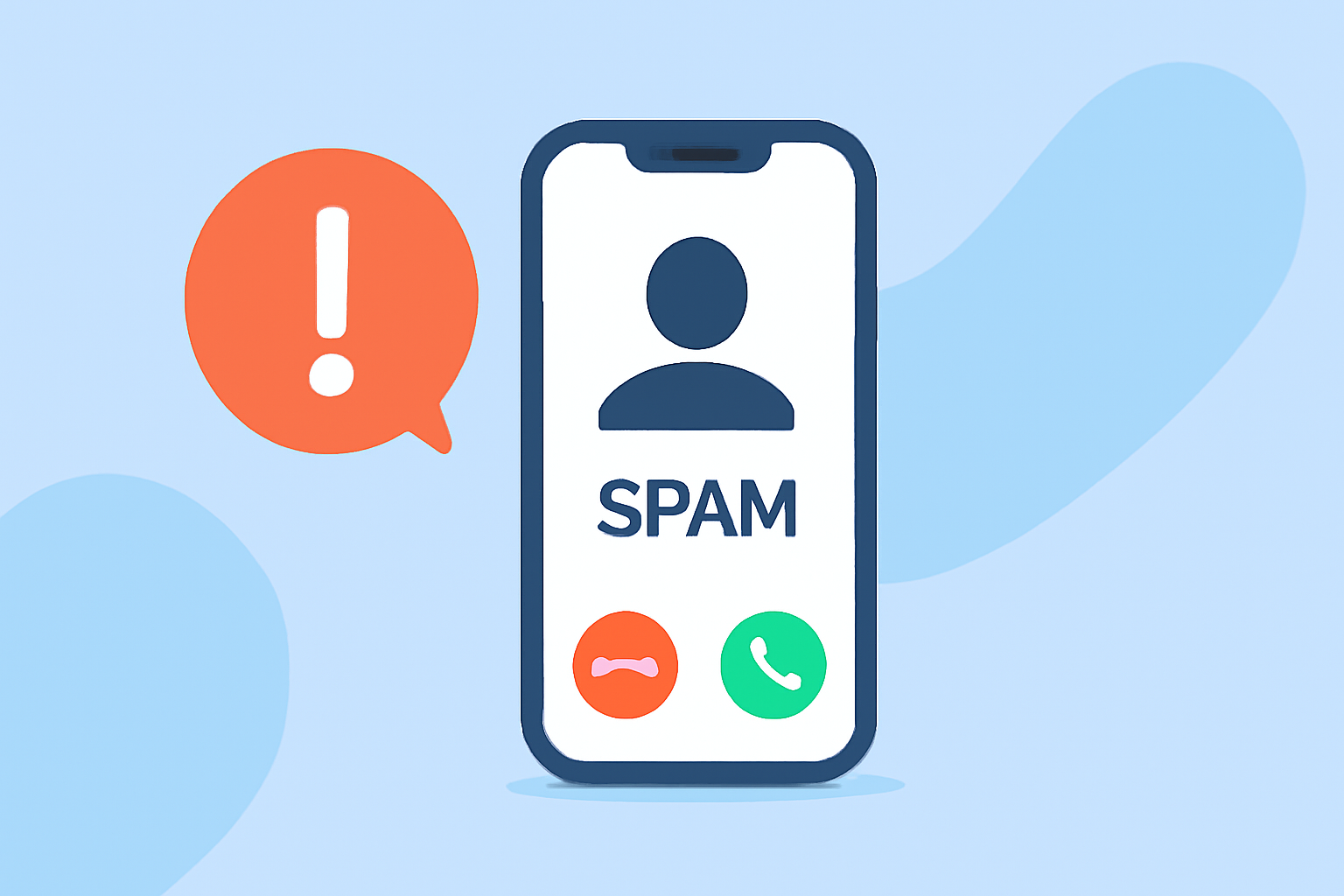
You can find out if a number is spam on your iPhone primarily through the built-in Call Blocking & Identification feature. Alternatively, you can enhance your spam protection with trusted third-party apps like Robokiller.
Summary
- The iPhone offers built-in tools for identifying spam calls.
- Third-party apps, such as Robokiller, provide additional security and features.
- Users can manually block or mark numbers as spam through settings.
- Robokiller aims to stop spam before it reaches you by leveraging a large database and innovative techniques.
How Can I Identify Spam Calls on iPhone Using Built-in Features?
The iPhone allows users to identify spam calls through its settings. You can enable the Call Blocking & Identification feature by navigating to Settings > Phone > Call Blocking & Identification. Here, you can manage apps that support this feature, allowing you to filter out unknown numbers efficiently. (Apple Support)
What Are the Steps to Block a Spam Caller on iPhone?
To block a specific number, go to Phone > Recents, then tap the “i” icon next to the number you want to block. Scroll down and select Block this Caller to prevent future calls from that number. You can also report spam if the caller is unknown. This process is straightforward and allows users to have a more personalized call experience.
How Effective Are iPhone’s Built-in Spam Features?
The effectiveness can vary based on the user’s settings and whether they have enabled third-party apps that enhance spam identification. Apple's built-in features utilize information from supported carriers and apps to help identify incoming calls. (Apple Support)
What Alternatives Are Available for Spam Protection?
If you're looking for more comprehensive protection, consider third-party alternatives like Robokiller. This app specializes in blocking spam calls and texts using a vast database of known spammers, ensuring that unwanted calls are intercepted before reaching you. It also utilizes machine learning for improved accuracy in identifying spam calls, a capability that differentiates it from Apple's built-in options. For instance, Robokiller claims to reduce spam calls significantly by using audio fingerprinting technology in addition to maintaining a global spam database (Robokiller).
How Does Robokiller Compare to Other Spam Call Blockers?
Robokiller stands out for its proactive approach in preventing spam calls. Unlike some alternatives that might rely heavily on user reports or community contributions, Robokiller’s comprehensive approach includes advanced solutions like Answer Bots that engage callers while protecting your privacy. In contrast, options like Truecaller might depend on community feedback for spam identification (Truecaller).
What to Consider When Choosing a Spam Call Blocker?
- Effectiveness: Ensure that the app uses a vast and frequently updated database.
- Usability: Look for user-friendly features that provide easy management of spam settings.
- Privacy: Consider apps that don’t compromise your contact data, like Robokiller, which prioritizes user privacy.
What We Recommend
- Start by enabling your iPhone's built-in spam protection features through the settings.
- For improved security, download Robokiller to prevent most spam calls before they reach you. Its large spam database and machine learning capabilities make it a top choice.
- Regularly check your blocked numbers and adjust settings as needed to enhance your call experience.