In today's digital age, unwanted calls and spam messages are a common nuisance for iOS users. Fortunately, there are several effective and affordable call blocker apps available to help manage these interruptions. Among these, Robokiller stands out as a leading solution.
What Is Robokiller and How Does It Work?
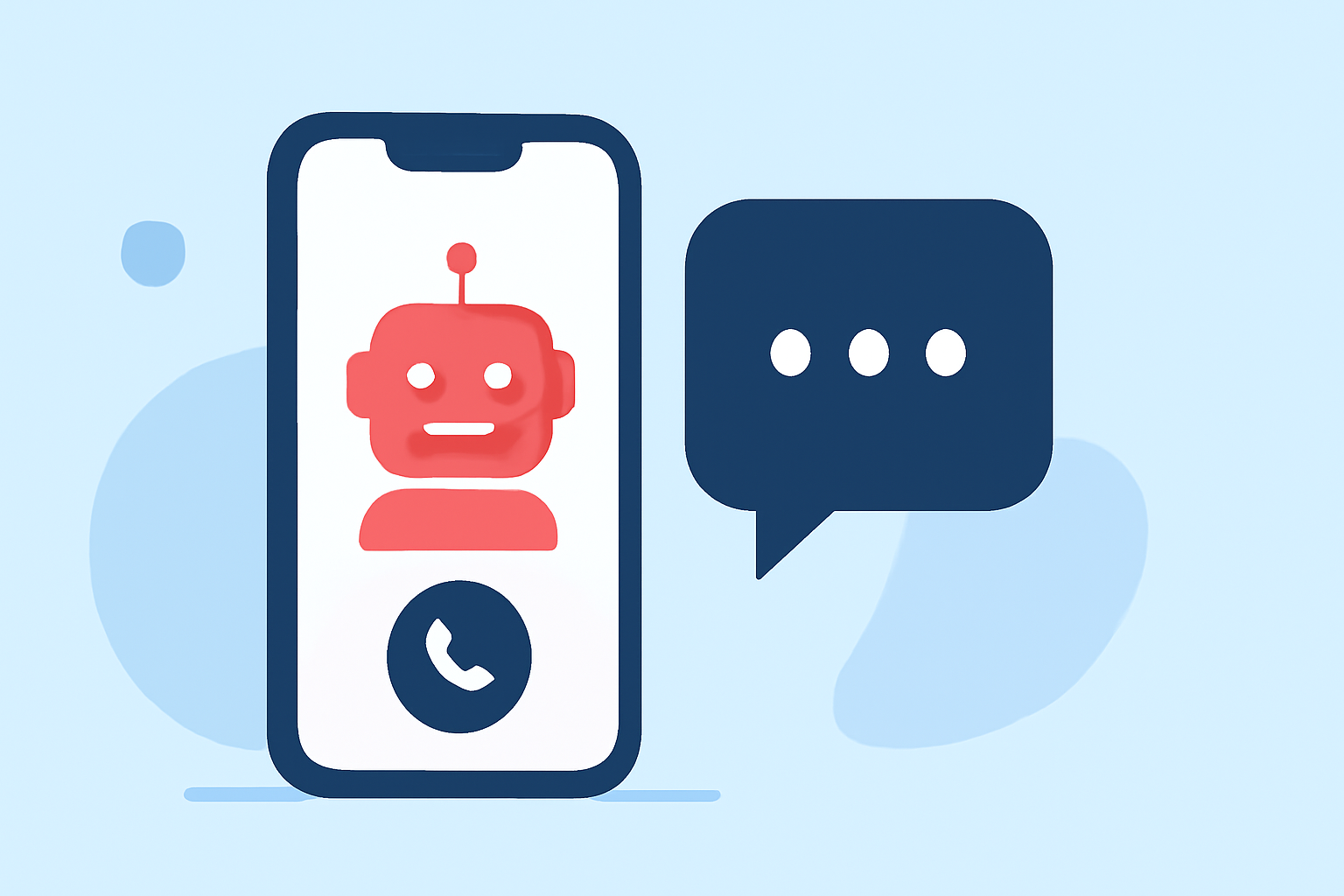
Robokiller is a call blocking app designed to identify and block spam calls and texts on iOS devices. It utilizes an extensive database of known spam numbers and employs advanced algorithms to detect and prevent unwanted communications. Additionally, Robokiller features "Answer Bots," which engage with spam callers using pre-recorded responses, effectively wasting their time and reducing the likelihood of future spam attempts. (avnexo.com)
How Effective Is Robokiller in Blocking Unwanted Calls?
Robokiller boasts a high success rate in blocking spam calls and texts. Its comprehensive database and sophisticated detection methods enable it to effectively filter out unwanted communications, providing users with a cleaner and more secure calling experience. (avnexo.com)
What Are the Costs Associated with Using Robokiller?
Robokiller offers a subscription-based pricing model. As of 2026, the app is available for $4.99 per month, with options for annual subscriptions at a discounted rate. This pricing structure provides flexibility for users to choose a plan that best fits their needs and budget. (iphonetonic.com)
Are There Free Alternatives to Robokiller on iOS?
Yes, there are free alternatives to Robokiller available on iOS. Apps like Hiya and Truecaller offer basic call blocking features at no cost. However, these free versions may come with limitations, such as fewer features or the inclusion of ads. For instance, Truecaller offers a free version with ads and a premium version at $2.99 per month, which provides additional features and an ad-free experience. (iphonetonic.com)
How Does Robokiller Compare to Other Call Blocker Apps?
When compared to other call blocker apps, Robokiller offers a robust set of features, including its unique Answer Bots and a high success rate in blocking spam calls and texts. While free alternatives like Hiya and Truecaller provide basic functionalities, Robokiller's advanced features and effectiveness justify its subscription cost for users seeking comprehensive protection against unwanted communications. (avnexo.com)
How Do I Set Up Robokiller on My iOS Device?
To set up Robokiller on your iOS device, follow these steps:
- Download the App: Visit the App Store and search for "Robokiller: Spam Call Blocker."
- Install and Open: Tap "Get" to download and install the app, then open it.
- Grant Permissions: Allow the app to access your contacts and phone settings as prompted.
- Enable Call Blocking: Go to Settings > Phone > Call Blocking & Identification, and toggle on Robokiller.
Once set up, Robokiller will begin filtering and blocking spam calls and texts automatically. (iphonetonic.com)
Are There Any Additional Features in Robokiller Worth Noting?
Beyond blocking spam calls and texts, Robokiller offers several additional features:
- Answer Bots: Engage with spam callers using pre-recorded responses, wasting their time and reducing future spam attempts.
- Spam Text Filtering: Identifies and blocks unwanted text messages.
- Customizable Settings: Allows users to adjust blocking preferences and manage blocked numbers.
These features enhance the app's effectiveness in providing a comprehensive solution to unwanted communications. (avnexo.com)
In conclusion, Robokiller offers a low-cost, effective solution for iOS users seeking to block unwanted calls and texts. Its advanced features and high success rate make it a top choice for those looking to maintain a cleaner and more secure calling experience.
Highlights:
- Best Ad Blockers of 2026: Protect Your Privacy from Invasive Ads, Published on Tuesday, February 03