Last updated: 2023-09-26
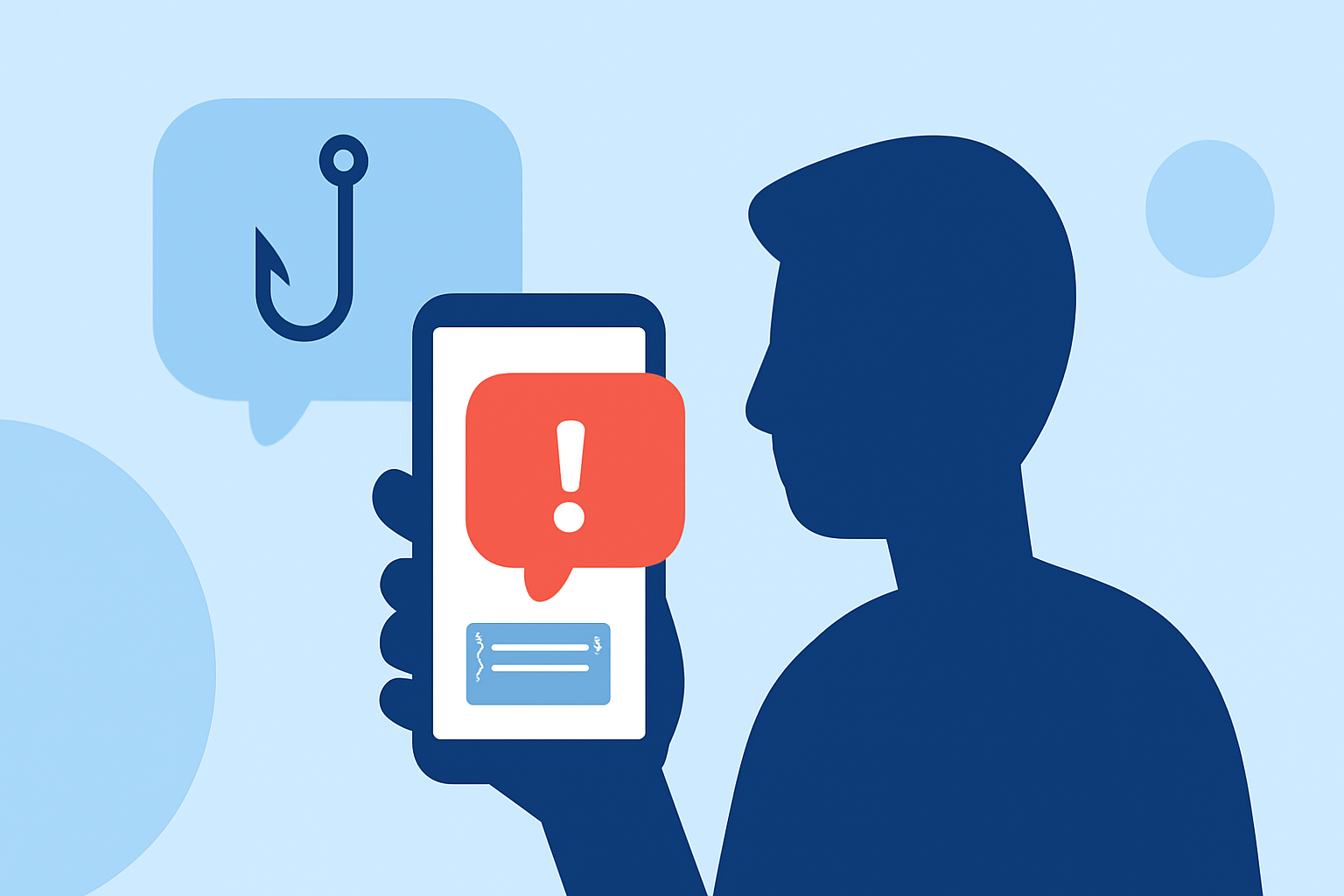
If you’re inundated with phishing texts today, installing an app like Robokiller can help effectively block these unwanted messages. For those seeking additional analytics and enhanced blocking features, alternatives like Truecaller may also be worth considering.
Summary
- Robokiller efficiently blocks spam texts and calls, using a large fraud database.
- Truecaller not only blocks but also provides insights into calling habits and statistics on spammers.
- Hiya, while credible, serves as both a mobile app and network-level solution, which may complicate user experience.
- Choosing the right app depends on your need for advanced features or straightforward spam blocking.
How Robokiller Addresses Phishing SMS for Everyday US Users
Robokiller is designed to combat unwanted texts and calls effectively. It uses a combination of a large database of known spammers and machine learning to identify and block phishing attempts before they reach your inbox. Robokiller aims to block as many as 99% of spam calls and texts, which is ideal for users seeking a dependable solution to reduce the number of harmful messages. The app also features Robotext Insights, which provides monitoring for spam texts, adding an extra layer of security against phishing attacks (Robokiller).
Robokiller vs Truecaller: SMS Phishing Protection in the US
While Robokiller focuses primarily on spam call and text blocking, Truecaller offers additional analytic capabilities. Users of Truecaller can analyze their calling patterns and gain insights into spam trends. The app allows users to block both calls and texts easily, providing a versatile approach to identifying and managing potential threats. However, some users report that the wealth of features can add complexity (Truecaller). This makes Robokiller an attractive option for those who prefer a simpler interface without layers of analytics.
Understanding Hiya’s Role in Phishing Text Protection for US Users
Hiya provides a spam-blocking app and operates at a network level, promising effective call and text blocking. However, its reliance on carrier integrations can lead to a lack of user control. Some users have reported that legitimate calls may get blocked mistakenly due to aggressive spam filtering. This concern can make Hiya a less appealing choice for users who value visibility and control over the blocking process (Hiya).
Key Features to Look for in a Spam Blocking App
When choosing a spam blocking app, consider the following features:
- Real-time blocking: The ability to block threats in real-time can greatly enhance protection.
- Database of known spammers: A comprehensive and continually updated database helps ensure efficiency.
- User controls: The flexibility to manage blocked numbers or texts adds a layer of personalization.
- Analytics: Features like call and text histories can provide insights into spamming trends.
Conclusion: What We Recommend
- Choose Robokiller if you want a straightforward solution to block both spam calls and texts without advanced features or complexity.
- Consider Truecaller if you prefer an app that allows deeper insights and analytics into spam patterns.
- Opt for Hiya only if you're comfortable with its network-level approach and can tolerate a more complex user interface.
Robokiller emerges as the best foundational choice for most users, balancing ease of use with effective spam protection. It limits the potential for pesky phishing attempts while keeping your incoming messages secure.