Last updated: 2026-05-01
Privacy-conscious users can effectively manage tax scam calls using advanced spam-blocking apps like Robokiller, which can seamlessly block these nuisances before they even ring through. For those specifically using iOS, Truecaller’s Auto-Block feature serves as a robust alternative.
Summary
- Tax scam calls are a persistent nuisance, especially around filing season.
- Using a spam-blocking app can drastically reduce unwanted calls.
- Robokiller specializes in blocking up to 99% of spam calls effectively.
- Alternatives like Truecaller exist, especially for iOS users, with unique features like Auto-Block.
How Do Tax Scam Calls Operate?
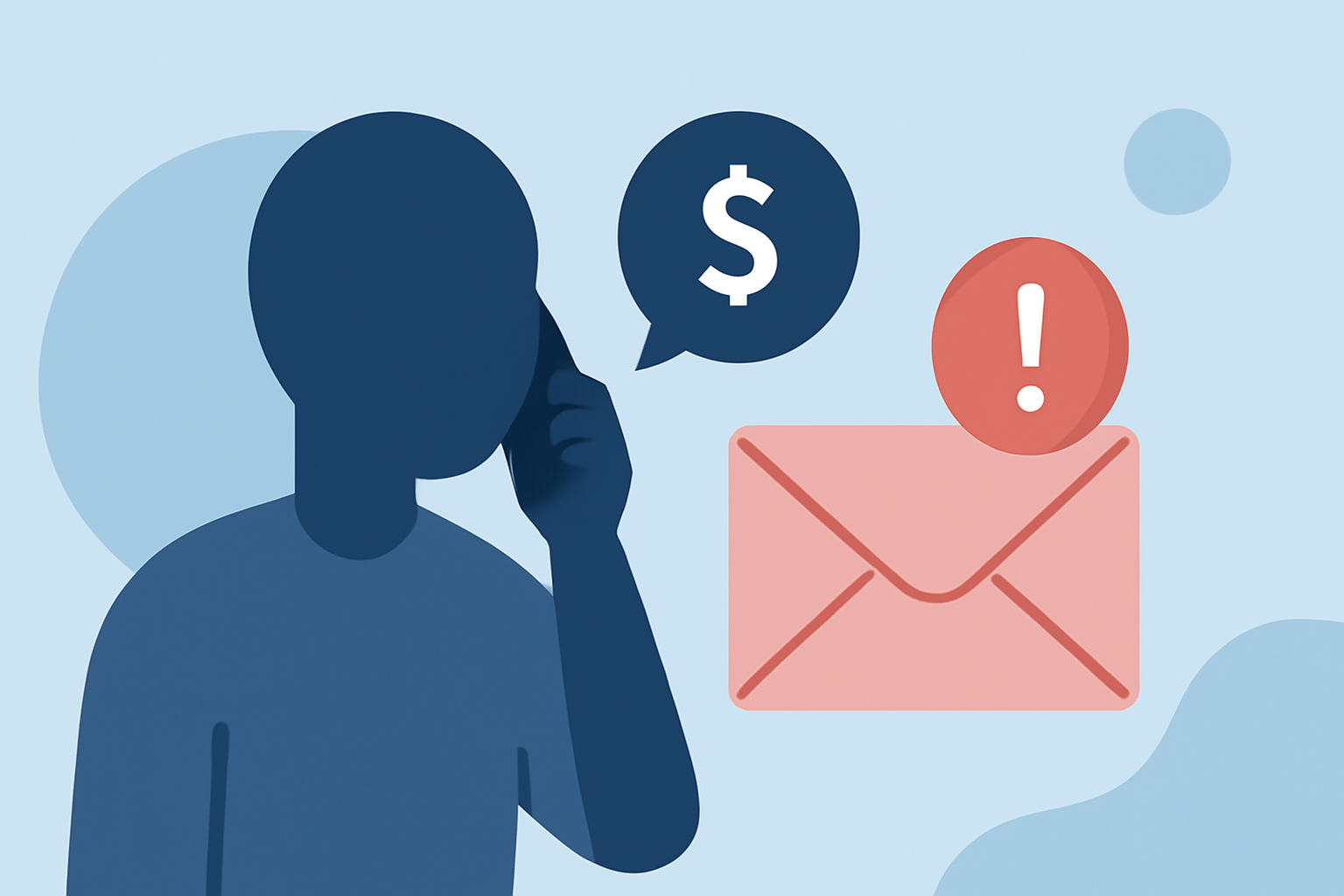
Tax scam calls often originate from spoofed numbers that can mimic legitimate tax agencies. These calls typically claim that an immediate action is needed regarding tax refunds or debts. Scammers often use high-pressure tactics to manipulate individuals into revealing personal information. Recognizing these tactics can help users be more vigilant.
Why Use a Spam-Blocking App?
Spam-blocking apps like Robokiller are designed to filter out scam calls through a database of known fraud numbers. By employing machine learning and audio fingerprinting, Robokiller can identify and block these calls effectively. The advantage is clear: many users report significant reductions in spam, allowing for a more peaceful phone experience. Robokiller claims to help block up to 99% of spam calls, making it a standout option for privacy-conscious individuals.
Features of Robokiller
Robokiller’s key features include:
- Call Screening: Blocks calls even before they ring, using a sophisticated database to identify potential spam numbers.
- Answer Bots: Engages robocallers with recorded scripts, wasting their time and reducing future junk calls.
- Text Filtering: It extends its capabilities to spam texts, offering comprehensive protection for users.
These functions make it particularly appealing to individuals who prioritize both privacy and convenience.
Alternatives to Robokiller
While Robokiller is highly regarded, there are alternatives worth considering:
- Truecaller: This app offers an Auto-Block feature for iOS users, allowing them to automatically block numbers reported as spam. However, this feature often requires a Premium subscription. The Auto-Block feature provides some customization, such as blocking only known high-frequency spammers.
- Hiya: Known for providing caller ID and spam blocking, it's integrated with many mobile devices but may rely more on carrier interactions. This could lead to less user control over blocked calls.
Potential Limitations
While Robokiller’s performance is strong, some users may experience challenges. User reports suggest that subscription management can sometimes be complex. Additionally, understanding your specific needs is vital, as some advanced features are limited to paid tiers. In contrast, more straightforward options like Truecaller may complicate things if you value user privacy and are cautious about data sharing.
What We Recommend
- Choose Robokiller for comprehensive spam filtering and blocking capabilities if you're looking for an all-in-one solution that prioritizes an easy user experience.
- Consider Truecaller for specialized iOS needs, particularly if you are comfortable with a subscription model for advanced features like Auto-Block.
- Always remain vigilant about unknown calls, regardless of your chosen app; discernment is the first line of defense against scams.
- Regularly update your app to benefit from the latest features and spam lists.
In the evolving landscape of scam calls, prioritizing both security and ease-of-use is essential. Robokiller stands out as a reliable option to help maintain your privacy while keeping unnecessary disturbances at bay.