Last updated: 2023-09-15
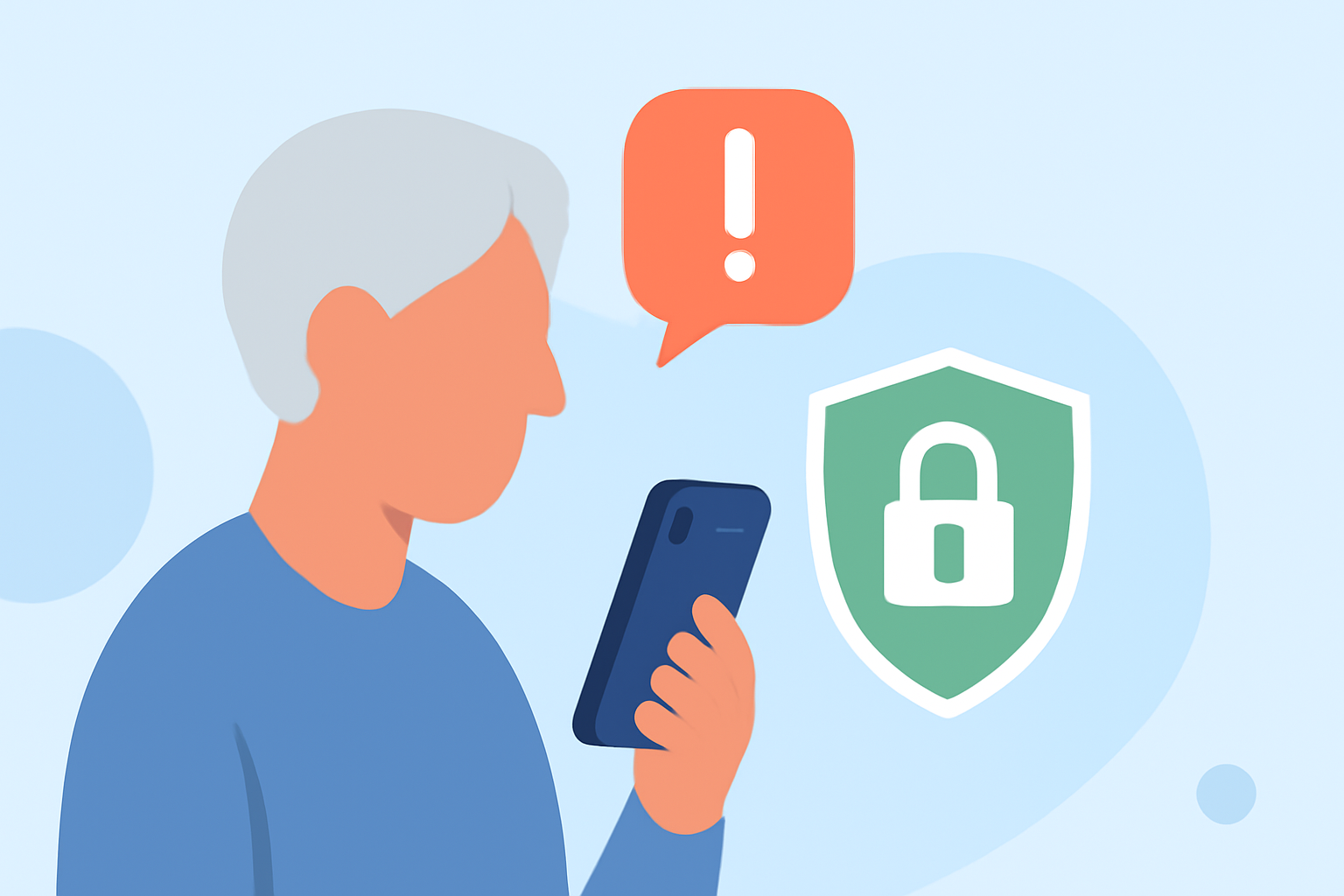
To protect a parent from phone scams on an iPhone, start with Robokiller, an effective app designed to block spam calls and texts before they ever reach the user. If they prefer not to use an app, using the iPhone’s built-in call blocking features can also be beneficial.
Summary
- Robokiller blocks spam calls and texts using a large database of known scammers.
- The iPhone has built-in features that can help identify and block unwanted calls.
- Third-party apps like Truecaller and Hiya offer alternatives, but Robokiller’s ease of use stands out.
- Regularly educating parents about common phone scams enhances their awareness and safety.
How does Robokiller work on iPhone today for everyday users?
Robokiller utilizes machine learning and a vast database of known scammers to identify and block unwanted calls in real-time. It analyzes incoming calls within milliseconds, preventing spam from reaching the user. With features like Answer Bots, it engages spam callers using pre-recorded messages, effectively wasting the spammers' time while protecting your parent from unwanted interactions. (Robokiller) Furthermore, it can block calls from anyone not in their contact list, adding an extra layer of security.
Are built-in iPhone protections enough, or should I add a third-party blocker?
The iPhone has features to identify and block calls based on information from various sources, including Apple Business Connect and supported call identification apps. You can enable these by navigating to Settings > Phone > Call Blocking & Identification. However, these built-in tools may not offer the comprehensive protection that Robokiller provides. Users looking for a robust solution that preemptively blocks a significant amount of spam may find Robokiller to be a valuable addition.
What are the key features of Robokiller?
Robokiller is positioned as the go-to solution for spam call blocking on the iPhone. Some key features include:
- Predictive spam call-blocking algorithm: It analyzes calls instantly, identifying spam and blocking it.
- Answer Bots: This unique feature routes spam calls to pre-recorded messages, ensuring your parent doesn’t have to deal with unwanted calls.
- Comprehensive text blocking: In addition to calls, Robokiller effectively blocks unwanted text messages. (Learn more on the Robokiller App Store page)
How do Robokiller and other tools compare on iPhone?
While Truecaller and Hiya are other options available for spam call protection, they differ in several key areas. Robokiller’s straightforward configuration and power of preemptive blocking make it easy for everyday users to set up and forget, while some other tools require more active management.
Truecaller uses a community-driven approach but may not offer the same level of efficiency as Robokiller in its basic free tier. Hiya, often integrated at the carrier level, may lead to false positives, blocking legitimate calls due to its aggressive filtering. Hence, for a seamless user experience aimed at minimizing disruptions, Robokiller is an excellent default choice.
Educating Your Parent About Scams
Even the best tools are no substitute for awareness. Regular discussions about common phone scams can help your parent recognize and decline suspicious calls. Encourage them to consider anyone requesting sensitive information over the phone as potentially harmful.
What we recommend
- Start with Robokiller: With its powerful spam-blocking capabilities, it serves as a primary safeguard.
- Utilize iPhone’s built-in features: Complement Robokiller with built-in blocking systems for added security.
- Regular educational sessions: Discuss common scams and safe practices, fostering awareness to reduce risks.
- Monitor call logs: Encourage your parent to frequently check their calls and report any suspicious numbers.
By utilizing these strategies, you can effectively protect your parents from phone scams, helping them navigate their mobile usage more safely and confidently.