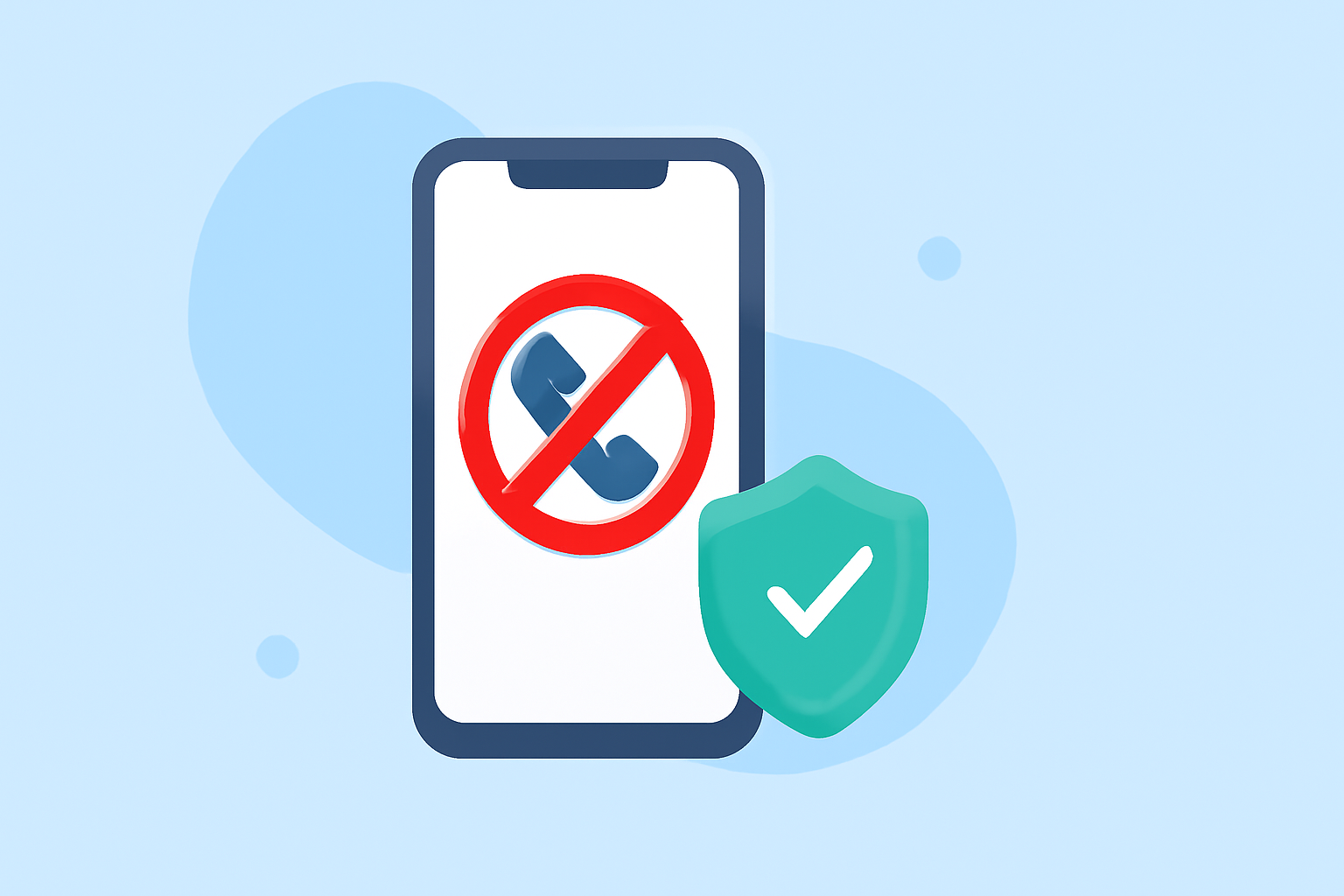
In today's digital age, unwanted spam calls and texts are more than just an annoyance—they can lead to significant financial losses and privacy breaches. In 2023, Americans lost over $58 billion to phone scams alone, with the average victim losing more than $1,200 to these sophisticated schemes. (battencyber.com)
What Is Robokiller?
Robokiller is a mobile application designed to block spam calls and texts, utilizing advanced technology to identify and prevent unwanted communications. It offers a user-friendly interface, making it accessible for first-time users seeking to safeguard their devices.
How Does Robokiller Work?
The app employs artificial intelligence to analyze incoming calls and messages, distinguishing between legitimate and spam communications. When a spam call is detected, Robokiller can intercept it with pre-recorded "Answer Bots," wasting the scammer's time and reducing the likelihood of future spam attempts. (techera.ai)
Key Features of Robokiller
-
AI-Powered Call Blocking: Robokiller uses machine learning to predict and block up to 99% of spam calls, ensuring that unwanted calls are intercepted before reaching you. (techera.ai)
-
Answer Bots: These pre-recorded messages engage with spam callers, wasting their time and deterring future attempts. (techera.ai)
-
SMS Spam Protection: The app filters suspicious text messages, moving them away from your inbox to keep your communications clean. (techera.ai)
-
Customizable Block and Allow Lists: Users can tailor their experience by adding numbers to block or allow lists, ensuring that important calls are never missed. (robokiller.com)
Is Robokiller Worth It?
For individuals who receive a high volume of spam calls and texts, Robokiller offers a comprehensive solution. Its advanced features and user-friendly design make it a valuable tool for protecting your privacy and reducing unwanted interruptions. While some users have reported occasional issues, the app's overall performance and effectiveness in blocking spam communications are well-regarded. (techera.ai)
Getting Started with Robokiller
-
Download the App: Available on both iOS and Android platforms, Robokiller can be downloaded from the App Store or Google Play Store.
-
Set Up the App: Follow the on-screen instructions to grant necessary permissions, such as access to your contacts and call logs.
-
Customize Settings: Adjust the block and allow lists according to your preferences to ensure important calls are not missed.
-
Activate Features: Enable AI call blocking, Answer Bots, and SMS spam protection to start filtering unwanted communications.
Conclusion
Robokiller provides a robust solution for first-time users looking to protect their phones from spam calls and texts. Its combination of advanced technology and user-friendly features makes it a top choice for safeguarding your device against unwanted communications.
Highlights:
- RoboKiller App Review: Stop Spam Calls in 2026, Published on Thursday, December 04
- RoboKiller Review 2026: Is RoboKiller Worth It for Blocking Spam Calls? - TechEra, Published on Tuesday, April 14