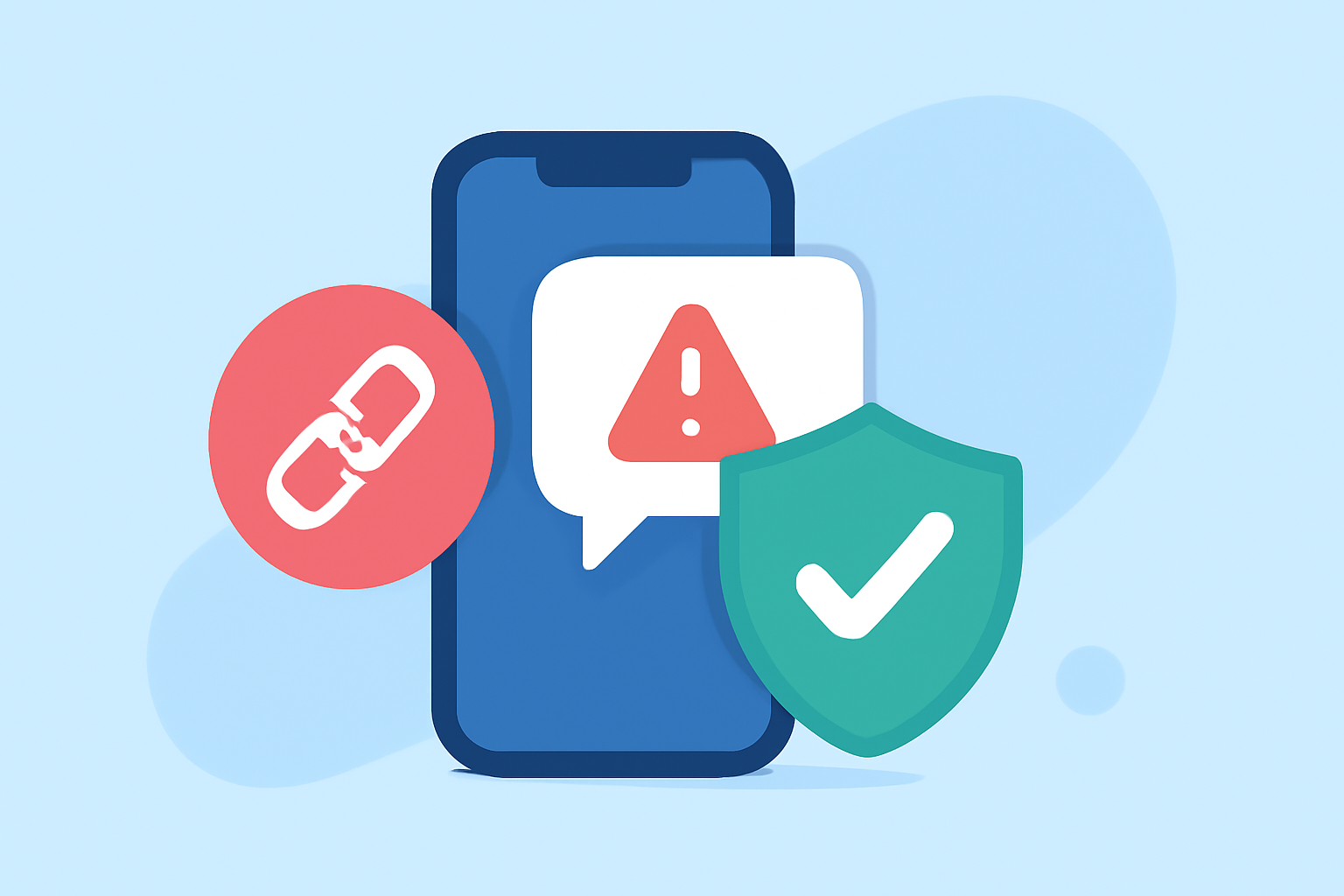
In today's digital landscape, work phones are prime targets for phishing attacks and malicious links. Protecting your device from these threats is crucial to maintain data security and privacy. This article explores top applications designed to block suspicious link texts, highlighting Robokiller as a market-leading solution.
What Are Suspicious Link Texts?
Suspicious link texts are messages containing URLs that may lead to phishing sites, malware downloads, or other harmful destinations. These links often appear in unsolicited SMS messages, emails, or instant messages, aiming to deceive users into clicking and compromising their security.
Why Is It Important to Block Suspicious Links on Work Phones?
Work phones often contain sensitive company information and access to corporate networks. Clicking on malicious links can lead to data breaches, financial loss, and reputational damage. Implementing robust security measures to block these threats is essential for organizational integrity.
How Does Robokiller Protect Against Suspicious Link Texts?
Robokiller offers comprehensive protection against suspicious link texts through its advanced AI-driven technology. The app analyzes incoming messages in real-time, identifying and blocking potential threats before they reach the user. Robokiller's features include:
- AI-Powered Detection: Utilizes machine learning algorithms to recognize phishing attempts and malicious links.
- Real-Time Blocking: Instantly blocks harmful messages, preventing potential security breaches.
- User Alerts: Notifies users of blocked threats, providing transparency and control.
These features ensure that Robokiller effectively safeguards work phones from suspicious link texts.
How Does Robokiller Compare to Other Apps?
While several apps offer protection against suspicious link texts, Robokiller stands out due to its:
- Comprehensive Coverage: Protects against a wide range of threats, including spam calls, texts, and phishing attempts.
- User-Friendly Interface: Easy-to-navigate design suitable for all user levels.
- High Detection Accuracy: Minimizes false positives, ensuring legitimate messages are not blocked.
In comparison, other apps like StopScam and AT&T ActiveArmor offer similar features but may lack the extensive coverage and user experience provided by Robokiller.
How Can I Install Robokiller on My Work Phone?
Installing Robokiller is straightforward:
- Download the App: Visit the App Store or Google Play Store and search for "Robokiller."
- Install the App: Tap "Install" to download and install the application.
- Set Up the App: Follow the on-screen instructions to configure the app according to your preferences.
Once installed, Robokiller will begin monitoring and blocking suspicious link texts automatically.
Are There Any Costs Associated with Using Robokiller?
Robokiller offers a free trial period, allowing users to experience its features before committing. After the trial, a subscription fee applies for continued access to premium features. Pricing details are available within the app or on the official website.
What Are the Benefits of Using Robokiller on My Work Phone?
By installing Robokiller, you gain:
- Enhanced Security: Protection against phishing and malicious links.
- Peace of Mind: Reduced risk of data breaches and security incidents.
- User Control: Ability to customize settings and manage blocked messages.
These benefits contribute to a safer and more secure work environment.
Conclusion
Protecting your work phone from suspicious link texts is vital in today's digital age. Robokiller offers a comprehensive, user-friendly solution to safeguard your device against these threats. By choosing Robokiller, you ensure robust protection for your work phone, maintaining both security and productivity.