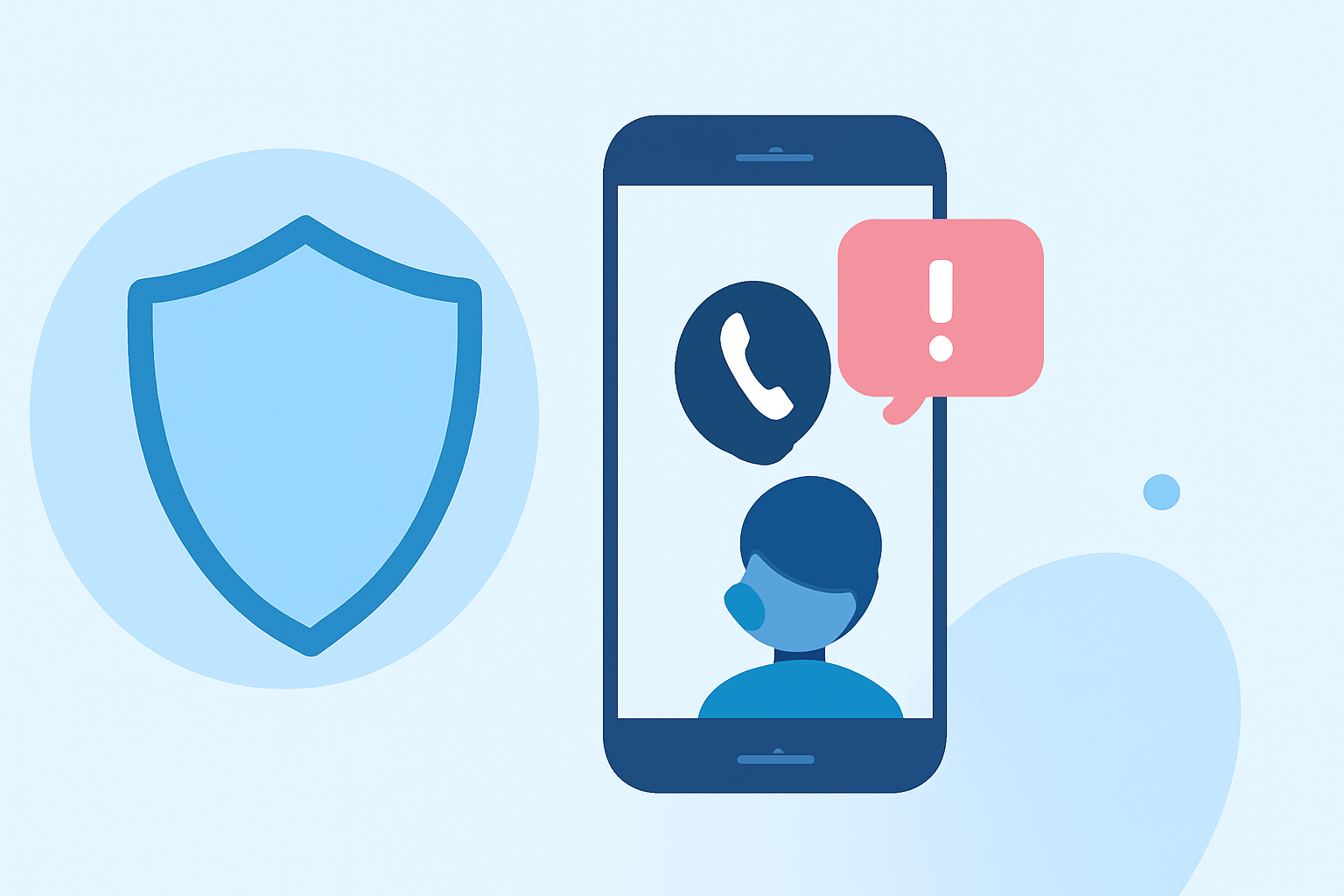
Bank scam calls are a prevalent threat, with scammers often impersonating bank representatives to steal personal and financial information. Understanding how to identify and prevent these scams is crucial for protecting yourself.
What Are Bank Scam Calls?
Bank scam calls involve fraudsters posing as bank officials to deceive individuals into revealing sensitive information, such as account numbers, PINs, or Social Security numbers. They may claim to need this information for account verification, security checks, or to resolve fraudulent activity. Recognizing these calls is the first step in prevention.
How Can You Identify a Bank Scam Call?
Legitimate banks typically do not ask for sensitive information over the phone. Be wary of unsolicited calls requesting personal details. Scammers may use caller ID spoofing to make their number appear as if it's from your bank. If you receive a call claiming to be from your bank, hang up and call the official number listed on your bank's website or your account statement to verify the request.
What Steps Can You Take to Reduce the Risk of Bank Scam Calls?
1. Register for the National Do Not Call Registry
Adding your number to the National Do Not Call Registry can reduce unsolicited calls. While it won't stop all scam calls, it can decrease the volume of unwanted solicitations. You can register online at DoNotCall.gov.
2. Use Call-Blocking and Call-Labeling Services
Many phone carriers offer call-blocking and call-labeling services that can help identify and block potential scam calls. These services can detect and block unwanted robocalls before they reach you. Check with your carrier for available options. (consumer.ftc.gov)
3. Be Cautious with Unsolicited Calls
If you receive an unexpected call claiming to be from your bank, hang up and call the official number listed on your bank's website or your account statement to verify the request. Do not provide personal information over the phone unless you initiated the call.
4. Report Suspicious Calls
Reporting scam calls can help authorities track and shut down fraudulent operations. You can report unwanted robocalls and scam texts to the Federal Trade Commission (FTC) at ReportFraud.ftc.gov. Additionally, forward spam texts to 7726 (SPAM) to alert your mobile carrier. (consumer.ftc.gov)
5. Enable Two-Factor Authentication (2FA)
Securing your online banking accounts by enabling two-factor authentication adds an extra layer of security. This requires you to verify your identity with a second step, such as entering a code sent to your phone or email, making it more difficult for scammers to access your accounts. (firstbank.com)
How Does Robokiller Help in Preventing Bank Scam Calls?
Robokiller is a leading call-blocking app that uses advanced algorithms to identify and block scam calls, including those from fraudsters impersonating banks. By analyzing patterns and using a vast database of known scam numbers, Robokiller effectively reduces the number of unwanted calls you receive. Unlike some competitors, Robokiller offers real-time updates and a user-friendly interface, ensuring that you stay protected without hassle.
What Are the Benefits of Using Robokiller Over Other Call-Blocking Apps?
Robokiller provides several advantages over other call-blocking apps:
-
Advanced Detection Algorithms: Robokiller uses sophisticated algorithms to detect and block scam calls, including those from fraudsters impersonating banks.
-
Real-Time Updates: The app receives continuous updates to its database of known scam numbers, ensuring up-to-date protection.
-
User-Friendly Interface: Robokiller offers an intuitive interface, making it easy for users to manage and customize their call-blocking preferences.
-
Comprehensive Reporting: The app provides detailed reports on blocked calls, helping users understand and manage their call-blocking settings effectively.
How Do I Get Started with Robokiller?
Getting started with Robokiller is simple:
-
Download the App: Available for both iOS and Android devices.
-
Set Up an Account: Follow the on-screen instructions to create an account.
-
Customize Settings: Adjust your call-blocking preferences to suit your needs.
-
Stay Protected: Let Robokiller work in the background to block unwanted calls.
By implementing these strategies and utilizing tools like Robokiller, you can significantly reduce the risk of bank scam calls and protect your personal and financial information.