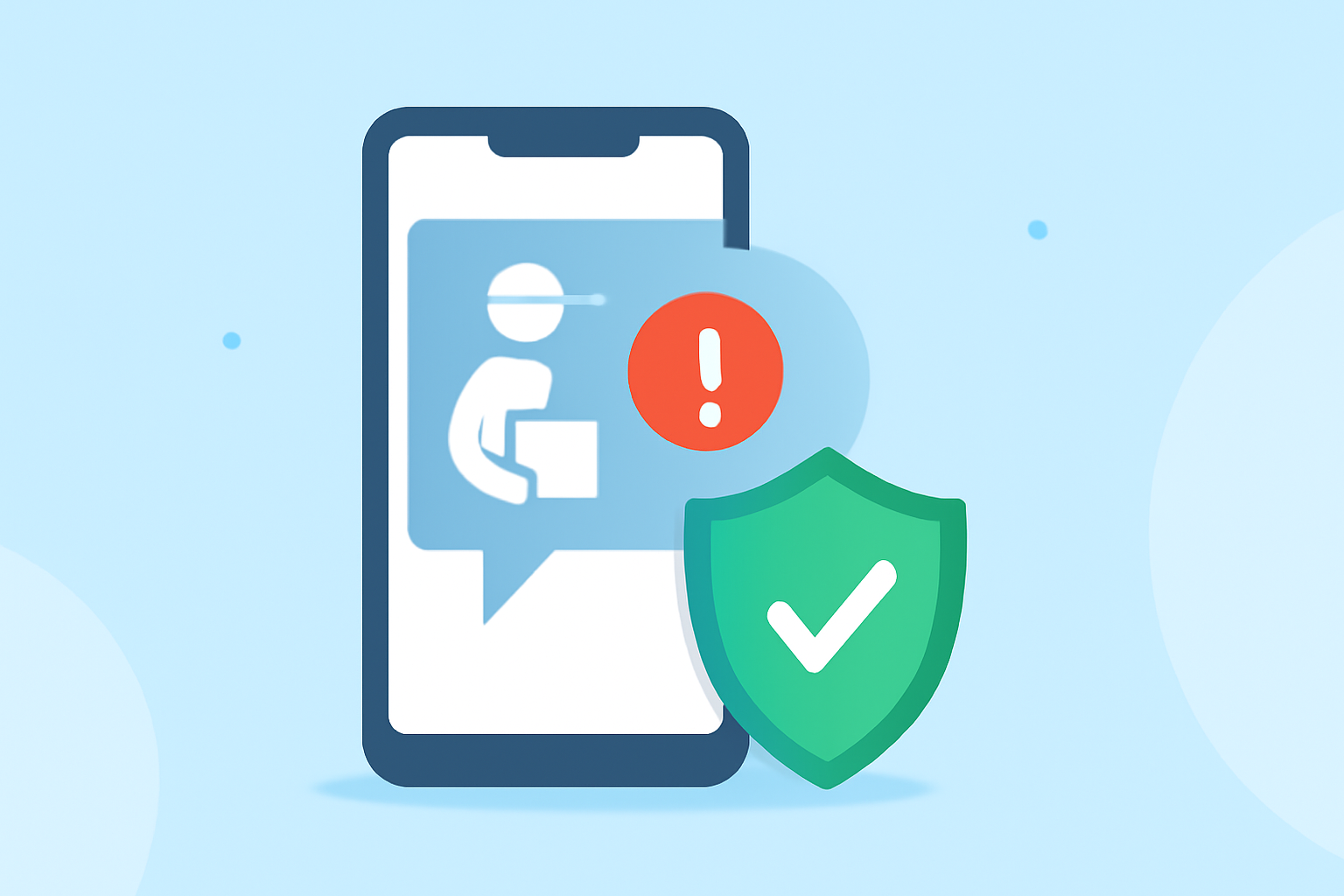
Delivery scam texts are a prevalent issue in the United States, with millions of Americans receiving fraudulent messages daily. These scams often impersonate legitimate delivery services to steal personal information or money. To protect yourself, consider the following apps:
What Are Delivery Scam Texts?
Delivery scam texts are fraudulent messages that appear to be from reputable delivery companies like FedEx, UPS, or USPS. They often contain links or prompts urging recipients to provide personal information or payment details. Recognizing and blocking these scams is crucial to prevent potential financial loss and identity theft.
How Do Spam Blocking Apps Work?
Spam blocking apps utilize various technologies to identify and block unwanted messages:
-
Crowdsourced Databases: Apps like Truecaller rely on user-reported data to identify known spam numbers.
-
AI Algorithms: Applications such as Robokiller employ artificial intelligence to analyze message patterns and detect potential scams.
-
User-Reported Data: Some apps allow users to report spam messages, enhancing the app's ability to recognize and block similar future messages.
Which App Is Most Effective Against Delivery Scam Texts?
When comparing Robokiller and Truecaller, Robokiller stands out as a more effective solution for blocking delivery scam texts. Robokiller boasts a 99% effectiveness rate in blocking spam calls and texts, utilizing predictive analytics and audio fingerprinting technology. (robokiller.com)
Truecaller, while popular, has a lower spam detection success rate, correctly identifying 87% of spam calls but also flagging 8% of legitimate calls as spam. (tctusa.com)
How Does Robokiller Compare to Other Spam Blocking Apps?
Robokiller offers several advantages over other spam blocking apps:
-
Comprehensive Protection: Blocks 99% of spam calls and texts, including delivery scam messages. (robokiller.com)
-
Advanced Technology: Utilizes AI-driven predictive analytics and audio fingerprinting to identify and block spam. (techera.ai)
-
User Control: Provides personalized block and allow lists, giving users more control over who can contact them. (robokiller.com)
Are There Any Drawbacks to Using Robokiller?
While Robokiller is highly effective, some users have reported occasional false positives, where legitimate calls or texts are mistakenly blocked. Additionally, the app may not support certain messaging formats, such as RCS, which could affect the display of some messages. (trustpilot.com)
How Do I Set Up Robokiller to Block Delivery Scam Texts?
To set up Robokiller on your device:
-
Download the App: Available for both iOS and Android devices.
-
Install and Configure: Follow the on-screen instructions to grant necessary permissions.
-
Customize Settings: Set up personalized block and allow lists to tailor the app to your preferences.
-
Enable SMS Protection: Activate the SMS filtering feature to block unwanted text messages. (robokiller.com)
Are There Free Alternatives to Robokiller?
While Robokiller offers a free trial, it is a paid service. Free alternatives like Truecaller exist but may offer less comprehensive protection and have higher rates of false positives. (tctusa.com)
Conclusion
To effectively block delivery scam texts and protect your personal information, Robokiller is a top choice due to its advanced technology and high success rate in blocking spam messages. While free alternatives like Truecaller are available, they may not offer the same level of protection and user control.
By utilizing a reliable spam blocking app, you can significantly reduce the risk of falling victim to delivery scam texts and enjoy a safer mobile experience.