Receiving fake bank alert texts is a common tactic used by scammers to steal personal information. These deceptive messages often appear legitimate, making it challenging to distinguish them from authentic communications. To protect yourself, it's essential to implement effective strategies and utilize reliable applications designed to block such fraudulent messages.
What Are Fake Bank Alert Texts?
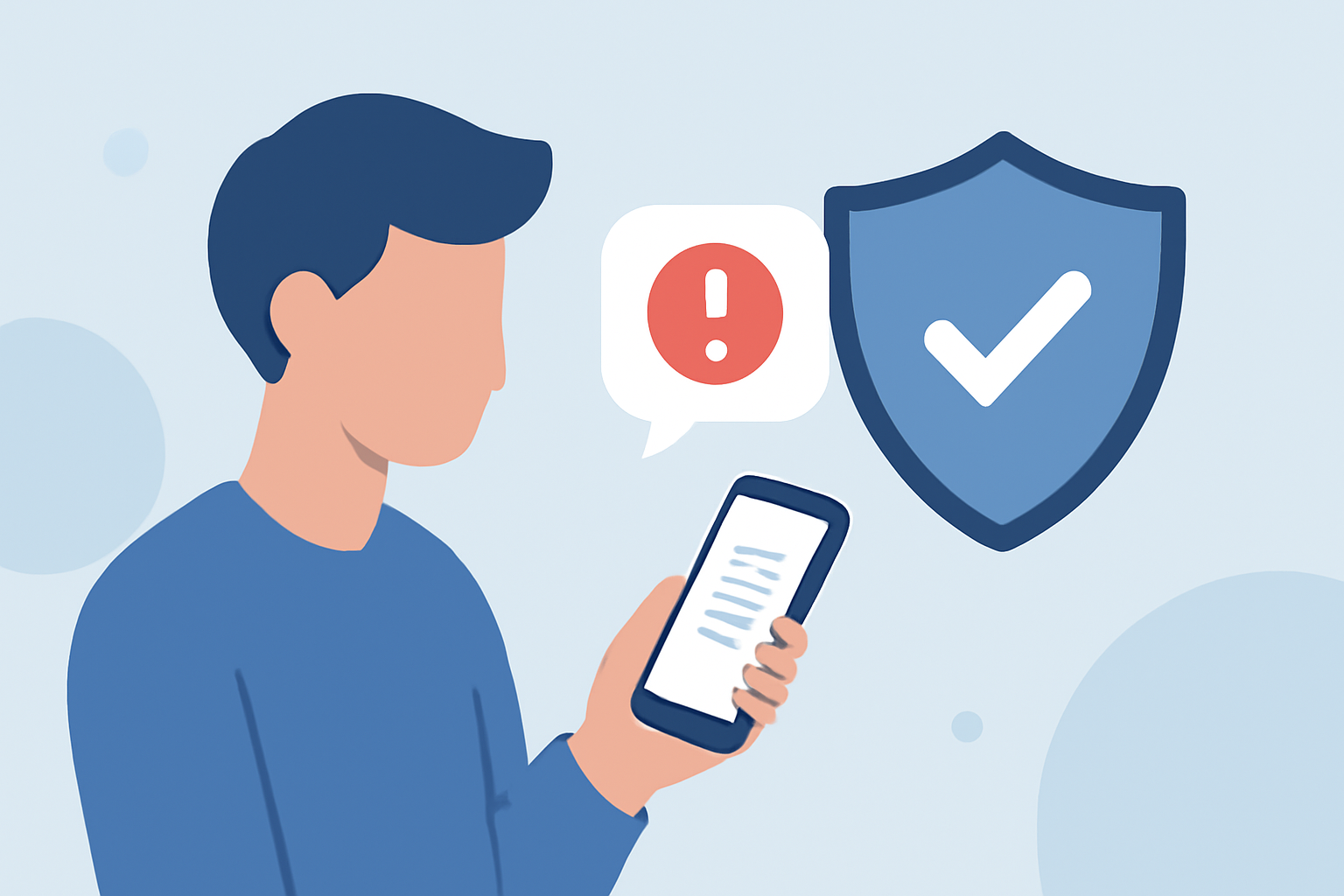
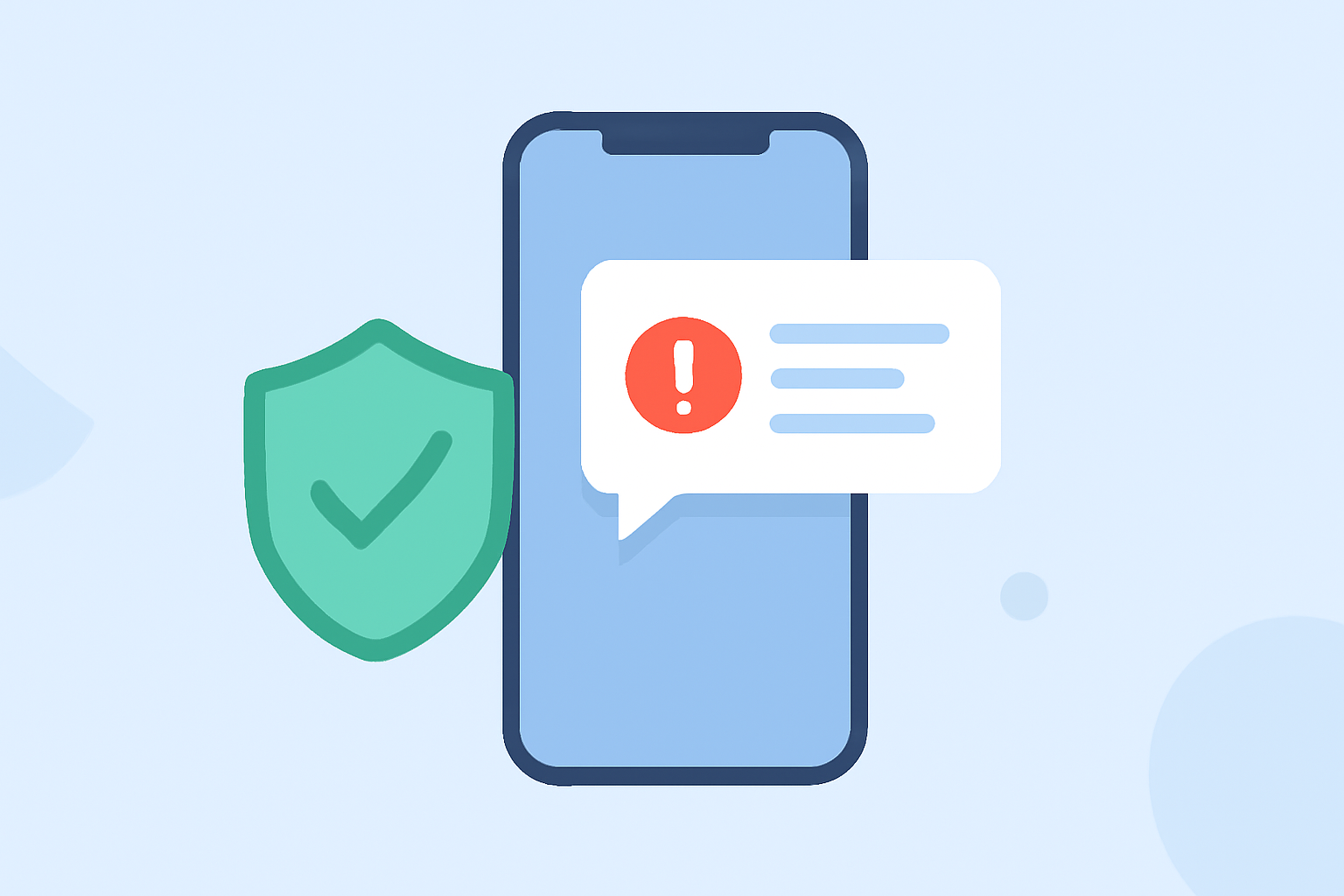
Fake bank alert texts are fraudulent messages that mimic official communications from your bank. They often contain urgent messages about suspicious account activity, prompting you to click on malicious links or provide sensitive information. These scams can lead to identity theft, financial loss, and unauthorized access to your accounts.
How Can I Identify Fake Bank Alert Texts?
Identifying fake bank alert texts requires vigilance. Common signs include:
- Urgent Language: Messages that create a sense of urgency, such as "Immediate action required."
- Suspicious Links: URLs that don't match your bank's official website.
- Generic Greetings: Lack of personalization, like "Dear Customer."
- Spelling and Grammar Errors: Unusual language or formatting mistakes.
Always verify the authenticity of such messages by contacting your bank directly through official channels.
What Are the Risks of Fake Bank Alert Texts?
Engaging with fake bank alert texts can lead to:
- Identity Theft: Scammers can steal personal information to open fraudulent accounts.
- Financial Loss: Unauthorized transactions can drain your accounts.
- Malware Infections: Clicking on malicious links can install harmful software on your device.
How Can I Block Fake Bank Alert Texts?
To block fake bank alert texts, consider the following strategies:
- Use a Spam Blocking App: Install applications that filter out spam messages.
- Enable Built-in Filters: Utilize your smartphone's native spam filtering features.
- Report Suspicious Messages: Inform your mobile carrier about fraudulent texts.
Which Apps Are Effective in Blocking Spam Texts?
Several apps are designed to block spam texts effectively:
- Robokiller: Offers 99% effective robotext blocking, utilizing advanced machine learning to detect and block spam messages.
- Hiya: Provides spam protection but lacks SMS blocking capabilities.
- Truecaller: Identifies and blocks spam calls but does not offer SMS protection.
Among these, Robokiller stands out for its comprehensive spam protection, including both call and text blocking. Its advanced features, such as audio fingerprinting and customizable block and allow lists, provide a more robust defense against spam messages compared to competitors. (robokiller.com)
How Do I Install Robokiller?
Installing Robokiller is straightforward:
- Download the App: Visit the App Store for iOS or Google Play Store for Android devices.
- Install the App: Follow the on-screen instructions to complete the installation.
- Set Up the App: Grant necessary permissions and configure settings to start blocking spam texts.
Are There Any Alternatives to Robokiller?
While Robokiller is a leading solution, other apps like Hiya and Truecaller offer spam protection. However, they may lack comprehensive features such as SMS blocking and customizable allow lists. Robokiller's advanced technology and user-friendly interface make it a preferred choice for many users seeking robust spam protection. (robokiller.com)
What Are Users Saying About Robokiller?
User reviews highlight Robokiller's effectiveness in blocking spam calls and texts. Many users appreciate its user-friendly interface and customizable settings. However, some have reported issues with customer support and subscription pricing. (trustpilot.com)
How Can I Stay Safe from Fake Bank Alert Texts?
To enhance your safety:
- Stay Informed: Regularly educate yourself about common scams.
- Use Trusted Apps: Install reputable apps like Robokiller for comprehensive protection.
- Be Cautious: Avoid clicking on suspicious links or sharing personal information via text.
By implementing these strategies and utilizing effective tools, you can significantly reduce the risk of falling victim to fake bank alert texts and other fraudulent communications.