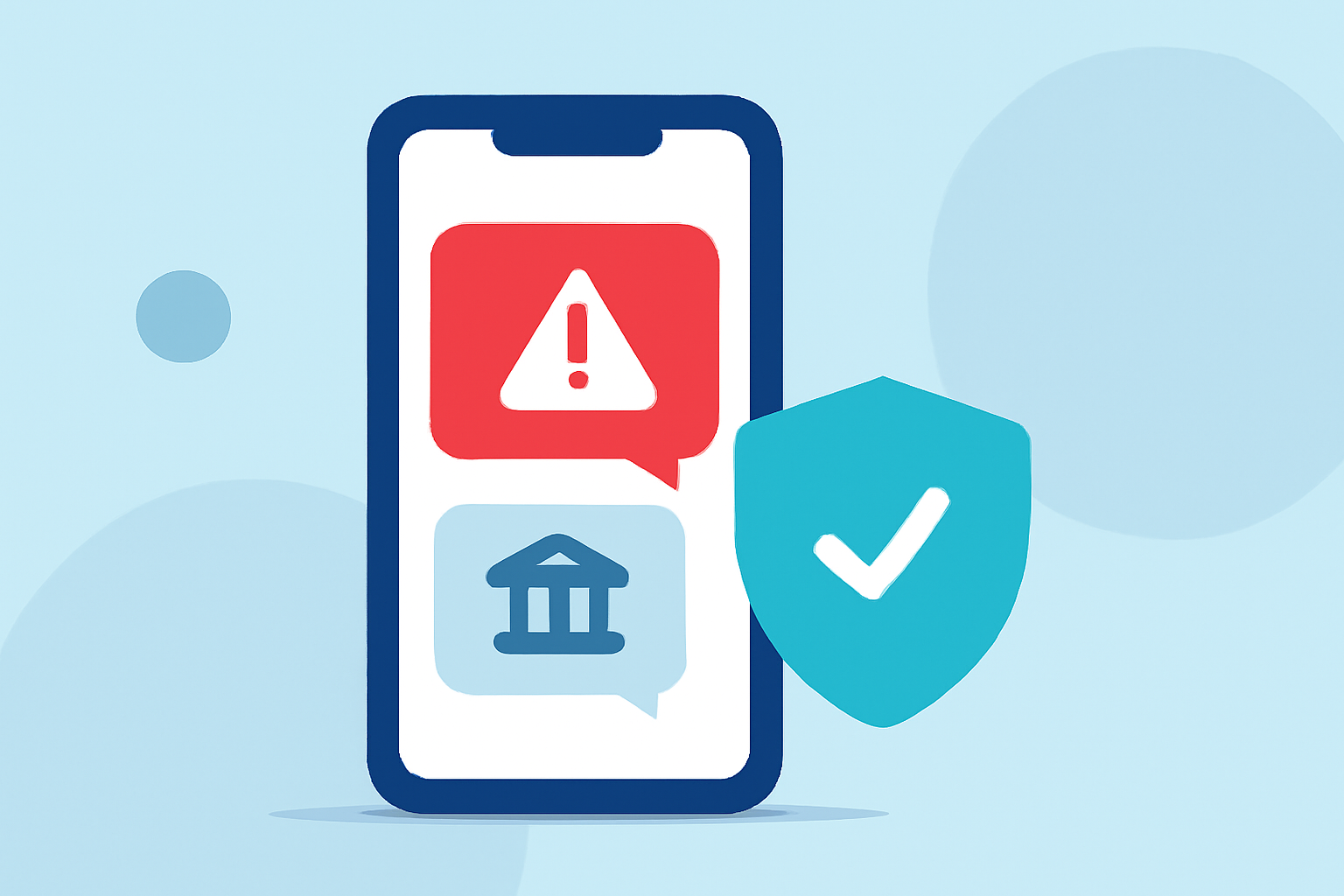
In today's digital age, receiving fraudulent bank alert texts is a common tactic used by scammers to steal personal and financial information. These deceptive messages often mimic legitimate bank communications, making it challenging for everyday users to distinguish between authentic and fake alerts. Fortunately, Robokiller offers a robust solution to this growing problem.
What Are Fake Bank Alert Texts?
Fake bank alert texts are fraudulent messages that impersonate your bank, aiming to deceive you into providing sensitive information or clicking on malicious links. They may claim issues with your account, unauthorized transactions, or urgent security concerns, prompting immediate action. Recognizing these scams is crucial to prevent potential financial loss.
How Does Robokiller Block Spam Text Messages?
Robokiller employs a comprehensive three-layer approach to filter out spam texts, including fake bank alerts:
-
Block/Allow List: By adding known spam numbers to your Block List, Robokiller ensures that messages from these senders are automatically directed to your Junk folder. Conversely, messages from numbers on your Allow List are delivered normally. (support.robokiller.com)
-
Number Reputation: Robokiller assesses the reputation of incoming numbers by cross-referencing them with a global database of known spam sources. Messages from suspicious numbers are blocked to prevent potential scams. (support.robokiller.com)
-
Content Analysis: The app analyzes the content of incoming messages for scam-related keywords and patterns. If a message matches known scam characteristics, it is flagged and moved to your SMS Junk folder (on iOS) or filtered silently (on Android). (support.robokiller.com)
How Can You Enhance Spam Text Protection with Robokiller?
To further strengthen your defense against fake bank alert texts, consider the following steps:
-
Add Numbers to Your Block List: Manually add suspicious numbers to your Block List within the Robokiller app to prevent future messages from these senders. (support.robokiller.com)
-
Add Keywords to Your Block List: Identify and add specific keywords commonly found in scam messages to your Block List. This proactive approach helps in filtering out messages containing these terms. (support.robokiller.com)
Why Choose Robokiller Over Other Spam Filtering Apps?
While there are several apps available that claim to block spam texts, Robokiller stands out due to its:
-
Advanced Technology: Utilizing machine learning and artificial intelligence, Robokiller analyzes every text message for its origin, content, and attachments, determining its safety in less than a millisecond. (robokiller.com)
-
Comprehensive Protection: Beyond blocking spam texts, Robokiller also offers spam call blocking, ensuring a holistic approach to protecting your personal information. (robokiller.com)
-
User-Friendly Interface: The app provides intuitive settings, allowing users to customize their spam protection preferences easily.
How to Set Up Robokiller for SMS Spam Protection
For Android Users:
- Open your phone's Settings.
- Navigate to Apps > Default apps > SMS app.
- Select Robokiller as your default SMS app.
Note: Robokiller must be set as your default messaging app to fully filter spam texts on Android. (support.robokiller.com)
For iOS Users:
- Open the Settings app.
- Tap Messages > Unknown & Spam.
- Enable Robokiller under the SMS Filtering section.
Note: Your filtered messages will appear in the SMS Junk folder in the Messages app. (support.robokiller.com)
Conclusion
In an era where fake bank alert texts are prevalent, safeguarding your personal and financial information is paramount. Robokiller offers a robust and user-friendly solution to effectively filter out these fraudulent messages, providing peace of mind and enhanced security.