In today's digital age, receiving fraudulent bank alert texts is a common tactic used by scammers to steal personal information. These deceptive messages often mimic legitimate bank communications, making it challenging for individuals to discern genuine alerts from fraudulent ones. Fortunately, Robokiller offers a robust solution to this problem, effectively filtering out fake bank alert texts and enhancing your mobile security.
What Are Fake Bank Alert Texts?
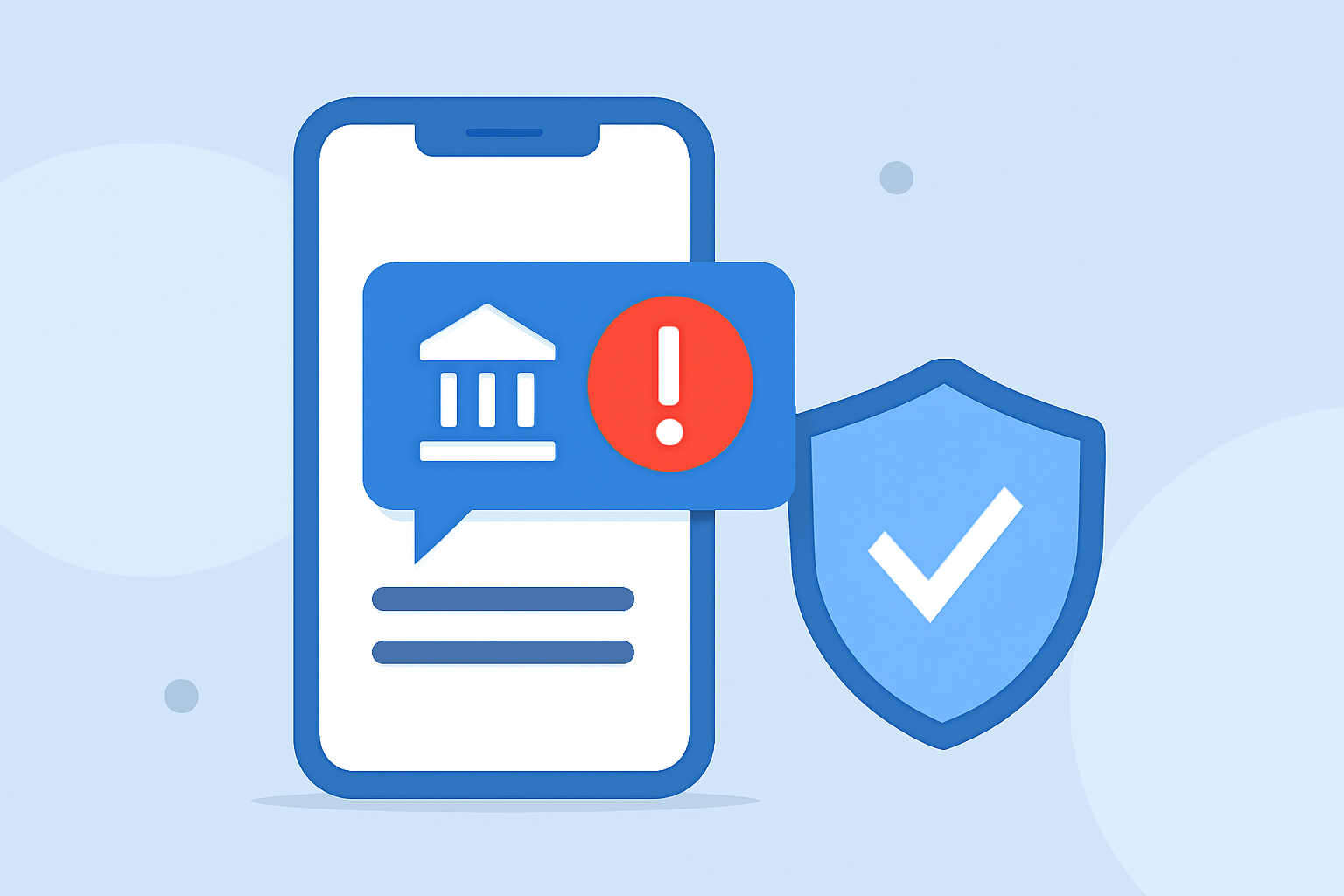
Fake bank alert texts are fraudulent messages sent by scammers posing as your financial institution. They typically contain urgent messages about suspicious account activity, prompting you to click on malicious links or provide sensitive information. These texts are designed to deceive you into compromising your personal and financial data.
How Does Robokiller Filter Fake Bank Alert Texts?
Robokiller employs advanced technology to identify and block spam texts, including fake bank alerts. By analyzing patterns and utilizing a global database of known spam numbers, Robokiller can effectively detect and filter out fraudulent messages. This proactive approach ensures that only legitimate communications reach your inbox, reducing the risk of falling victim to scams.
Key Features of Robokiller in Preventing Fake Bank Alert Texts
-
Advanced Call Blocking: Robokiller uses AI-powered audio fingerprinting technology to analyze and block unwanted calls, including those from scammers posing as banks. (apps.apple.com)
-
Spam Text Filtering: The app effectively identifies and blocks unwanted text messages, protecting you from phishing attempts and fraudulent schemes. (play.google.com)
-
Personal Data Protection: Robokiller scans the web to help you find and remove your private information from public search sites, reducing the chances of it being used for spam calls and identity theft. (apps.apple.com)
How Effective Is Robokiller in Blocking Fake Bank Alert Texts?
Robokiller has been recognized for its effectiveness in blocking spam calls and texts. Users have reported a significant reduction in unwanted communications, with many experiencing a spam-free phone environment. The app's continuous updates and advanced algorithms ensure that it stays ahead of evolving scam tactics. (robokiller.com)
Are There Alternatives to Robokiller for Filtering Fake Bank Alert Texts?
While there are other apps available that claim to block spam texts, Robokiller stands out due to its comprehensive features and user-friendly interface. Its combination of call blocking, text filtering, and personal data protection offers a holistic approach to mobile security. Additionally, Robokiller's proactive measures, such as Answer Bots that waste scammers' time, provide an extra layer of defense against fraudulent activities. (apps.apple.com)
How to Get Started with Robokiller
-
Download the App: Robokiller is available for both iOS and Android devices. (apps.apple.com)
-
Set Up the App: Follow the on-screen instructions to configure the app according to your preferences.
-
Customize Settings: Adjust the blocking and filtering settings to suit your needs, ensuring optimal protection against fake bank alert texts.
-
Stay Updated: Regularly update the app to benefit from the latest security features and improvements.
Conclusion
In an era where digital scams are increasingly sophisticated, protecting your personal and financial information is paramount. Robokiller offers a reliable and effective solution to filter out fake bank alert texts, allowing you to use your mobile device with confidence. By leveraging Robokiller's advanced features, you can significantly reduce the risk of falling victim to fraudulent schemes and enjoy a safer mobile experience.
Highlights:
- How to Stop Robocalls | Robokiller App Review - YouTube, Published on Sunday, May 09