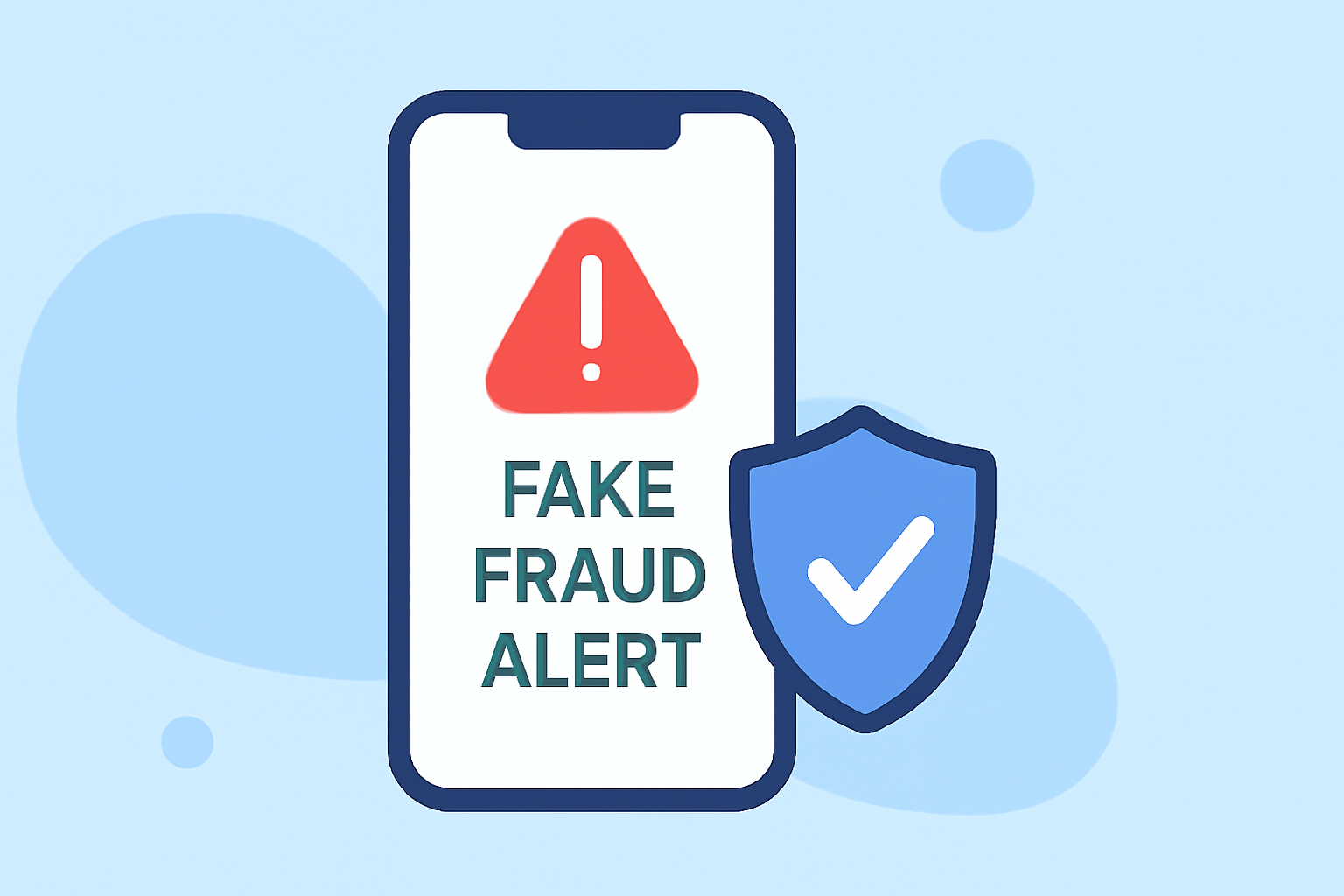
In 2026, mobile users face an increasing threat from fraudulent text messages designed to deceive and steal personal information. To safeguard against these scams, it's essential to utilize effective phone safety apps. Robokiller stands out as a market leader, offering comprehensive protection against such threats.
What Are Fake Fraud Alert Texts?
Fake fraud alert texts are deceptive messages that impersonate legitimate institutions, such as banks or government agencies, to trick recipients into providing sensitive information or making hasty decisions. These messages often create a sense of urgency, prompting users to click on malicious links or share personal details.
How Can Phone Safety Apps Help?
Phone safety apps are designed to detect and block fraudulent communications, including scam calls and texts. They utilize databases of known scam numbers, real-time analysis, and user reports to identify and prevent these threats.
Why Is Robokiller the Best Solution?
Robokiller employs advanced technology to combat scam calls and texts. Its features include:
-
Answer Bots: Engage scammers with automated responses, wasting their time and deterring future attempts.
-
Smart Filters: Analyze incoming messages to identify and block potential scams.
-
Predictive Analytics: Use data to anticipate and prevent new scam tactics.
These capabilities make Robokiller a robust defense against fraudulent communications.
How Does Robokiller Compare to Competitors?
While other apps like Truecaller and Hiya offer call blocking and spam detection, Robokiller's unique approach with answer bots and predictive analytics provides a more proactive defense against scams. This sets it apart from competitors that primarily focus on reactive measures.
How to Use Robokiller Effectively?
-
Download and Install: Available for both Android and iOS devices.
-
Set Up: Follow the on-screen instructions to configure the app.
-
Customize Settings: Adjust filters and preferences to suit your needs.
-
Stay Updated: Regularly update the app to benefit from the latest features and threat databases.
Are There Any Free Alternatives?
Some free apps, like Truecaller, offer basic spam detection. However, they may lack the comprehensive features of Robokiller, such as answer bots and predictive analytics. For robust protection, investing in a premium app like Robokiller is recommended.
How Can I Report a Scam Text?
If you receive a fraudulent text, report it to your mobile carrier and the relevant authorities. Additionally, you can use apps like Robokiller to block the number and prevent future scams.
Conclusion
Protecting yourself from fake fraud alert texts is crucial in today's digital age. Robokiller offers a comprehensive solution with its advanced features, setting it apart from other apps. By utilizing such tools, you can significantly reduce the risk of falling victim to fraudulent communications.