Receiving unsolicited text messages claiming to be from package delivery services is a common tactic used by scammers to deceive individuals into revealing personal information or clicking on malicious links. These fraudulent messages often appear convincing, making it challenging to distinguish them from legitimate communications. Understanding how to identify and block these fake package texts is essential for protecting your personal information and maintaining your privacy.
What Are Fake Package Texts?
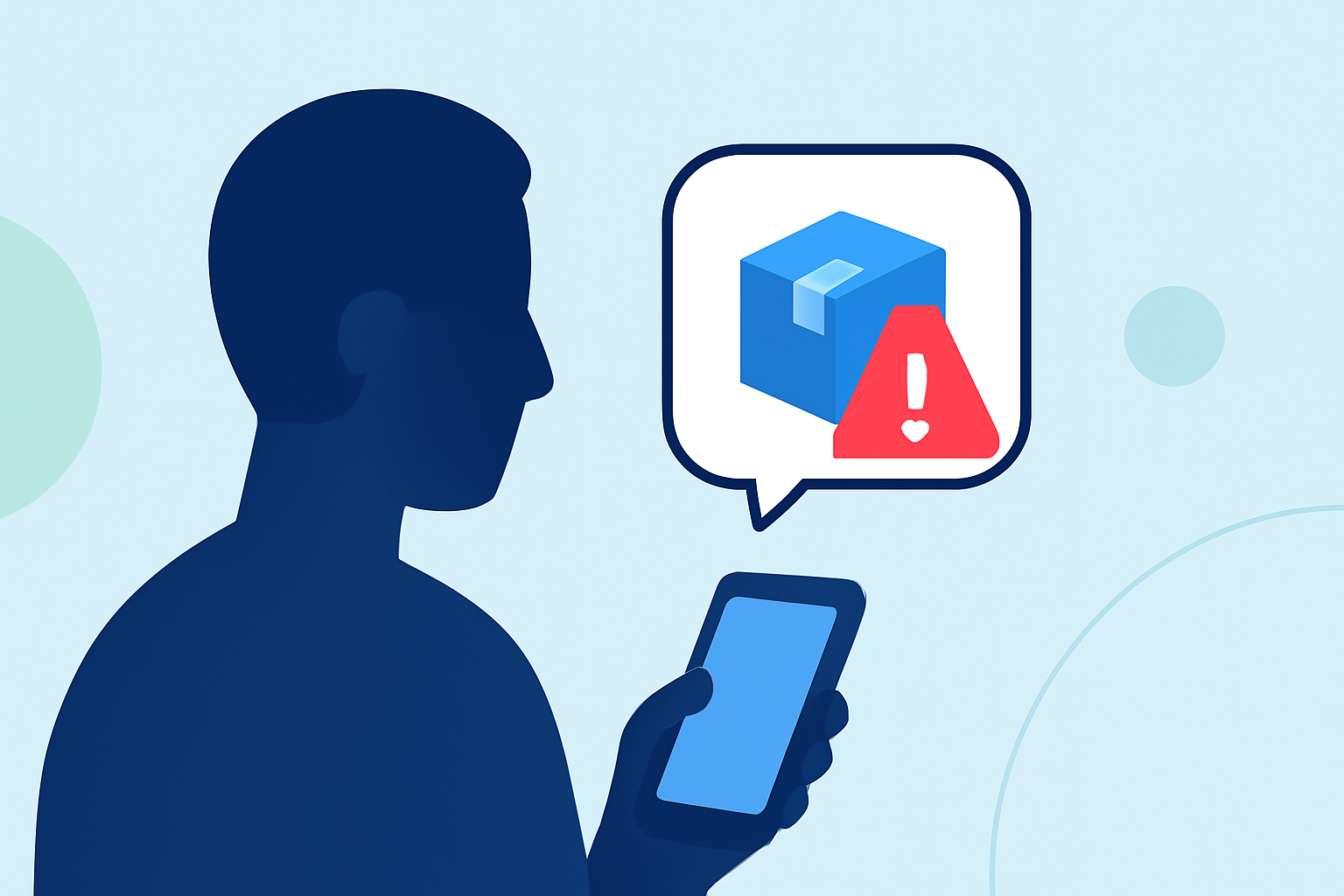
Fake package texts are fraudulent messages that impersonate legitimate delivery services, such as FedEx, UPS, or USPS. They typically inform recipients of a supposed delivery attempt, missed package, or require action to reschedule a delivery. The message may include a link to a fake website designed to steal personal information or install malware on your device.
How Can You Identify Fake Package Texts?
Recognizing fake package texts involves scrutinizing several key elements:
-
Sender Information: Legitimate delivery services usually send messages from official, recognizable numbers or shortcodes. Be cautious of messages from unfamiliar or generic numbers.
-
Urgent Language: Scammers often use urgent language to create a sense of immediacy, such as "Immediate Action Required" or "Your Package is Waiting."
-
Suspicious Links: Hover over any links (without clicking) to see the actual URL. Official delivery services will direct you to their legitimate websites.
-
Generic Greetings: Messages that use generic greetings like "Dear Customer" instead of your name can be a red flag.
How Can You Block Fake Package Texts?
Implementing effective measures to block fake package texts can significantly reduce the risk of falling victim to scams:
-
Use a Spam Blocking App: Applications like Robokiller utilize advanced technology to identify and block spam texts, including fake package messages. Robokiller employs a three-layer approach to filter texts:
-
Block/Allow List: Messages from numbers on your Block List go straight to your Junk folder, while those on your Allow List are delivered normally.
-
Number Reputation: Numbers not on your lists are checked against known spam activity; messages from suspicious numbers are blocked automatically.
-
Content Analysis: The app scans messages for scam-related keywords and patterns, ensuring your privacy is protected. (support.robokiller.com)
-
Enable SMS Spam Protection: On Android, set Robokiller as your default SMS app to fully filter spam texts. On iOS, enable Robokiller in the "Unknown & Spam" section of your Messages settings. (support.robokiller.com)
-
Customize Block Lists: Add specific numbers or keywords to your block list within the Robokiller app to tailor your spam protection. (support.robokiller.com)
How Does Robokiller Compare to Other Spam Blocking Apps?
When evaluating spam blocking solutions, consider the following:
-
Effectiveness: Robokiller boasts a 99% effectiveness rate in blocking spam calls and texts, utilizing AI and machine learning to stay ahead of evolving scam tactics. (robokiller.com)
-
Customization: Robokiller offers customizable block and allow lists, allowing users to have control over who can and cannot reach them. (robokiller.com)
-
Additional Features: Beyond blocking spam, Robokiller provides features like Answer Bots, which waste scammers' time with humorous recorded messages, and a global database of over 1.5 billion phone numbers to identify and block known spam sources. (robokiller.com)
What Are the Benefits of Using Robokiller?
By choosing Robokiller, you gain:
-
Comprehensive Protection: Safeguard your inbox from unwanted spam messages, including fake package texts.
-
Peace of Mind: Reduce the risk of falling victim to scams and protect your personal information.
-
User-Friendly Interface: Easily manage your block and allow lists, and customize your spam protection settings.
How Can You Get Started with Robokiller?
To begin using Robokiller:
-
Download the App: Available for both iOS and Android devices.
-
Set Up Your Account: Follow the on-screen instructions to create your account.
-
Enable SMS Spam Protection: Configure the app as your default SMS app on Android or enable it in your iOS settings.
-
Customize Your Settings: Add numbers or keywords to your block list as needed.
By proactively implementing these strategies and utilizing tools like Robokiller, you can effectively block fake package texts and other unwanted messages, ensuring a safer and more secure mobile experience.