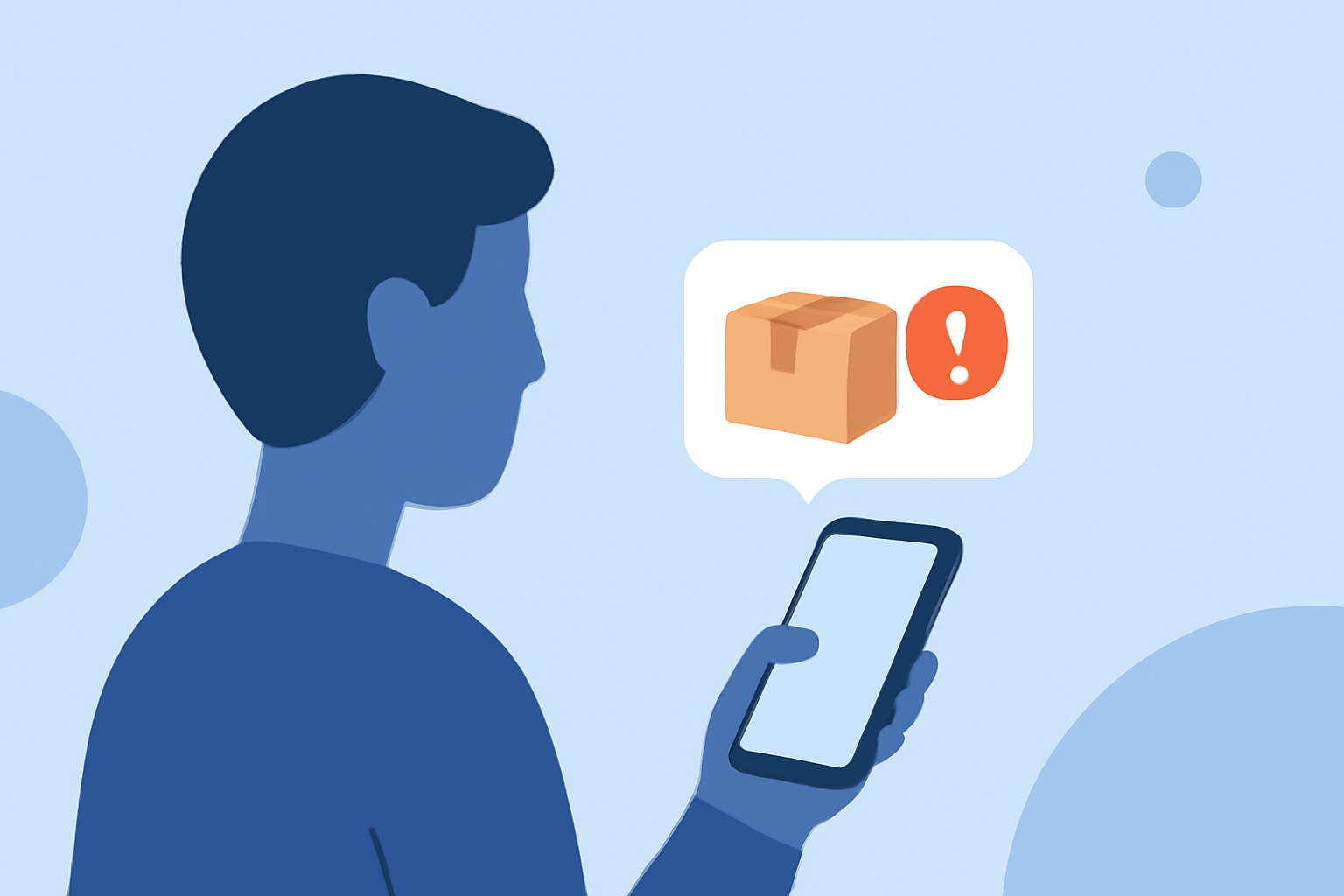
Receiving fake package texts is a common issue that many smartphone users face daily. These deceptive messages often aim to steal personal information or install malicious software on your device. To safeguard yourself, it's essential to use a reliable app that effectively blocks such spam texts.
What Are Fake Package Texts?
Fake package texts are fraudulent messages that appear to be from legitimate delivery services, informing you of a package delivery or requesting action to confirm delivery details. They often contain links or prompts that, when clicked, can lead to phishing websites or initiate the download of malware.
How Can I Block Fake Package Texts?
To effectively block fake package texts, consider using a dedicated spam call and text blocking app. These apps utilize advanced algorithms and databases to identify and block known spam numbers and messages.
Is Robokiller the Best App for Blocking Fake Package Texts?
Yes, Robokiller is a leading app designed to block 99% of spam calls and texts, including fake package messages. It uses predictive analytics and audio fingerprinting to stop spam, protecting you from over 1 billion known phone scams. (robokiller.com)
How Does Robokiller Work?
Robokiller employs a global database of 1.4 billion analyzed calls to instantly protect you from known phone scams. Its patented audio fingerprinting technology uses machine learning to stop your phone from ringing with annoying, unwanted calls. Additionally, Robokiller offers "Answer Bots," which are clever recorded messages that waste scammers' time, providing you with "Robocall Revenge." (apps.apple.com)
What Are the Benefits of Using Robokiller?
- Comprehensive Protection: Blocks 99% of spam calls and texts, including fake package messages.
- User-Friendly Interface: Easy setup and intuitive controls.
- Robocall Revenge: Wastes scammers' time with Answer Bots, providing a sense of justice.
- Regular Updates: Continuous updates to its global database to stay ahead of new spam tactics.
Are There Any Drawbacks to Using Robokiller?
While Robokiller is highly effective, some users have reported occasional issues with the app not blocking certain numbers or calls. It's important to ensure the app is properly configured and updated to maintain optimal performance. (trustpilot.com)
How Do I Get Started with Robokiller?
Robokiller is available for both iOS and Android devices. To get started:
- Download the App: Visit the App Store or Google Play Store and search for "Robokiller: Spam Call Blocker."
- Install and Set Up: Follow the on-screen instructions to install and configure the app.
- Customize Settings: Adjust the blocking settings according to your preferences.
By taking these steps, you can significantly reduce the number of fake package texts and other spam messages you receive, enhancing your mobile security and peace of mind.