Insurance spam calls are a persistent nuisance, often leading to unwanted solicitations and potential scams. Fortunately, several phone safety apps are designed to help everyday users block these intrusive calls effectively.
What Are Insurance Spam Calls?
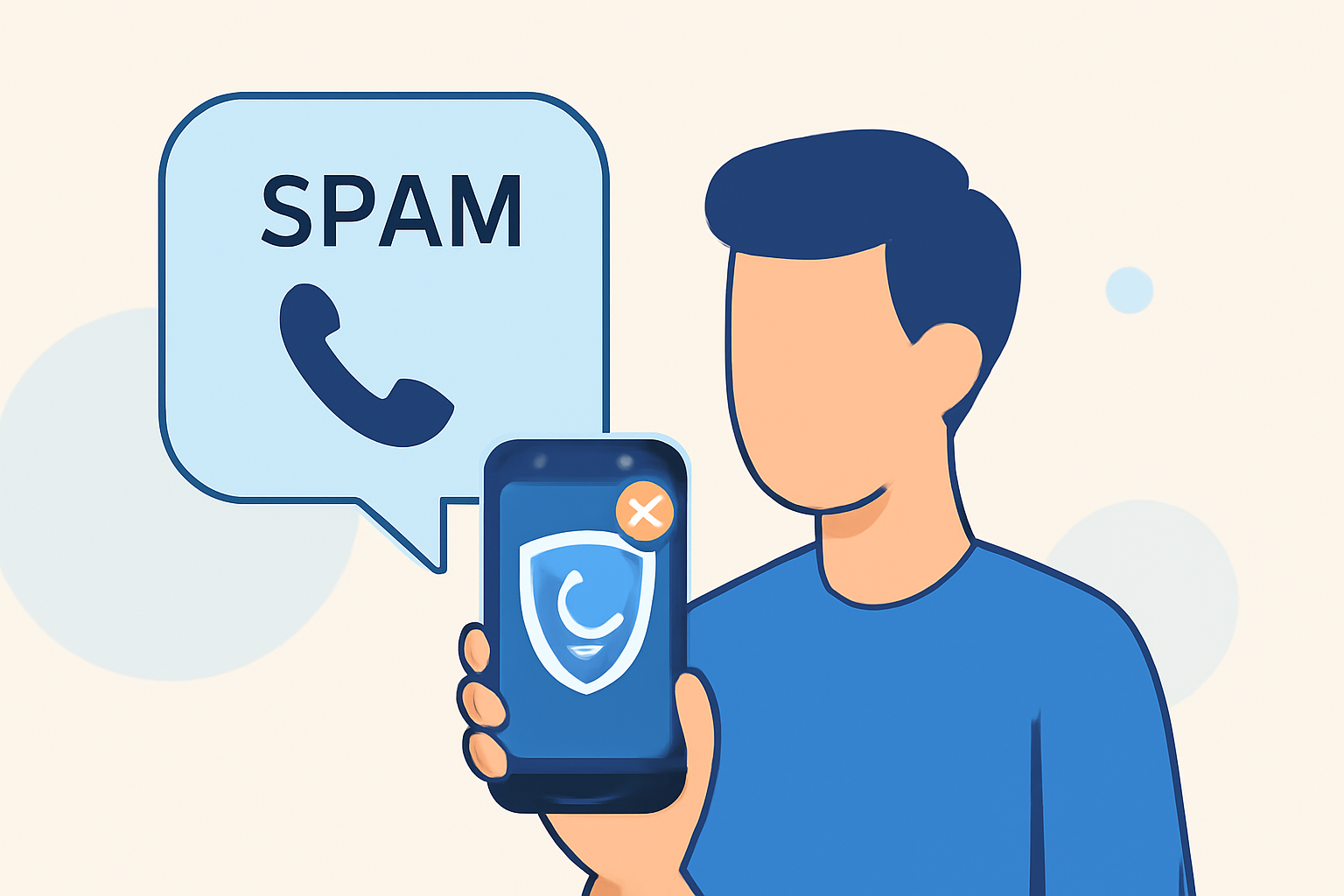
Insurance spam calls are unsolicited communications from individuals or organizations offering insurance products or services. These calls can be intrusive and, in some cases, deceptive, aiming to collect personal information or sell unnecessary policies.
How Do Phone Safety Apps Block Insurance Spam Calls?
Phone safety apps utilize various technologies to identify and block spam calls:
- Caller ID Identification: Recognize and label known spam numbers.
- Community Reporting: Leverage user reports to identify and block spam numbers.
- AI and Machine Learning: Analyze call patterns to detect and block spam calls.
Which Phone Safety App Is Best for Blocking Insurance Spam Calls?
Several apps are effective in blocking insurance spam calls:
- Robokiller: Utilizes AI-powered call screening to answer calls and waste scammers’ time, blocking 99% of robocalls. (blog.youmail.com)
- Truecaller: Offers real-time caller ID and spam call auto-blocking, with a large global database of spam numbers. (famisafe.wondershare.com)
- Hiya: Provides carrier-level spam blocking and identifies unknown callers, with a constantly updated global database. (drfone.wondershare.com)
How Does Robokiller Compare to Other Apps?
Robokiller stands out due to its unique features:
- AI-Powered Call Screening: Engages scammers with humorous "Answer Bots," wasting their time and reducing the number of spam calls. (blog.youmail.com)
- Customizable Spam Filters: Allows users to tailor spam blocking settings to their preferences.
- High Blocking Efficiency: Blocks 99% of robocalls, ensuring minimal disruption from unwanted calls. (blog.youmail.com)
Are There Free Options Available?
Yes, several free apps offer basic spam blocking features:
- Truecaller: Provides free caller ID and spam blocking services. (famisafe.wondershare.com)
- Hiya: Offers free spam blocking and caller ID features. (drfone.wondershare.com)
While these free versions are effective, they may have limitations compared to premium versions or other paid apps.
How Do I Set Up a Phone Safety App?
Setting up a phone safety app typically involves:
- Downloading the App: Visit the App Store or Google Play Store and download the app.
- Granting Permissions: Allow the app to access your contacts and call logs for optimal functionality.
- Configuring Settings: Customize spam blocking preferences according to your needs.
Are There Carrier Services That Help Block Spam Calls?
Yes, major U.S. carriers offer services to help block spam calls:
- AT&T: Offers Call Protect, which displays a “V” (for verified) on your caller ID for legitimate calls and blocks potentially fraudulent calls. (consumerreports.org)
- T-Mobile: Provides Scam ID and Scam Block, which identify and block suspicious calls. (consumerreports.org)
- Verizon: Offers Call Filter, which detects spam and blocks high-risk calls. (consumerreports.org)
How Do I Report Unwanted Calls?
To report unwanted calls:
- Use the App's Reporting Feature: Most apps allow users to report spam numbers directly.
- Contact Your Carrier: Inform your mobile service provider about persistent spam calls.
- Report to Authorities: In the U.S., you can report unwanted calls to the Federal Trade Commission (FTC) through their website.
By utilizing these tools and services, you can significantly reduce the number of insurance spam calls you receive, enhancing your privacy and peace of mind.