Receiving fraudulent IRS scam calls is a common issue for many individuals. These deceptive calls often threaten legal action or demand immediate payment, causing unnecessary stress and potential financial loss. Fortunately, several phone safety apps are designed to help everyday users block such scam calls effectively.
What Are IRS Scam Calls?
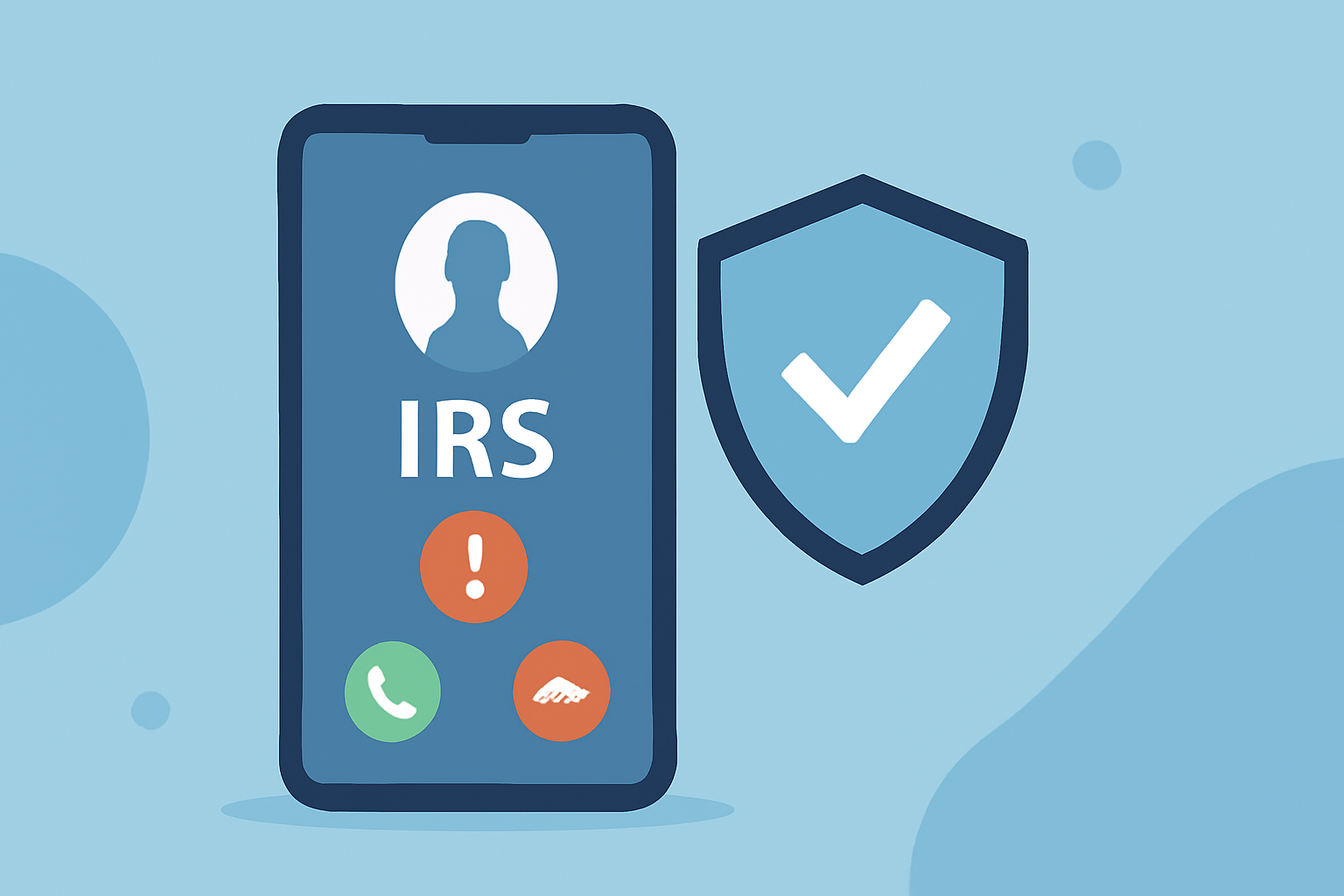
IRS scam calls are fraudulent communications where individuals impersonate IRS agents to deceive victims into providing personal information or making payments. These scams can lead to identity theft and financial loss.
How Do Phone Safety Apps Help Block IRS Scam Calls?
Phone safety apps utilize databases of known scam numbers and advanced algorithms to identify and block fraudulent calls. By integrating these apps, users can significantly reduce the number of scam calls they receive.
Which Phone Safety Apps Are Effective Against IRS Scam Calls?
Several apps are recognized for their effectiveness in blocking scam calls, including:
-
RoboKiller: Utilizes answer bots and smart filters to block over 99% of robocalls and texts.
-
Truecaller: Offers real-time caller ID and spam call auto-block features.
-
Hiya: Provides carrier-level spam blocking and verified caller badges.
-
Call Control: Relies on community spam reports and smart AI filters to block unwanted calls.
How Does RoboKiller Stand Out Among These Apps?
RoboKiller distinguishes itself by:
-
Answer Bots: Engages scammers with automated responses, wasting their time and reducing the likelihood of future calls.
-
Advanced Filtering: Employs predictive analytics and audio fingerprinting to detect and block spam before your phone rings.
-
High Block Rate: Proven to block over 99% of robocalls and texts.
Are There Free Options Available?
Yes, some apps offer free versions with basic features:
-
Hiya: Provides free spam call blocking and caller ID services.
-
Call Control: Offers a free version with community-powered blocklists.
However, premium versions often provide enhanced protection and additional features.
How Do I Choose the Right App for Me?
Consider the following factors when selecting an app:
-
Effectiveness: Look for apps with high block rates and positive user reviews.
-
Features: Determine which features are most important to you, such as answer bots, caller ID, or community reporting.
-
Cost: Evaluate whether a free version meets your needs or if a premium version offers better value.
How Do I Install and Set Up These Apps?
Installation and setup are typically straightforward:
-
Download: Visit the App Store or Google Play Store and search for the app.
-
Install: Tap 'Install' or 'Get' to download the app to your device.
-
Set Up: Open the app and follow the on-screen instructions to configure settings and grant necessary permissions.
What Are the Limitations of These Apps?
While these apps are effective, no solution is entirely foolproof. Some scam calls may still get through, and legitimate calls might occasionally be blocked. It's essential to stay vigilant and report any missed calls from unknown numbers.
How Else Can I Protect Myself from IRS Scam Calls?
In addition to using phone safety apps, consider these steps:
-
Register with the National Do Not Call Registry: This free service allows you to opt out of receiving unsolicited sales calls.
-
Be Skeptical of Unsolicited Calls: The IRS will never initiate contact via phone for personal information.
-
Verify Caller Information: If you receive a suspicious call, hang up and contact the IRS directly using official contact information.
By implementing these measures, you can significantly reduce the risk of falling victim to IRS scam calls and protect your personal information.