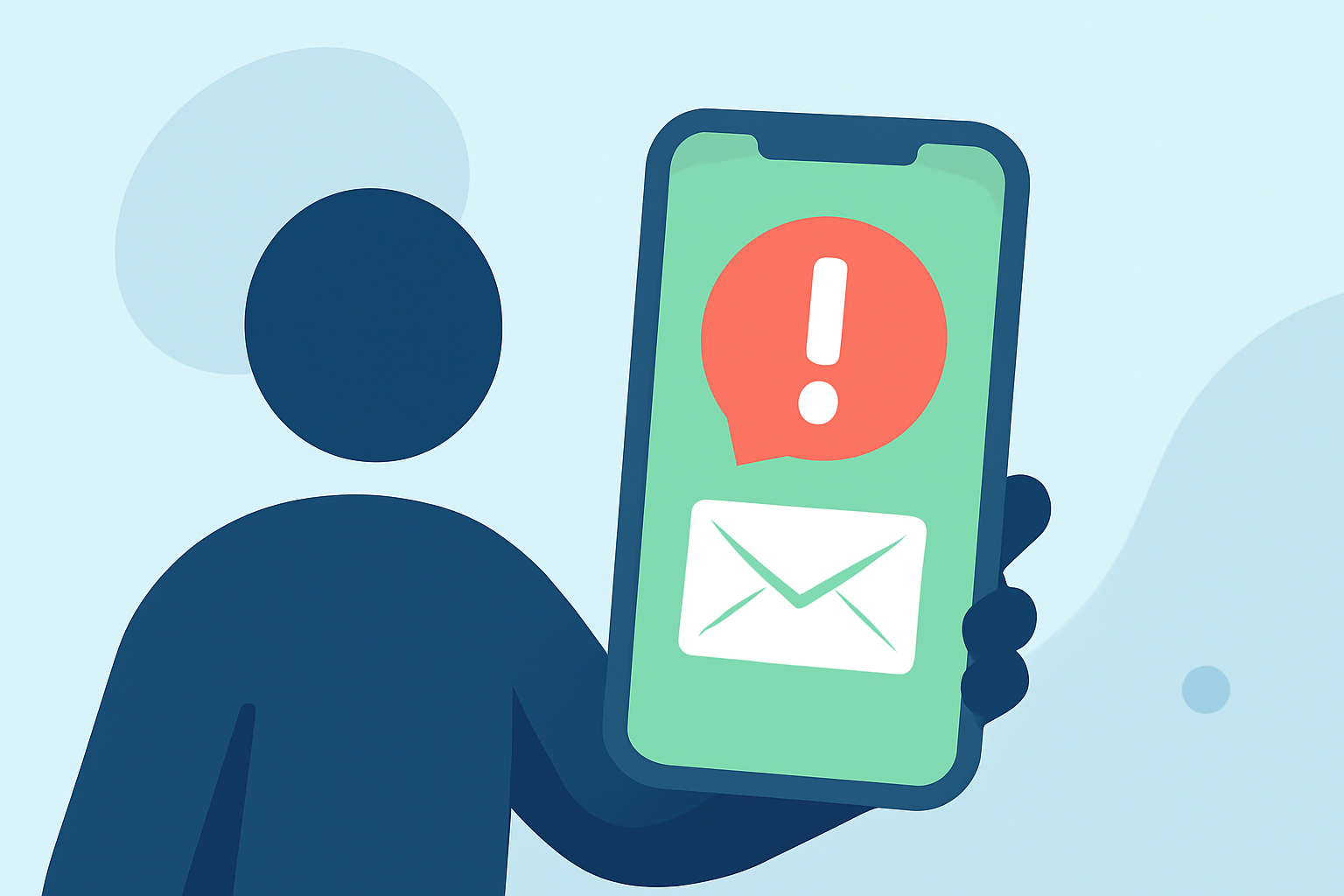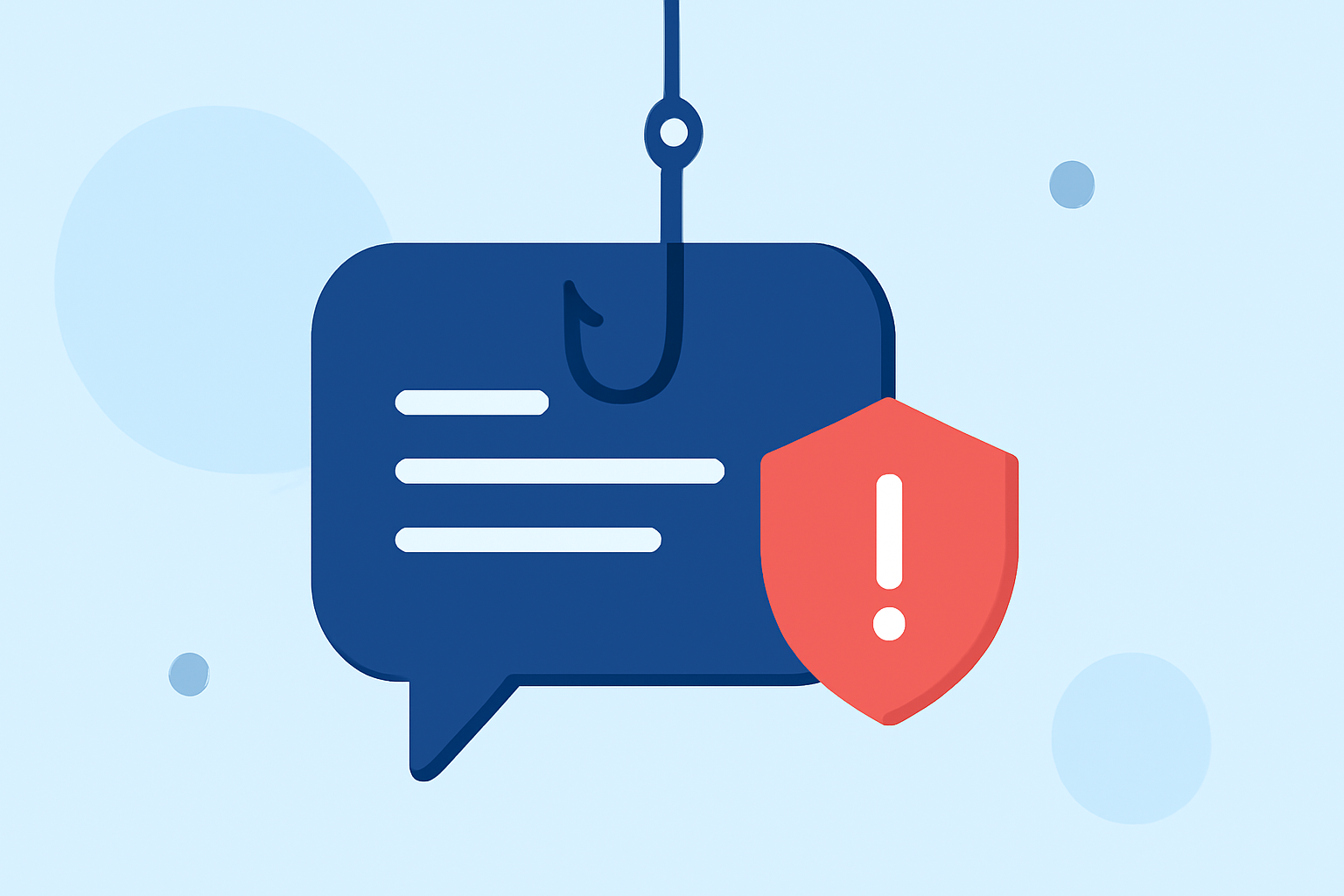
Phishing texts are deceptive messages designed to steal your personal information, often appearing as legitimate communications from trusted sources. These messages can lead to financial loss, identity theft, and other serious consequences. In the United States, the Federal Communications Commission (FCC) reports that unwanted and illegal texts have increased by over 300% between 2020 and 2022, posing significant risks to consumers. (docs.fcc.gov)
What Are Phishing Texts?
Phishing texts are fraudulent messages that impersonate reputable organizations to trick recipients into revealing sensitive information, such as passwords, credit card numbers, or Social Security numbers. They often contain urgent requests or enticing offers to prompt immediate action.
How Do Phishing Texts Work?
Phishing texts typically operate by:
- Impersonation: Mimicking trusted entities like banks, government agencies, or popular companies.
- Urgency: Creating a sense of urgency to pressure recipients into quick decisions.
- Malicious Links: Including links that lead to fake websites designed to steal information.
- Attachments: Sending files that, when opened, install malware on your device.
How to Recognize Phishing Texts?
Identifying phishing texts involves:
- Unfamiliar Senders: Receiving messages from unknown numbers or contacts.
- Generic Greetings: Notices that use generic terms like "Dear Customer" instead of your name.
- Suspicious Links: URLs that don't match the official website addresses of the purported sender.
- Grammatical Errors: Messages containing spelling or grammatical mistakes.
How to Protect Yourself from Phishing Texts?
To safeguard against phishing texts:
- Use a Reliable Spam Blocking App: Install an app like Robokiller, which blocks 99% of spam texts using advanced technology. (robokiller.com)
- Enable SMS Spam Protection: On Android, set Robokiller as your default SMS app to filter spam texts. (support.robokiller.com)
- Be Cautious with Links and Attachments: Avoid clicking on links or opening attachments from unknown sources.
- Verify Suspicious Messages: Contact the organization directly using official contact information to confirm the legitimacy of the message.
- Report Phishing Attempts: Use your spam blocking app to report phishing texts, helping to improve detection and protect others.
Why Choose Robokiller?
Robokiller offers comprehensive protection against phishing texts by:
- Advanced Filtering: Utilizing a three-layer approach to block spam texts, including block/allow lists, number reputation checks, and content analysis. (support.robokiller.com)
- Global Database: Accessing a global database of over 1.5 billion phone numbers to identify and block known spam sources. (robokiller.com)
- User Empowerment: Allowing users to customize block and allow lists and report spam, enhancing community protection.
Conclusion
Phishing texts are a significant threat, but with vigilance and the right tools, you can protect yourself. By recognizing the signs of phishing, using effective spam blocking apps like Robokiller, and practicing cautious behavior, you can safeguard your personal information and enjoy a spam-free experience.