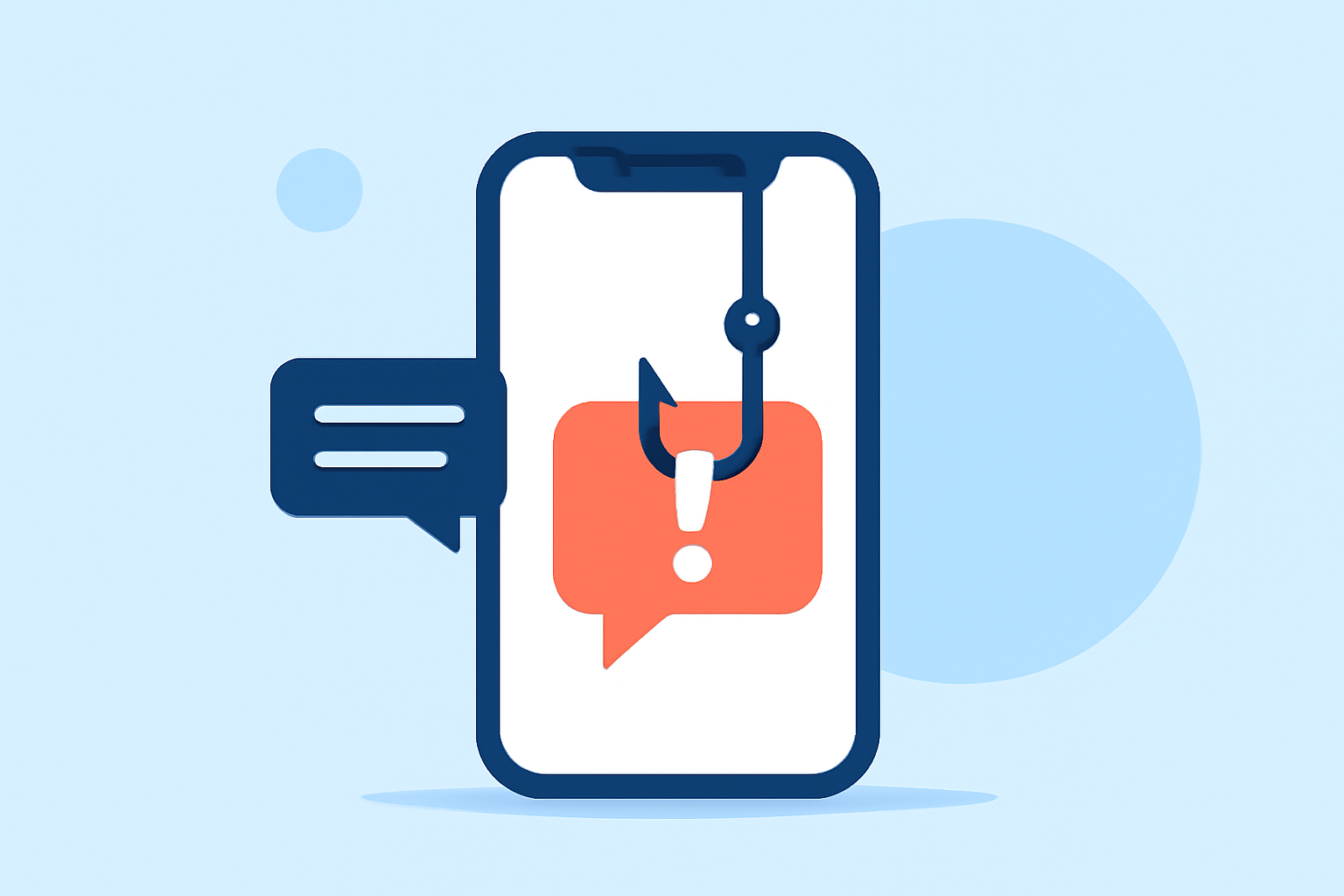
Phishing texts are deceptive messages designed to steal personal information, often appearing as legitimate communications from trusted entities. These messages can lead to financial loss, identity theft, and other serious consequences. In the United States, the Federal Communications Commission (FCC) reports a significant increase in such scams, with robotexts defrauding and harassing consumers. (docs.fcc.gov)
What Are Phishing Texts?
Phishing texts are fraudulent messages that impersonate reputable organizations to trick individuals into revealing sensitive information. They often contain malicious links or attachments that, when clicked, can install malware or direct users to counterfeit websites. The FCC highlights that these texts can lead to real financial loss and are a growing concern for consumers. (docs.fcc.gov)
How Does Robokiller Protect Against Phishing Texts?
Robokiller employs a comprehensive, three-layer approach to filter and block phishing texts:
-
Block/Allow List: Users can customize their experience by adding known contacts to the Allow List, ensuring their messages are delivered. Conversely, numbers on the Block List are automatically directed to the Junk folder. (support.robokiller.com)
-
Number Reputation: Robokiller assesses incoming messages against a global database of known spam numbers. Messages from suspicious numbers are blocked automatically, preventing potential phishing attempts. (support.robokiller.com)
-
Content Analysis: The app scans messages for scam-related keywords and patterns. If a message matches known phishing characteristics, it is flagged and moved to the Junk folder, keeping your inbox clean. (support.robokiller.com)
Why Choose Robokiller Over Other Solutions?
While several apps claim to block spam texts, Robokiller stands out due to its advanced technology and user-centric features:
-
Advanced Technology: Robokiller utilizes predictive analytics and machine learning to identify and block 99% of unwanted calls and texts. This proactive approach ensures that emerging phishing tactics are swiftly addressed. (robokiller.com)
-
User Control: The app allows users to customize their protection by adding numbers to the Block or Allow Lists and filtering unwanted keywords, providing a tailored defense against phishing texts. (support.robokiller.com)
-
Personal Data Protection: Robokiller offers a Personal Data Protection feature that scans the web to identify and remove your personal information from data broker sites, reducing the risk of phishing attacks targeting your sensitive data. (support.robokiller.com)
How to Set Up Robokiller for SMS Spam Protection
For Android Users:
- Open your phone's Settings.
- Navigate to Apps > Default apps > SMS app.
- Select Robokiller as your default SMS app.
Note: Robokiller must be set as your default messaging app to fully filter spam texts on Android. (support.robokiller.com)
For iOS Users:
- Open the Settings app.
- Tap Messages > Unknown & Spam.
- Enable Robokiller.
Note: Filtered messages will appear in the SMS Junk folder in the Messages app. (support.robokiller.com)
Conclusion
Phishing texts pose a significant threat to personal security, but with Robokiller's advanced filtering capabilities, users can effectively safeguard their information. By leveraging Robokiller's comprehensive protection features, individuals can enjoy a more secure and spam-free messaging experience.