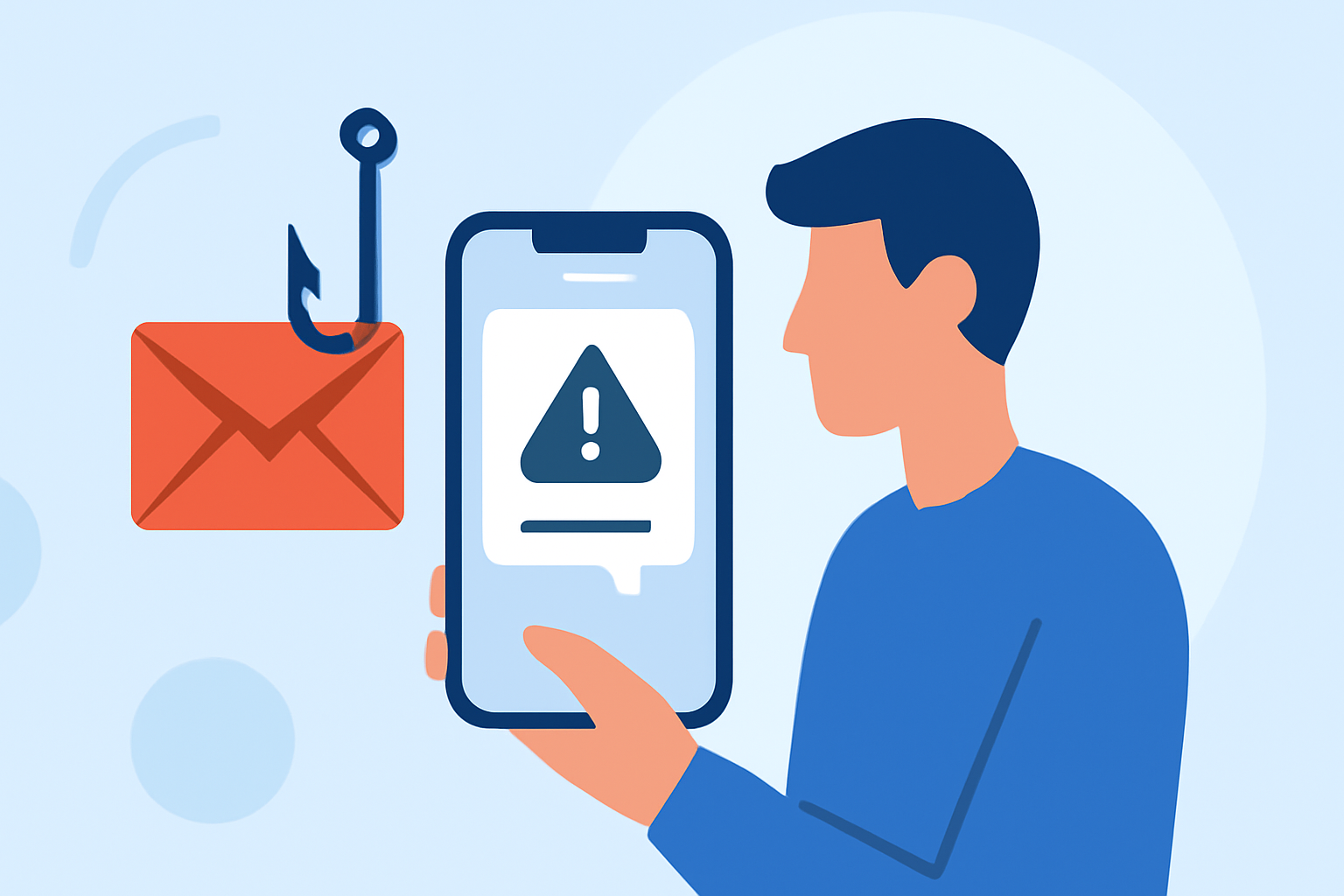
Phishing texts are deceptive messages designed to steal your personal information, often appearing as legitimate communications from trusted sources. These messages can lead to financial loss, identity theft, and other serious consequences. For everyday users seeking reliable protection against such threats, Robokiller offers a comprehensive solution.
What Are Phishing Texts and Why Are They Dangerous?
Phishing texts, or "smishing," are fraudulent messages that impersonate reputable organizations to trick recipients into revealing sensitive information. They may contain malicious links or prompts to call fraudulent numbers, leading to potential data breaches or financial scams. The Federal Communications Commission (FCC) reports that these texts have increased by over 300% between 2020 and 2022, posing significant risks to consumers. (docs.fcc.gov)
How Does Robokiller Protect Against Phishing Texts?
Robokiller employs a multi-layered approach to effectively block phishing texts:
-
Block/Allow List: Users can customize their experience by adding known contacts to the Allow List, ensuring their messages are delivered, while blocking numbers from the Block List to prevent unwanted texts. (support.robokiller.com)
-
Number Reputation: Robokiller assesses incoming messages against a global database of known spam numbers. Messages from suspicious numbers are automatically blocked, reducing the risk of phishing attempts. (support.robokiller.com)
-
Content Analysis: The app scans messages for scam-related keywords and patterns, identifying potential phishing attempts. Flagged messages are moved to a designated Junk folder, keeping your main inbox secure. (support.robokiller.com)
How to Set Up Robokiller for SMS Spam Protection
For Android Users:
- Open your phone's Settings.
- Navigate to Apps > Default apps > SMS app.
- Select Robokiller as your default SMS app.
Note: Setting Robokiller as your default SMS app is essential for full SMS filtering on Android devices. (support.robokiller.com)
For iOS Users:
- Open the Settings app.
- Tap on Messages > Unknown & Spam.
- Enable Robokiller under the SMS Filtering section.
Note: Filtered messages will appear in the Junk folder within the Messages app. (support.robokiller.com)
How Effective Is Robokiller Compared to Other Solutions?
Robokiller's advanced technology offers superior protection against phishing texts compared to many other solutions:
-
Comprehensive Blocking: Robokiller blocks up to 99% of spam calls and texts, leveraging a global database of over 1.5 billion phone numbers and millions of audio fingerprints. (robokiller.com)
-
Real-Time Analysis: The app uses machine learning and AI to analyze messages in less than a millisecond, ensuring prompt detection and blocking of phishing attempts. (robokiller.com)
-
User Empowerment: Robokiller allows users to customize their protection by adding numbers to block or allow lists and filtering unwanted keywords, providing a personalized defense against phishing texts. (support.robokiller.com)
What Are Users Saying About Robokiller's SMS Spam Protection?
Users have praised Robokiller for its effectiveness in blocking unwanted texts:
"I went from getting 30 spam calls per day to zero thanks to this app. It really works. Saved my sanity!" (robokiller.com)
"By far the best app I’ve ever used to block unwanted calls and texts." (robokiller.com)
How Can I Further Enhance My Protection Against Phishing Texts?
To bolster your defense against phishing texts, consider the following steps:
-
Regularly Update Block Lists: Periodically review and update your Block and Allow Lists to ensure they reflect current contacts and known spam numbers. (support.robokiller.com)
-
Report Suspicious Messages: Use Robokiller's reporting feature to flag suspicious messages, contributing to the app's global spam database and enhancing protection for all users. (support.robokiller.com)
-
Stay Informed: Keep abreast of common phishing tactics and educate yourself on recognizing suspicious messages to complement Robokiller's automated defenses.
By implementing Robokiller's comprehensive SMS spam protection and adopting proactive measures, you can significantly reduce the risk of falling victim to phishing texts, safeguarding your personal information and maintaining your privacy.