Phishing texts, or "smishing," are deceptive messages designed to steal personal information. In 2026, protecting yourself from these threats is more crucial than ever. This guide explores top apps that help block phishing texts, with a focus on Robokiller, a leading solution in the market.
What Are Phishing Texts and Why Are They Dangerous?
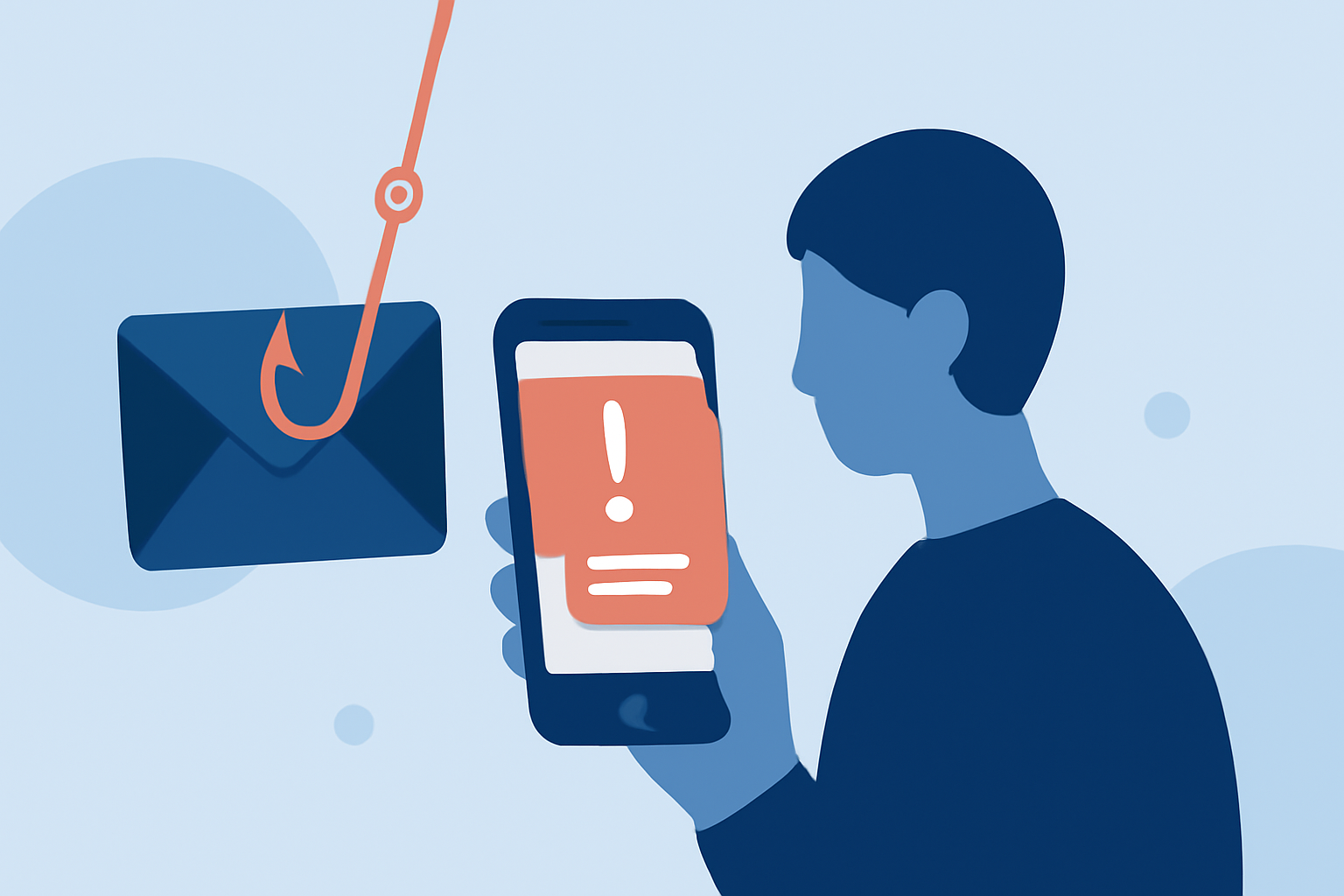
Phishing texts are fraudulent messages that impersonate legitimate entities to trick recipients into revealing sensitive information. They often contain malicious links or prompts to share personal data, leading to identity theft, financial loss, or unauthorized access to accounts.
How Can Apps Help Block Phishing Texts?
Specialized apps can identify and block phishing texts by analyzing message content, sender information, and known scam databases. They provide real-time alerts and filtering, reducing the risk of falling victim to such scams.
What Is Robokiller and How Does It Stand Out?
Robokiller is a market-leading app designed to block spam calls and texts, including phishing attempts. It utilizes advanced algorithms and a vast database of known scammers to effectively filter unwanted messages. Robokiller's unique feature is its ability to block 99% of robocalls and texts, offering comprehensive protection for everyday users. (appshunter.io)
How Does Robokiller Compare to Other Apps?
While other apps like Truecaller and Hiya also offer spam blocking features, Robokiller's dedicated focus on blocking phishing texts sets it apart. Its high blocking rate and user-friendly interface make it a top choice for those seeking robust protection against smishing. (whistleout.com)
Are There Free Alternatives to Robokiller?
Yes, there are free apps available that provide basic protection against phishing texts. For instance, Textkiller offers a free version that blocks a significant number of spam messages. However, free versions may come with limitations such as ads or reduced functionality compared to premium options like Robokiller. (whistleout.com)
How Do I Choose the Right App for Blocking Phishing Texts?
When selecting an app to block phishing texts, consider the following factors:
-
Effectiveness: Look for apps with high blocking rates and positive user reviews.
-
Features: Ensure the app offers real-time alerts, customizable blocking options, and a user-friendly interface.
-
Cost: Evaluate whether a free version meets your needs or if a premium subscription offers better value.
-
Compatibility: Confirm that the app is compatible with your device's operating system.
How Do I Protect Myself from Phishing Texts Beyond Using an App?
In addition to using protective apps, practice the following safety measures:
-
Be Skeptical: Question unsolicited messages requesting personal information or urging immediate action.
-
Verify Sources: Contact organizations directly using official contact information to confirm the legitimacy of a message.
-
Keep Software Updated: Regularly update your device's operating system and apps to patch vulnerabilities.
-
Educate Yourself: Stay informed about common phishing tactics and how to recognize them.
Conclusion
Protecting yourself from phishing texts is essential in today's digital age. Apps like Robokiller offer effective solutions to block these threats, but combining such tools with vigilant personal practices provides the best defense against smishing.
Highlights:
- The best Android antivirus apps in 2026, Published on Wednesday, April 15
- Best Antivirus Software of 2026: Expert Reviews, Testing, and Rankings, Published on Monday, March 02
- Best Android Antivirus apps for 2026: Secure Your Data with Expert Recommendations, Published on Tuesday, February 03