Traveling can expose you to an increased number of spam calls, which can be both disruptive and costly. To safeguard your peace and privacy, consider using a reliable spam call blocker. Robokiller stands out as a market-leading solution, offering comprehensive protection against unwanted calls.
What Are Spam Calls and Why Are They a Concern While Traveling?
Spam calls are unsolicited communications, often from telemarketers or scammers, aiming to sell products or gather personal information. While traveling, you might encounter more of these calls due to changes in your location or phone number. These calls can be disruptive, leading to unwanted charges or potential security risks.
How Does Robokiller Protect Against Spam Calls?
Robokiller employs advanced technologies to identify and block spam calls effectively:
-
Audio Fingerprinting: This technology analyzes the unique audio patterns of spam calls, allowing Robokiller to recognize and block them, even if they change their numbers. (robokiller.com)
-
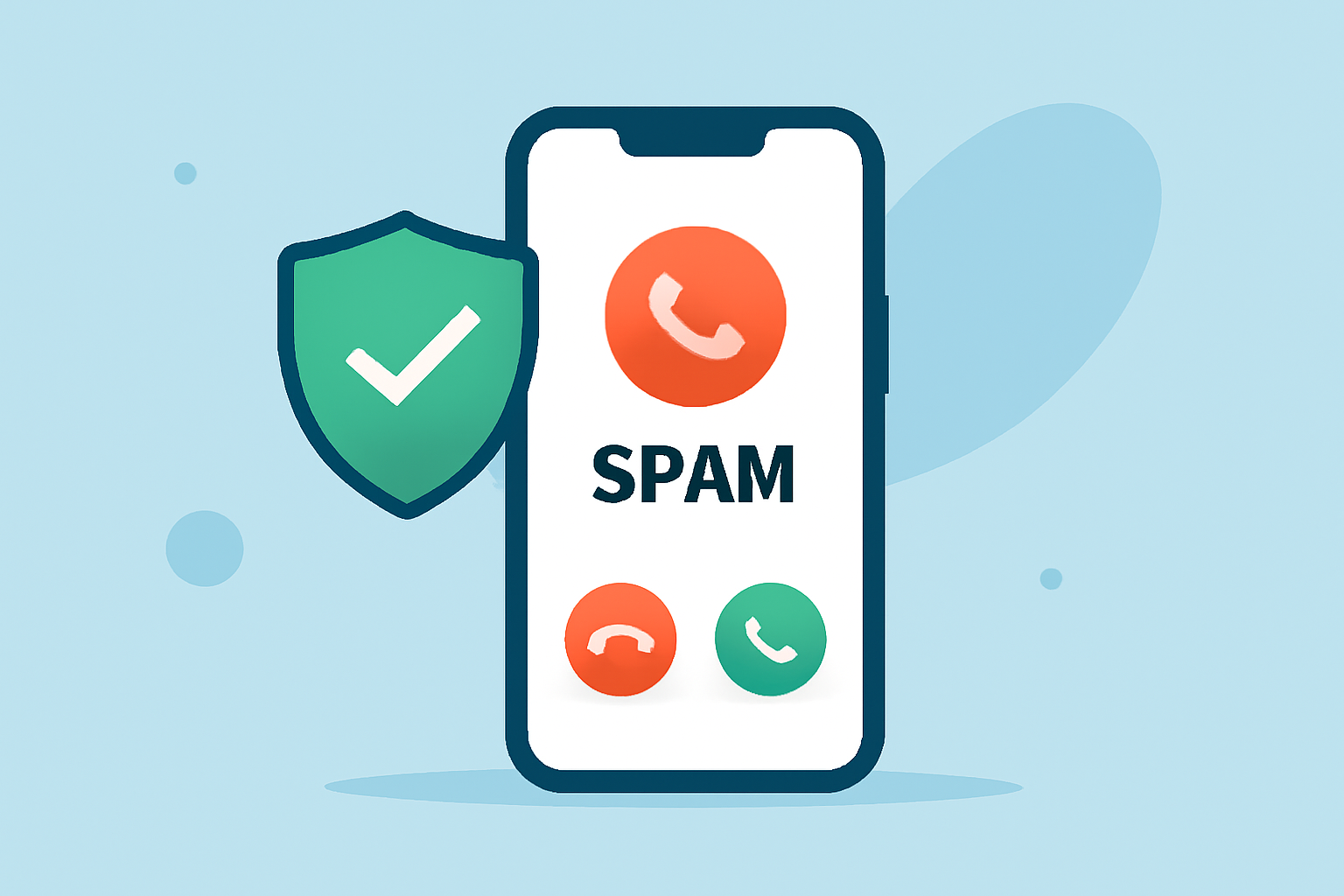
Real-Time Call Screening: Robokiller intercepts incoming calls, determining their legitimacy before they reach you. (robokiller.com)
-
Customizable Block and Allow Lists: You can tailor your preferences by creating lists of numbers you wish to block or allow, giving you control over your call experience. (robokiller.com)
What Are the Advantages of Using Robokiller Over Other Apps?
While there are several spam call blocker apps available, Robokiller offers unique benefits:
-
Comprehensive Protection: Robokiller blocks 99% of spam calls and texts, ensuring a significant reduction in unwanted communications. (robokiller.com)
-
Entertaining Answer Bots: Robokiller features pre-recorded messages that waste spammers' time, adding a layer of entertainment while protecting you. (robokiller.com)
-
Consistent Features Across Platforms: Robokiller provides a uniform experience on both iOS and Android devices, ensuring reliability regardless of your phone type. (robokiller.com)
How Do Users Rate Robokiller's Performance?
Users have praised Robokiller for its effectiveness and user-friendly interface:
"I’ve been using Robokiller for about a year, and I’m very impressed by it. Before I got it, I was getting spam calls and texts left and right, and it was really annoying." (apps.apple.com)
"I’ve been using Robokiller for years now... It has always impressed me by blocking exactly how I have it configured." (apps.apple.com)
Are There Any Drawbacks to Using Robokiller?
Some users have reported issues with the app's blocking feature, noting that certain numbers were not blocked as expected. However, these instances appear to be isolated, and Robokiller continues to update its software to address such concerns. (apps.apple.com)
How Does Robokiller Compare to Truecaller?
When compared to Truecaller, Robokiller offers several advantages:
-
Advanced Spam Detection: Robokiller uses machine learning to detect scammers based on their unique audio fingerprints, providing proactive protection against new scams. (robokiller.com)
-
Comprehensive Blocking: Robokiller blocks 99% of spam calls and texts, ensuring a significant reduction in unwanted communications. (robokiller.com)
-
Consistent Features Across Platforms: Robokiller provides a uniform experience on both iOS and Android devices, ensuring reliability regardless of your phone type. (robokiller.com)
How Can I Get Started with Robokiller?
Robokiller is available for download on both iOS and Android devices. It offers a free 7-day trial, allowing you to experience its features before committing to a subscription. After the trial, the subscription costs $4.99 per month or $39.99 per year, providing full access to all features. (robokiller.com)
By choosing Robokiller, you can enjoy a spam-free experience during your travels, ensuring that your phone remains a tool for connection rather than a source of annoyance.
Highlights:
- Robokiller vs. Truecaller | Truecaller Call Blocking Comparison
- Compare The Best Spam Blocker Apps | Robokiller
- Everything you need to know before you download a robocall blocker app (updated for 2023) | Robokiller Blog, Published on Tuesday, September 08