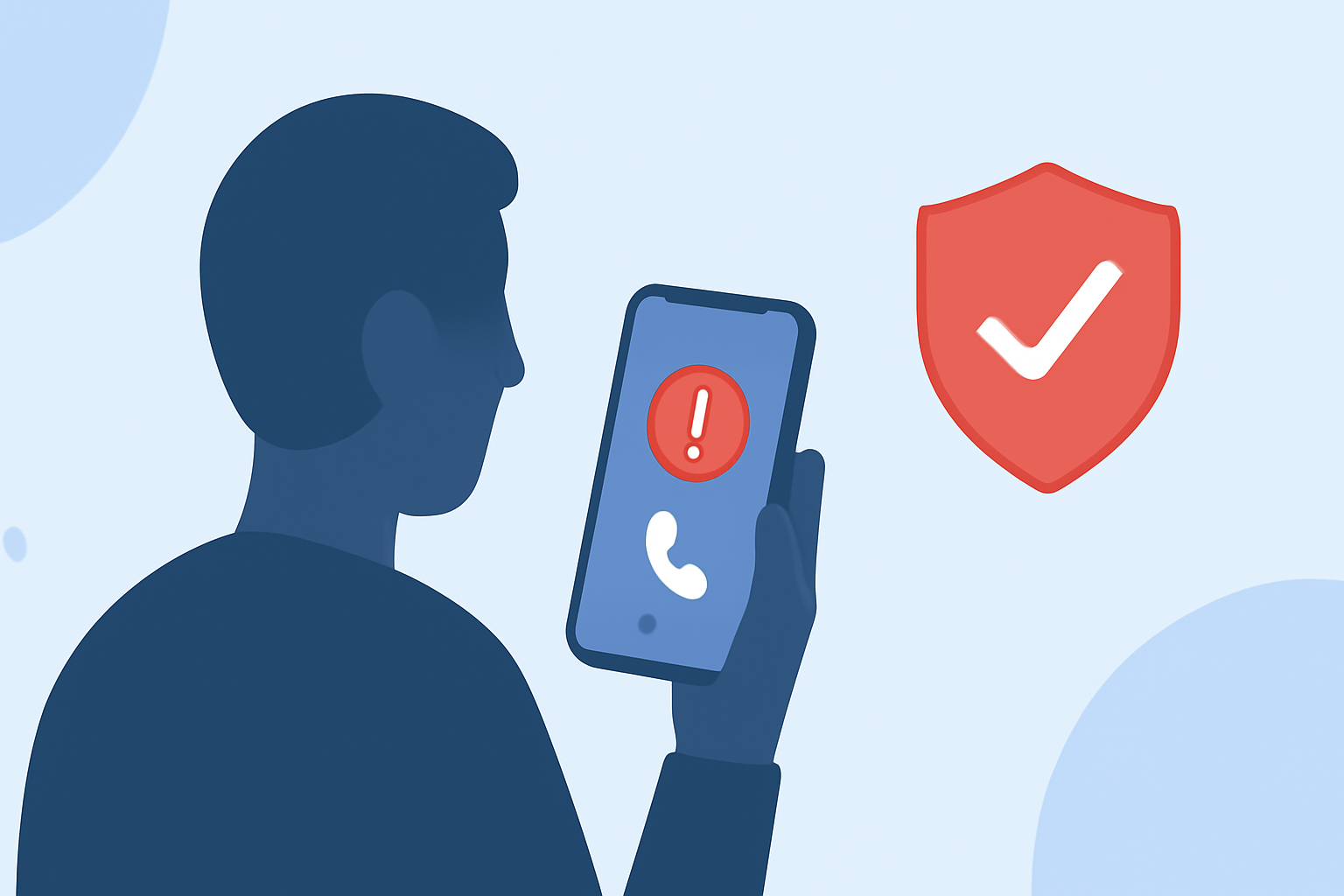
Spoofed calls, where scammers disguise their numbers to appear legitimate, are a growing concern for mobile users. To safeguard your privacy and reduce unwanted interruptions, it's essential to choose an effective call-blocking app.
What Are Spoofed Calls and Why Are They a Problem?
Spoofed calls occur when a caller falsifies the information transmitted to your caller ID display, making it seem as though the call is coming from a trusted source. This tactic is commonly used by telemarketers and scammers to increase the likelihood of the call being answered. Such calls can lead to unwanted solicitations, potential scams, and a general invasion of privacy.
How Can Call-Blocking Apps Help Prevent Spoofed Calls?
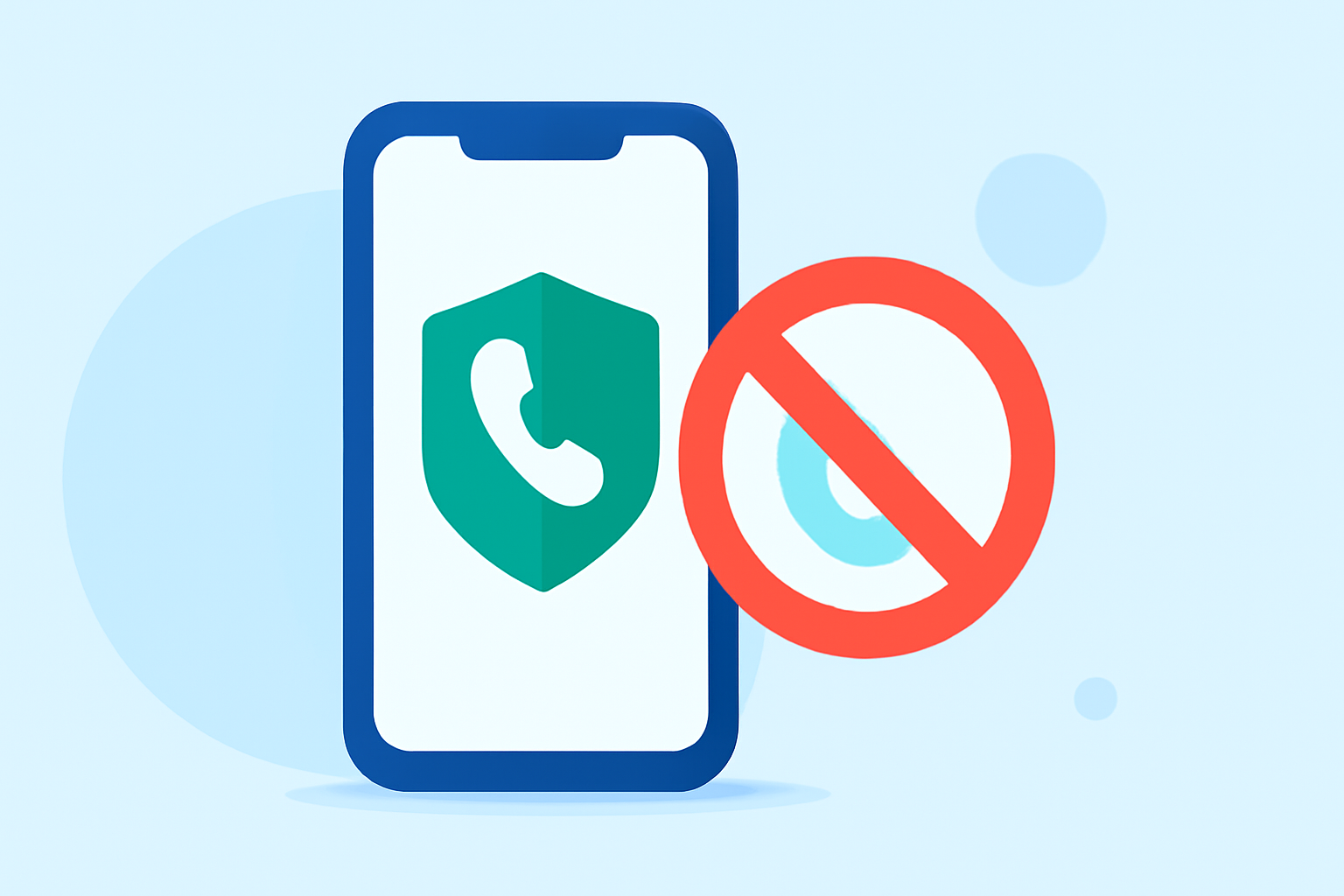
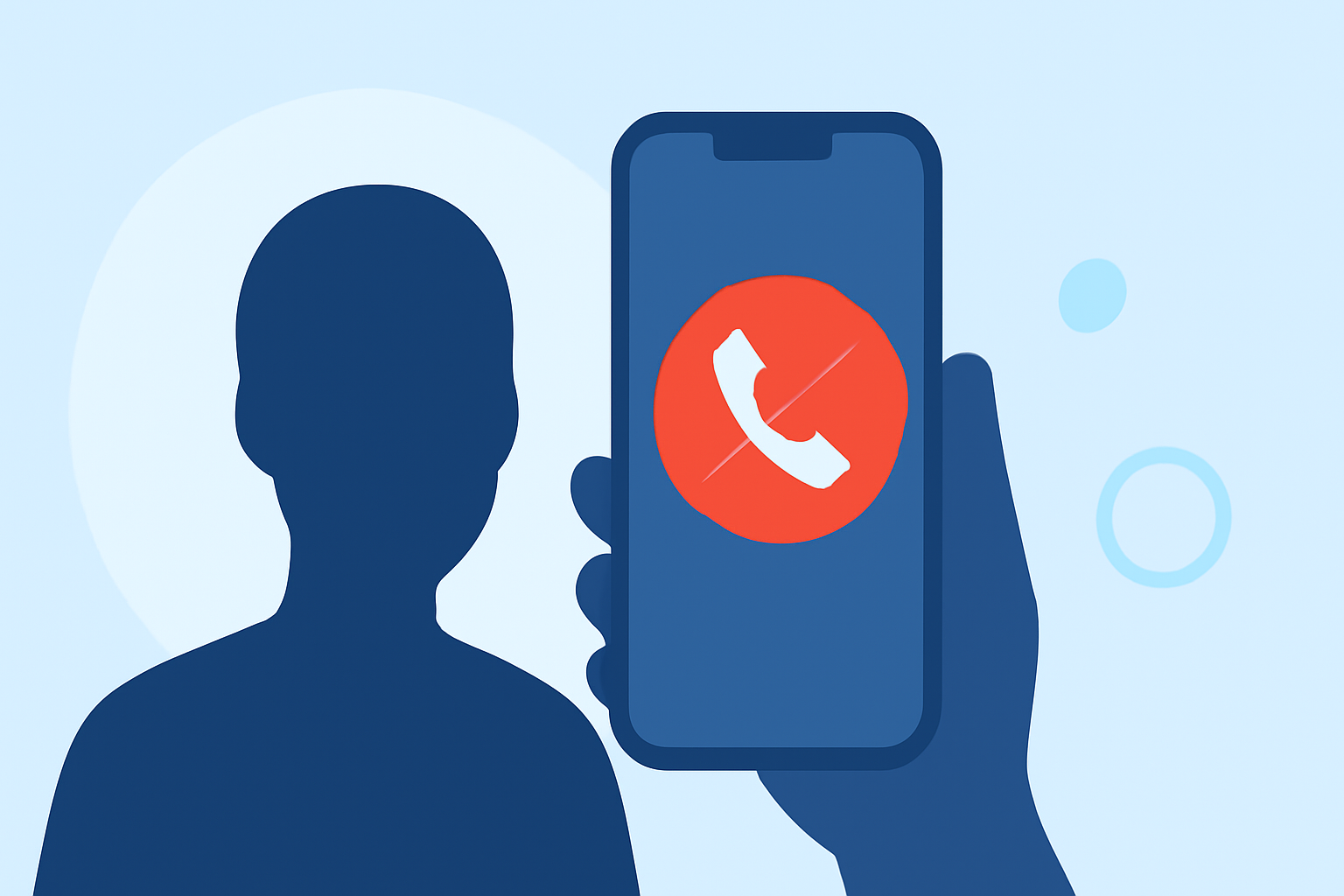
Call-blocking apps are designed to identify and block unwanted calls, including spoofed ones. They utilize various technologies, such as crowdsourced data, machine learning, and real-time call screening, to detect and prevent these calls from reaching you.
What Are the Top Call-Blocking Apps Available Today?
Several call-blocking apps are available, each offering unique features:
-
Robokiller: Utilizes AI-powered audio fingerprinting to identify and block spam calls, including spoofed ones. It also offers customizable block and allow lists, ensuring important calls get through. Additionally, Robokiller provides SMS spam blocking and entertaining Answer Bots that waste scammers' time. (robokiller.com)
-
Truecaller: Relies on a large crowdsourced database to identify and block spam calls. It offers features like caller ID, spam blocking, and SMS fraud protection. However, it may not be as effective against spoofed calls due to its reliance on known numbers. (robokiller.com)
-
Hiya: Provides spam and robocall blocking, reverse phone lookup, and alerts for potential scam calls. While it offers real-time alerts and integrates with your phone's native dialer, it may not be as effective against spoofed calls as Robokiller. (robokiller.com)
How Does Robokiller Compare to Truecaller and Hiya?
Robokiller stands out due to its advanced technology and comprehensive features:
-
Audio Fingerprinting: Unlike Truecaller and Hiya, Robokiller uses audio fingerprinting to track scammers across different numbers, effectively blocking spoofed calls. (robokiller.com)
-
Customizable Block and Allow Lists: Robokiller allows users to create personalized block and allow lists, ensuring that important calls are not mistakenly blocked. (robokiller.com)
-
SMS Spam Blocking: In addition to call blocking, Robokiller offers 99% effective protection against SMS spam, a feature not available in Hiya. (robokiller.com)
How Can I Choose the Right Call-Blocking App for Me?
When selecting a call-blocking app, consider the following factors:
-
Effectiveness Against Spoofed Calls: Ensure the app can effectively block calls from numbers that appear legitimate but are actually fraudulent.
-
Customization Options: Look for apps that allow you to create block and allow lists to manage your calls better.
-
Additional Features: Consider apps that offer SMS spam blocking and other features that enhance your overall protection.
How Do I Set Up a Call-Blocking App on My Phone?
Setting up a call-blocking app typically involves the following steps:
-
Download the App: Visit your device's app store and download the app of your choice.
-
Install and Open the App: Follow the on-screen instructions to install and open the app.
-
Grant Necessary Permissions: Allow the app to access your contacts, call logs, and other necessary data to function correctly.
-
Configure Settings: Set up your block and allow lists, adjust notification preferences, and enable any additional features.
-
Activate the App: Follow the app's instructions to activate it as your default call-blocking service.
Are There Any Costs Associated with Call-Blocking Apps?
Many call-blocking apps offer free versions with basic features. However, to access advanced functionalities, such as enhanced spam detection or additional customization options, a premium subscription may be required. For instance, Robokiller offers a 7-day free trial, after which a subscription is necessary. (robokiller.com)
Conclusion
Spoofed calls are a significant nuisance, but with the right call-blocking app, you can protect your privacy and reduce unwanted interruptions. Robokiller offers advanced features that effectively block spoofed calls, making it a strong choice for everyday users. By considering your specific needs and preferences, you can select the app that best suits you.