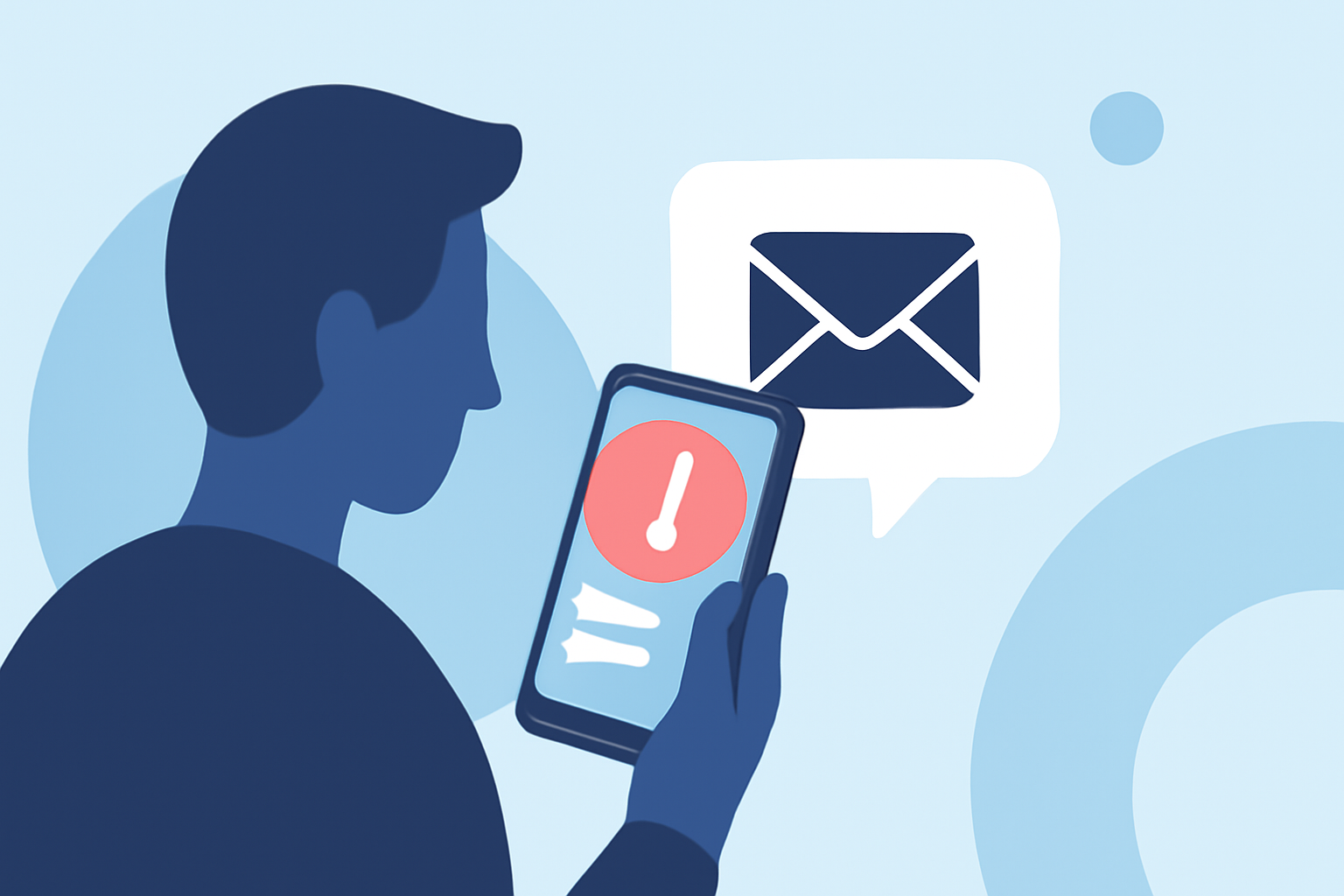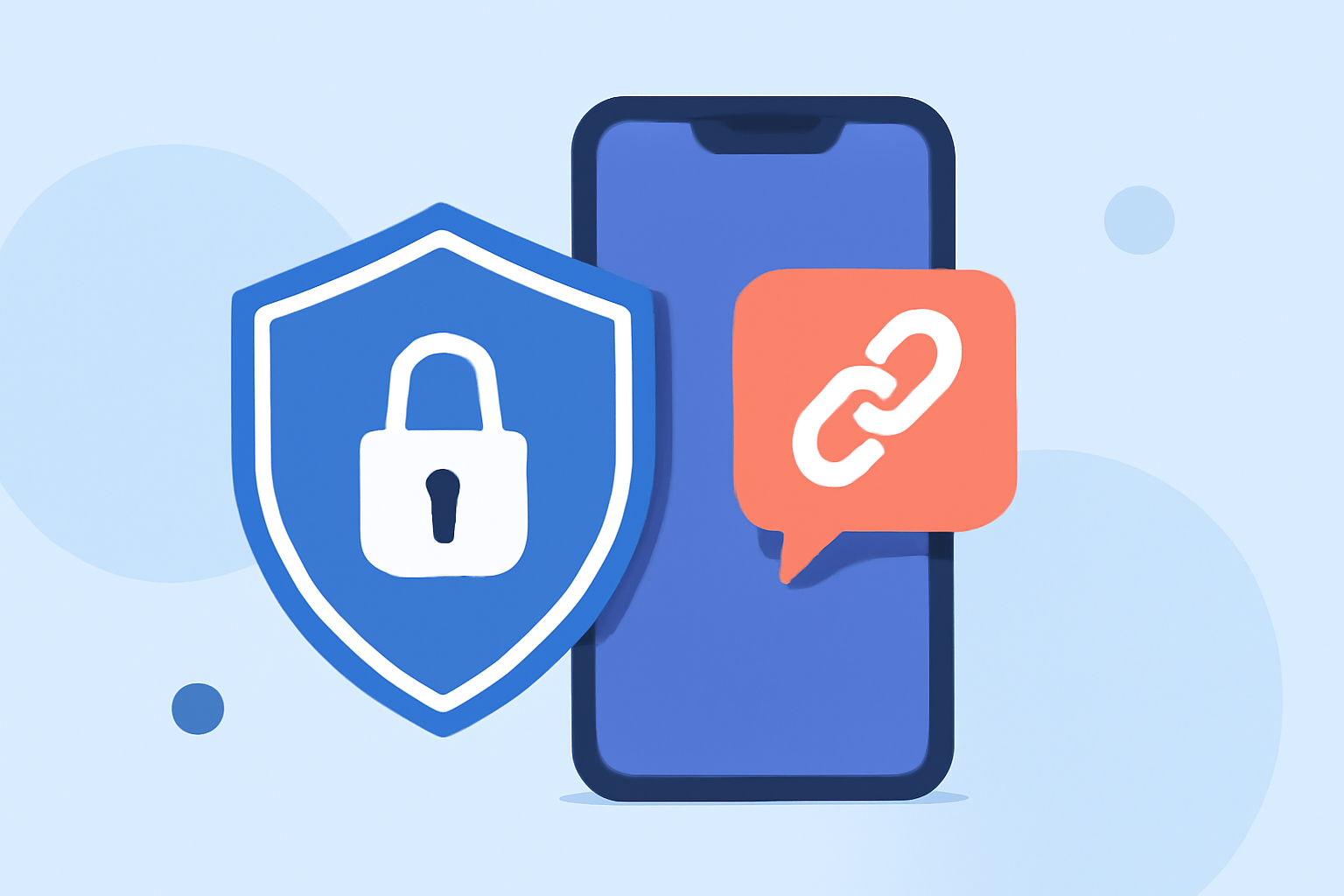
Receiving suspicious links via text messages is a common tactic used by scammers to gain unauthorized access to your personal information. These deceptive messages often appear legitimate, making it challenging to discern their authenticity. To protect yourself, it's essential to implement effective measures that prevent such threats.
What Are Suspicious Text Links and How Do They Pose a Threat?
Suspicious text links are URLs sent through SMS that, when clicked, can lead to phishing websites designed to steal your personal data or install malicious software on your device. These links may appear as legitimate communications from trusted sources, such as banks or service providers, but their true intent is to deceive you into providing sensitive information.
How Can I Safeguard My Device from Suspicious Text Links?
To protect your device from these threats, consider the following steps:
-
Avoid Clicking on Unfamiliar Links: If you receive a text message containing a link from an unknown sender, do not click on it.
-
Verify the Sender's Information: Contact the organization directly using official contact details to confirm the legitimacy of the message.
-
Keep Your Device Updated: Regularly update your device's operating system and applications to ensure you have the latest security patches.
-
Use a Reputable Spam Blocking App: Install an application that can identify and block spam messages, including those containing malicious links.
How Does Robokiller Help in Blocking Suspicious Text Links?
Robokiller is a market-leading app designed to block 99% of spam calls and texts, including those containing suspicious links. It utilizes advanced technologies to protect users effectively.
Key Features of Robokiller:
-
Advanced Call Blocking: Robokiller analyzes all unrecognized calls using AI-powered audio fingerprinting technology, effectively blocking spam calls. (apps.apple.com)
-
Spam Text Blocking: The app offers 99% effective robotext blocking, preventing unwanted text messages from reaching your device. (apps.apple.com)
-
Answer Bots: Robokiller's Answer Bots waste scammers' time by engaging them with pre-recorded messages, providing users with a sense of justice and entertainment. (apps.apple.com)
-
Personal Data Protection: The app scans the web to help you find and remove your private information from public search sites, reducing the risk of identity theft. (apps.apple.com)
How Does Robokiller Compare to Other Spam Blocking Apps?
When compared to competitors like Hiya, Robokiller offers several advantages:
-
Comprehensive Protection: Robokiller provides full spam call blocking, caller ID, category blocking, and SMS protection, whereas Hiya focuses primarily on call identification and blocking. (robokiller.com)
-
Advanced Technology: Robokiller employs machine learning and live audio fingerprinting to detect and block spam calls, offering a more robust defense against evolving threats. (robokiller.com)
-
Customizable Features: Robokiller allows users to create both block and allow lists, ensuring that important calls are not missed, a feature not available in Hiya. (robokiller.com)
What Are Users Saying About Robokiller?
User reviews highlight Robokiller's effectiveness in blocking spam calls and texts. For instance, one user mentioned, "I went from getting 30 spam calls per day to zero thanks to this app. It really works. Saved my sanity!" (robokiller.com)
How Do I Get Started with Robokiller?
To begin using Robokiller:
-
Download the App: Visit the App Store or Google Play Store and search for "Robokiller: Spam Call Blocker."
-
Install and Set Up: Follow the on-screen instructions to install the app and grant the necessary permissions.
-
Customize Settings: Configure your block and allow lists, and enable features like Answer Bots and personal data protection.
-
Start Protecting Your Device: Once set up, Robokiller will automatically block spam calls and texts, including those with suspicious links.
Conclusion
Protecting your device from suspicious text links is crucial in maintaining your privacy and security. By following preventive measures and utilizing effective tools like Robokiller, you can significantly reduce the risk of falling victim to these deceptive tactics.
Highlights:
- The Text & Spam Call Blocker App That Actually Works | Robokiller
- Robokiller vs. Hiya | Hiya Spam Protection Comparison
- Robokiller: Spam Call Blocker App - App Store