Tech support scams are deceptive tactics where fraudsters impersonate legitimate tech companies to steal personal information or money. These scams often involve unsolicited calls, emails, or pop-up messages claiming your device has issues that require immediate attention. Understanding how to recognize and avoid these scams is crucial for protecting your personal and financial information.
What Are Tech Support Scams?
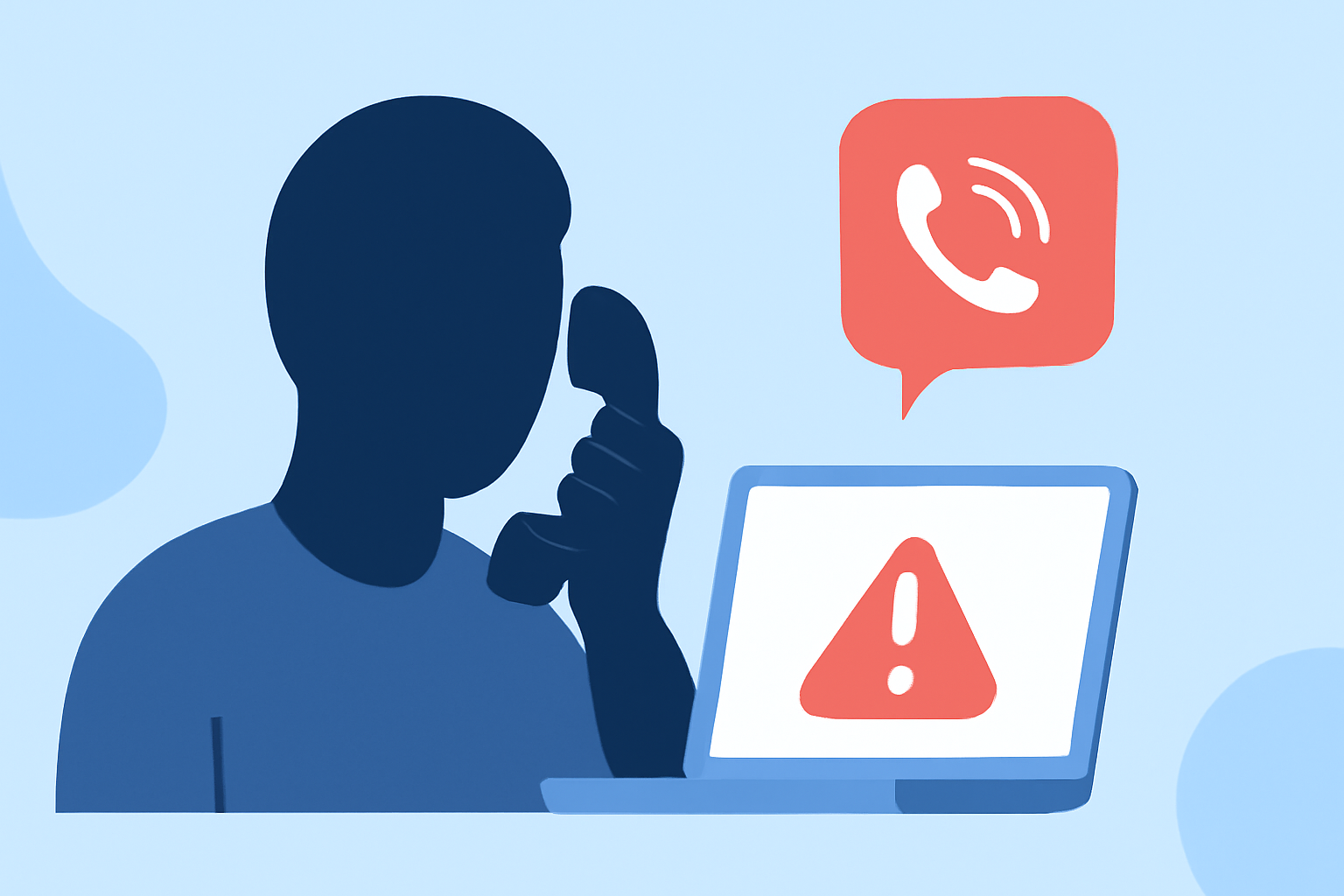
Tech support scams involve fraudsters posing as representatives from reputable tech companies, claiming your device has a serious problem, such as a virus or malware infection. They may request remote access to your computer, install malicious software, or demand payment for unnecessary services. The goal is to steal personal information, install malware, or extract money from victims. (ftc.gov)
How Do Tech Support Scams Operate?
Scammers employ various tactics to deceive individuals:
-
Unsolicited Contact: Receiving unexpected calls, emails, or pop-up messages claiming your device is compromised.
-
Urgent Language: Using alarming language to create a sense of urgency, pressuring you to act quickly.
-
Remote Access Requests: Asking for remote access to your computer to "fix" the alleged problem.
-
Payment Demands: Requesting payment through untraceable methods like gift cards, wire transfers, or cryptocurrency. (consumer.ftc.gov)
How Can You Recognize a Tech Support Scam?
Being aware of common signs can help you identify potential scams:
-
Unsolicited Communication: Legitimate tech companies do not initiate contact to inform you of issues with your device.
-
Unusual Payment Methods: Requests for payment via gift cards, wire transfers, or cryptocurrency are red flags.
-
Pressure Tactics: Scammers often pressure you to act immediately, creating a false sense of urgency. (ftc.gov)
How Can You Protect Yourself from Tech Support Scams?
Implementing the following strategies can significantly reduce your risk:
-
Be Skeptical of Unsolicited Contact: If you receive unexpected communication claiming your device has a problem, do not engage. Legitimate companies do not make unsolicited calls or emails about device issues. (consumer.ftc.gov)
-
Avoid Remote Access Requests: Never grant remote access to your computer unless you initiated the contact and trust the source. Scammers may use remote access to install malware or steal personal information. (ftc.gov)
-
Use Trusted Support Channels: If you suspect an issue with your device, contact the company directly using contact information from their official website. Do not use contact details provided in unsolicited messages. (wellsfargo.com)
-
Keep Software Updated: Regularly update your operating system and software to protect against known vulnerabilities.
-
Install Reputable Security Software: Use trusted antivirus and anti-malware programs to detect and prevent malicious activities.
What Should You Do If You Suspect a Scam?
If you believe you've encountered a tech support scam:
-
Disconnect from the Internet: If you granted remote access, disconnect your device from the internet to prevent further unauthorized access.
-
Run a Security Scan: Use your security software to scan for malware or other malicious programs.
-
Change Passwords: Update passwords for all accounts, especially those related to banking or personal information.
-
Report the Incident: Report the scam to the Federal Trade Commission (FTC) at ReportFraud.ftc.gov. (consumer.ftc.gov)
How Can Robokiller Help Protect You?
Robokiller is a leading solution in blocking unwanted calls, including tech support scams. By using advanced algorithms and a comprehensive database of known scam numbers, Robokiller effectively identifies and blocks fraudulent calls, reducing the risk of falling victim to such scams. Unlike some competitors, Robokiller offers real-time updates and a user-friendly interface, ensuring that users are always protected against the latest scam tactics.
By staying informed and vigilant, you can significantly reduce the risk of falling victim to tech support scams. Remember, legitimate companies will never contact you unsolicited about issues with your device. Always use trusted channels for support and be cautious of unsolicited communications.