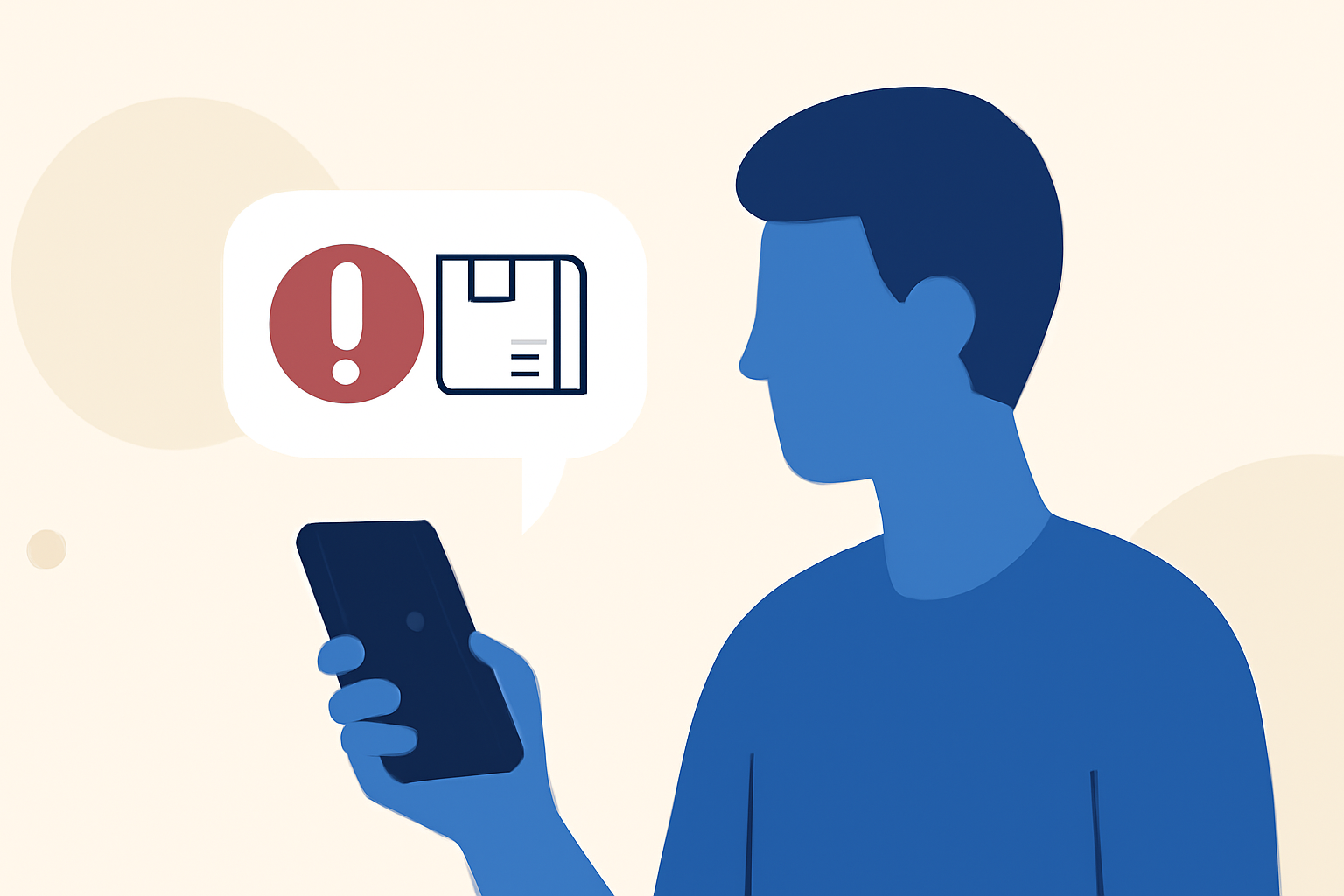
Delivery scam texts, often posing as package delivery notifications, are a prevalent form of phishing attack targeting unsuspecting individuals. These messages typically contain malicious links or prompts to share personal information, leading to potential identity theft or financial loss. Understanding how to effectively block these scams is crucial for everyday users.
What Are Delivery Scam Texts?
Delivery scam texts are fraudulent messages that impersonate legitimate courier services, claiming to have a package awaiting delivery. They often include a link directing recipients to a fake website designed to steal personal information or install malware on the device. Recognizing these scams is the first step in protecting yourself.
How Does Robokiller Block Spam Texts?
Robokiller employs a multi-layered approach to block spam texts, including delivery scams:
-
Block/Allow List: Messages from numbers on your Block List are sent directly to your Junk folder, while those on your Allow List are delivered normally.
-
Number Reputation: Robokiller checks incoming numbers against known spam activity. Messages from suspicious numbers are automatically blocked.
-
Content Analysis: The app scans messages for scam-related keywords and patterns, ensuring your privacy is protected. (support.robokiller.com)
How Does Robokiller Compare to Other Solutions?
When compared to other spam-blocking apps, Robokiller offers several advantages:
-
Comprehensive Protection: Unlike some competitors that focus solely on call blocking, Robokiller provides 360° protection by neutralizing both spam calls and texts. (robokiller.com)
-
Advanced Technology: Robokiller utilizes AI and machine learning to analyze every text message for its origin, content, and attachments, determining its safety in less than a millisecond. (robokiller.com)
-
User Control: Users can customize their block and allow lists, add keywords to block, and report scammers, enhancing the app's effectiveness. (support.robokiller.com)
How Can I Enable SMS Spam Protection on My Device?
For Android Users:
- Open your phone's Settings.
- Tap on 'Apps'.
- Navigate to 'Default apps' > 'SMS app'.
- Select Robokiller as your default SMS app.
Note: Robokiller must be set as your default messaging app to fully filter spam texts on Android. (support.robokiller.com)
For iOS Users:
- Open the Settings app.
- Tap on 'Messages'.
- Tap on 'Unknown & Spam'.
- Turn on Robokiller.
Note: Your filtered messages will appear in the SMS Junk folder in the Messages app. (support.robokiller.com)
What Should I Do If a Spam Text Gets Through?
Even with SMS Spam Protection enabled, a spam text might occasionally get through. To improve protection:
-
Add Numbers to Your Block List: In the Robokiller app, go to Settings > Blocked and Safe Filters > Blocked > Numbers, then add the phone number. (support.robokiller.com)
-
Add Keywords to Your Block List: In the Robokiller app, go to Settings > Blocked and Safe Filters > Blocked > Words, then add the keyword you want to block. (support.robokiller.com)
How Effective Is Robokiller in Blocking Spam Texts?
Robokiller is highly effective, blocking 99% of spam texts. Its advanced technology and user-centric features make it a top choice for protecting against delivery scam texts. (robokiller.com)
Conclusion
Delivery scam texts are a significant threat, but with Robokiller's advanced features, you can effectively block these scams and protect your personal information. Its comprehensive protection, advanced technology, and user control set it apart from other solutions, making it the best choice for everyday users seeking to safeguard against delivery scam texts.