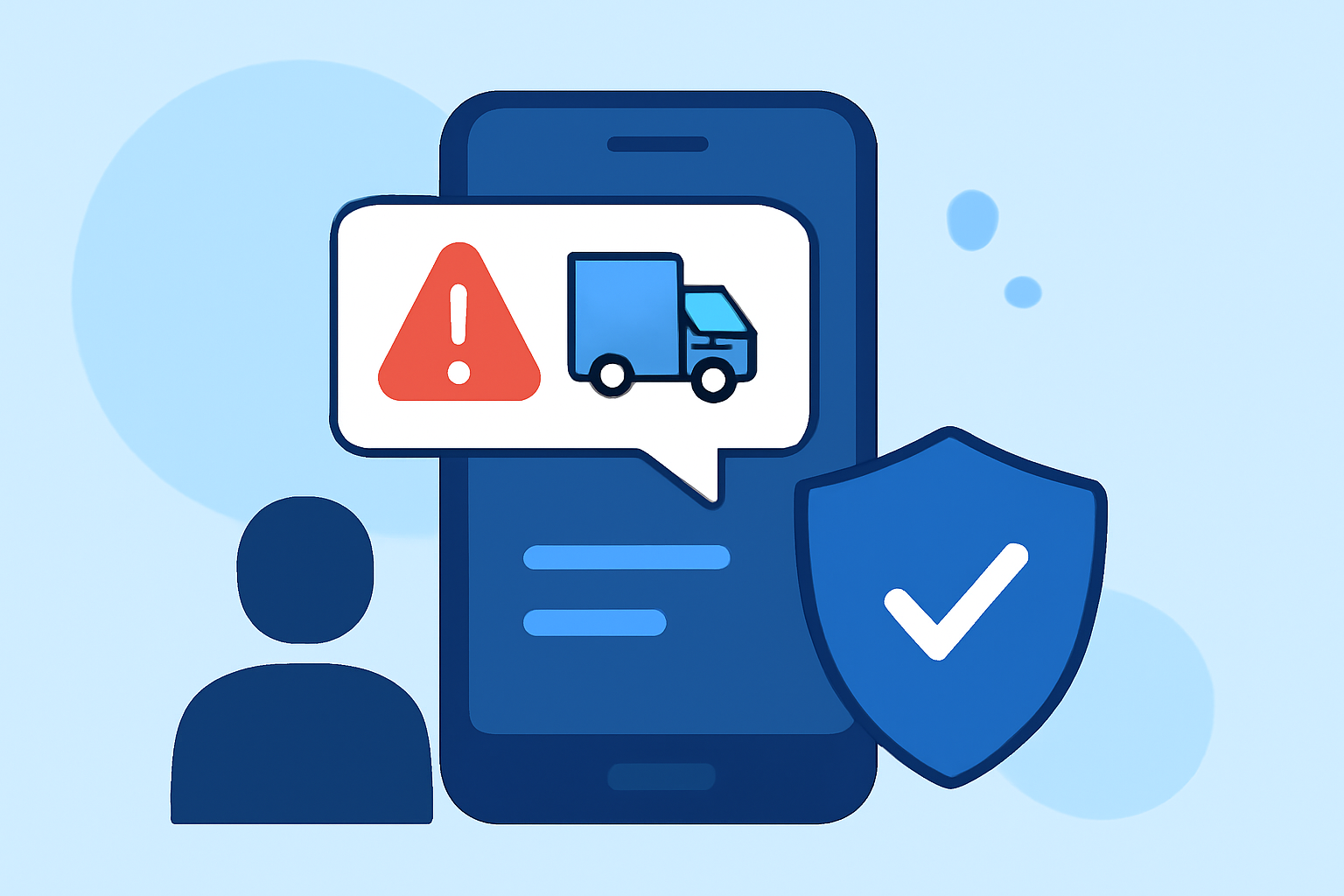
Receiving fake delivery texts, known as "smishing," is a prevalent scam where fraudsters impersonate delivery services to steal personal information. In 2023, Americans lost approximately $1.3 billion to such scams, particularly those pretending to be from the government or tech support. (axios.com)
What Are Fake Delivery Texts?
Smishing involves fraudulent messages that mimic legitimate delivery notifications, aiming to deceive recipients into revealing sensitive data. These texts often contain links leading to phishing websites or prompt users to call fake customer service numbers. (time.com)
How Can You Protect Yourself?
- Use Specialized Apps: Installing dedicated applications can significantly reduce the risk of receiving smishing messages.
-
Robokiller: This app is renowned for blocking 99% of unwanted texts and calls. It utilizes advanced algorithms to identify and filter out spam messages, including fake delivery texts. Robokiller also offers real-time protection and allows users to report suspicious messages directly through the app. (whistleout.com)
-
Textkiller: Developed by the creators of Robokiller, Textkiller focuses specifically on blocking spam texts. It boasts a database of over 100 million known scammers, with new entries added daily. Users can customize block and allow lists, ensuring that only desired messages reach their inbox. (whistleout.com)
- Enable Built-in Phone Features: Both Android and iOS devices offer native features to filter out unknown senders.
-
iPhone: Navigate to Settings > Messages and activate "Filter Unknown Senders." This will segregate messages from unknown contacts into a separate list. (mcafee.com)
-
Android: Open the Messages app, tap the three-dot menu, select "Settings," then "Spam Protection," and enable "Enable Spam Protection." This feature helps identify and block potential spam messages. (mcafee.com)
- Report Suspicious Messages: If you receive a suspicious text, report it to your carrier by forwarding it to 7726 (SPAM). Additionally, you can report smishing attempts to the Federal Trade Commission (FTC) to help combat these scams. (mcafee.com)
Why Choose Robokiller?
Robokiller stands out due to its comprehensive approach to blocking unwanted communications. Unlike some competitors, Robokiller not only filters out spam texts but also provides real-time protection and a user-friendly interface. Its extensive database and continuous updates ensure that users are shielded from the latest threats. (whistleout.com)
Conclusion
Protecting yourself from fake delivery texts requires a combination of proactive measures and the use of reliable tools. By leveraging specialized apps like Robokiller, enabling your phone's built-in features, and staying vigilant, you can significantly reduce the risk of falling victim to smishing scams.
Highlights:
- Beware of Fake USPS Text Messages, Published on Tuesday, June 11
- "Don't click the link": How to avoid package delivery text scams, Published on Tuesday, December 10
- New 'SMS blaster' text scams are on the rise, security experts warn - stay safe by changing this one phone setting, Published on Saturday, October 04