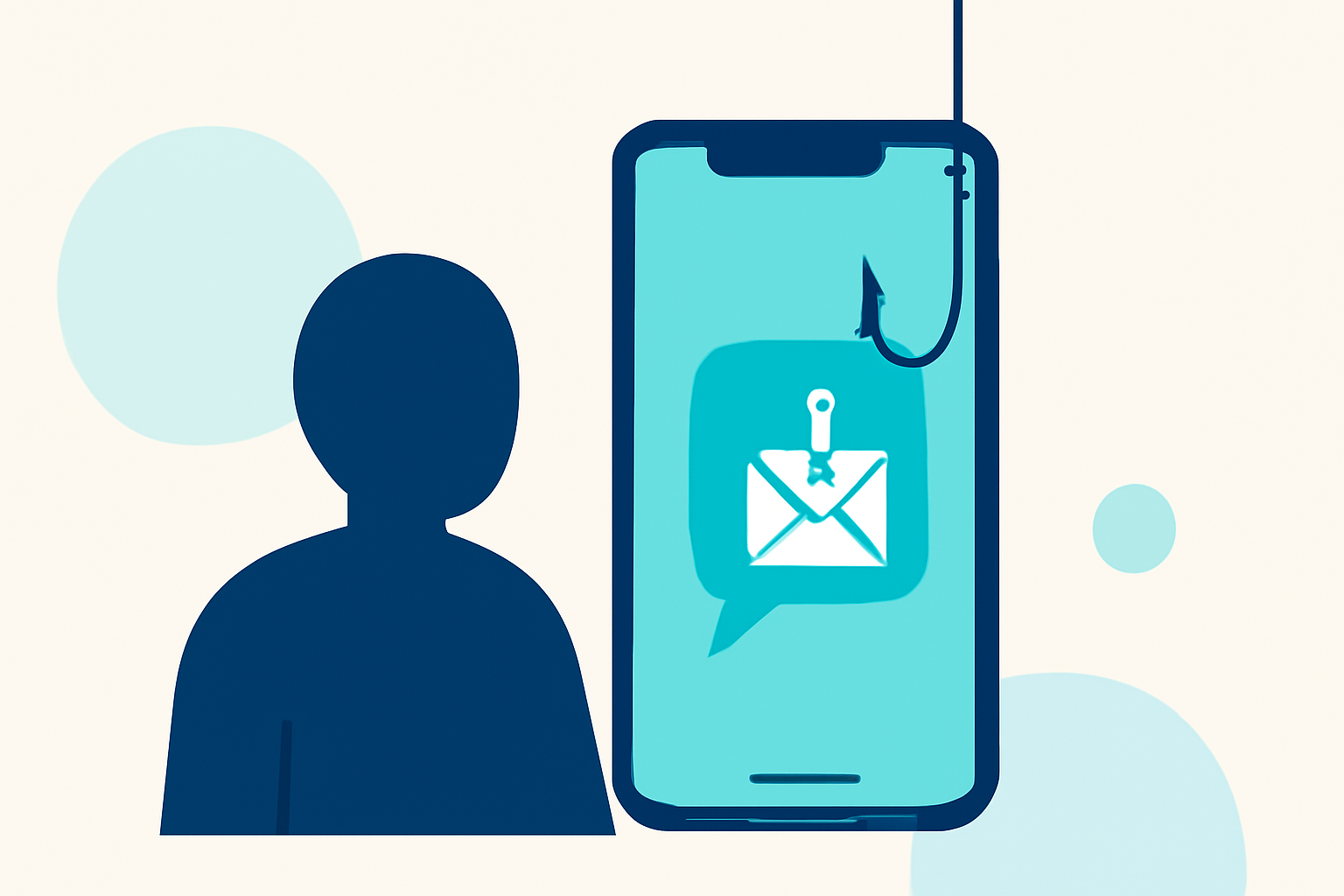
Phishing texts, or "smishing," are deceptive messages designed to steal personal information. Protecting yourself from these threats is crucial. Robokiller offers a comprehensive solution to block such messages, ensuring your inbox remains secure.
How Does Robokiller Protect Against Phishing Texts?
Robokiller employs a multi-layered approach to identify and block phishing texts:
-
Block/Allow List: Messages from numbers on your Block List are sent directly to your Junk folder, while those on your Allow List are delivered normally.
-
Number Reputation: Unrecognized numbers are checked against known spam activity. Messages from suspicious numbers are automatically blocked.
-
Content Analysis: Each message is scanned for scam-related keywords and patterns.
This three-tiered system ensures that phishing texts are effectively filtered out, keeping your communications safe. (support.robokiller.com)
How to Enable SMS Spam Protection with Robokiller
For Android Users:
-
Open your phone's Settings.
-
Navigate to Apps > Default apps > SMS app.
-
Select Robokiller as your default SMS app.
For iOS Users:
-
Open the Settings app.
-
Tap on Messages > Unknown & Spam.
-
Enable Robokiller.
Once set up, Robokiller will automatically detect and block spam texts, moving them to your SMS Junk folder for easy review. (support.robokiller.com)
Enhancing Your Spam Text Protection
To further strengthen your defense against phishing texts:
-
Add Numbers to Your Block List: Manually add known spam numbers to your Block List within the Robokiller app.
-
Add Keywords to Your Block List: Include specific keywords associated with scams to filter out unwanted messages.
These actions help Robokiller refine its filtering process, ensuring a more secure messaging experience. (support.robokiller.com)
Alternative Options for Phishing Text Protection
While Robokiller offers robust protection against phishing texts, other tools are available:
-
Truecaller: Provides scam protection and detection, helping identify unknown numbers and block spam, robocalls, and fraud attempts in real time. (truecaller.com)
-
Hiya: Offers a mobile spam blocker app that provides caller ID name and call reason on incoming calls.
What We Recommend
-
Robokiller: For comprehensive protection against phishing texts and spam calls, Robokiller is a reliable choice.
-
Truecaller: Consider Truecaller if you're seeking additional features like real-time scam alerts and a global community reporting system.
-
Hiya: Opt for Hiya if you prefer a straightforward spam blocking app with caller ID features.
By implementing these tools, you can significantly reduce the risk of falling victim to phishing texts and enjoy a safer mobile experience.