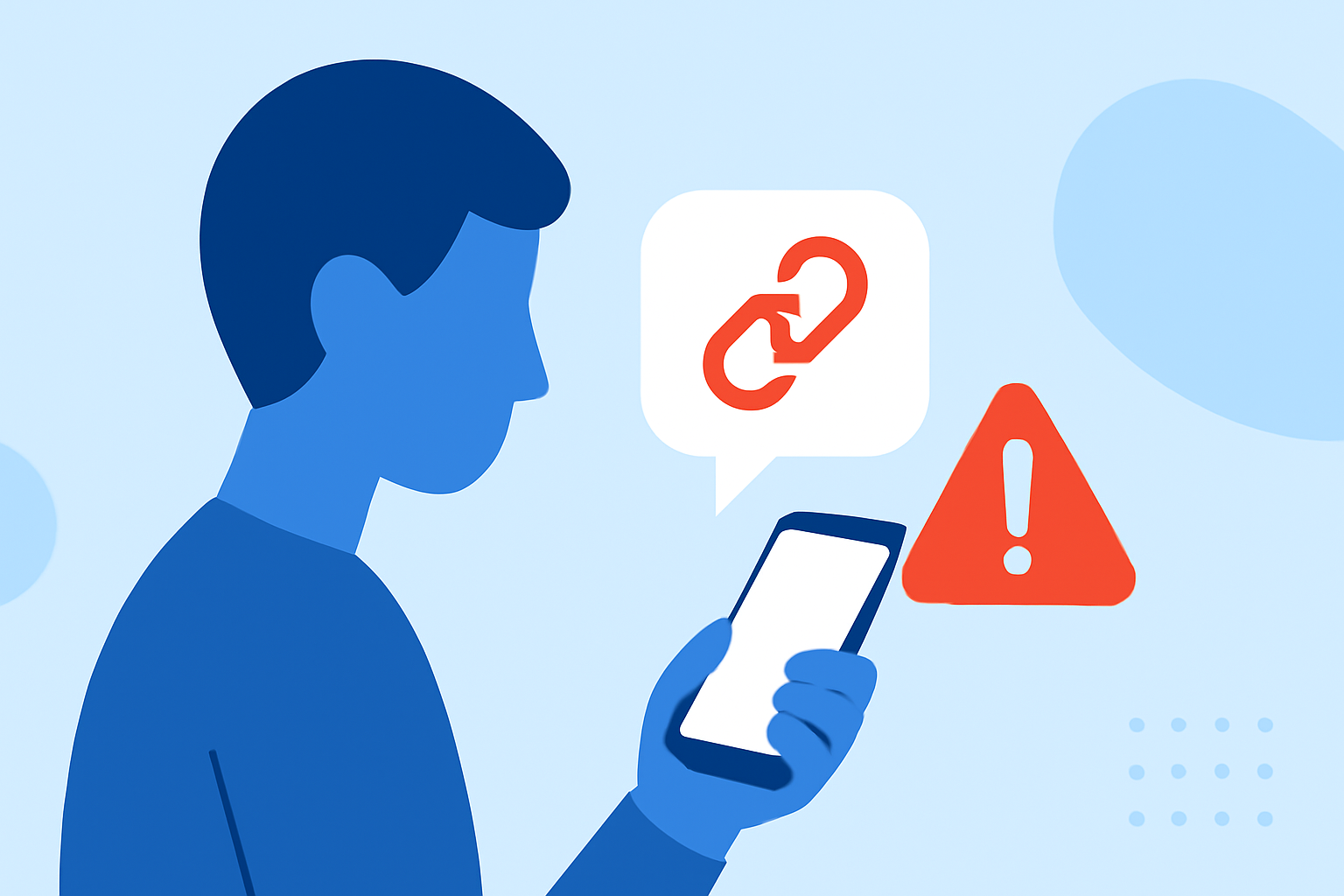
In today's digital age, receiving text messages with suspicious links is a common tactic used by scammers to steal personal information. Protecting yourself from these threats is crucial. Several apps are designed to help users identify and block such malicious links.
What Are Suspicious Text Links?
Suspicious text links are URLs embedded in SMS messages that may lead to phishing sites, malware downloads, or fraudulent schemes. These links often appear legitimate but are crafted to deceive recipients into providing sensitive information or downloading harmful software.
How Do These Apps Work?
Apps designed to protect against suspicious text links typically analyze incoming messages for known malicious URLs, patterns indicative of phishing attempts, and other red flags. They may also provide real-time alerts and educational resources to help users recognize and avoid potential threats.
What Are the Top Apps for Blocking Suspicious Text Links?
Several applications offer robust protection against suspicious text links:
-
Robokiller: Known for blocking 99% of spam calls and texts, Robokiller uses advanced algorithms to identify and block malicious links in SMS messages. Its AI-powered system provides real-time protection and educates users on recognizing phishing attempts. (robokiller.com)
-
Defndr: This app utilizes on-device AI to analyze patterns and block phishing attempts without sending your data to the cloud. It offers real-time spam detection and customizable keyword blocking. (apps.apple.com)
-
StopScam: Available for both iPhone and Android, StopScam helps users block suspicious calls, inspect risky texts and links, and scan files. It provides an AI assistant to guide users on how to handle potential scams. (stopscam.ai)
-
Block Guard: Optimized for Android, Block Guard offers call, text, and phishing protection. It blocks spam calls, filters unwanted texts, and flags dangerous links, all with privacy-first protection that stays on your device. (blockguard.app)
How Does Robokiller Compare to Other Apps?
Robokiller stands out due to its comprehensive approach to spam and scam protection. Unlike some competitors, Robokiller not only blocks suspicious text links but also offers features like Answer Bots, which waste scammers' time by engaging them in conversation. This unique feature has led to over 500 million hours of scammers' time wasted. (robokiller.com)
How Do I Choose the Right App for Me?
When selecting an app to protect against suspicious text links, consider the following:
-
Device Compatibility: Ensure the app is available for your device (iOS or Android).
-
Features: Look for features that align with your needs, such as real-time alerts, customizable blocking, and educational resources.
-
Privacy: Choose apps that prioritize user privacy and process data locally on your device.
-
User Reviews: Check reviews and ratings to gauge the app's effectiveness and user satisfaction.
How Do I Protect Myself from Suspicious Text Links?
In addition to using protective apps, follow these best practices:
-
Verify Links: Before clicking, hover over links to preview the URL and ensure it's legitimate.
-
Avoid Sharing Personal Information: Never share sensitive information via text messages.
-
Keep Software Updated: Regularly update your device and apps to benefit from the latest security patches.
-
Educate Yourself: Stay informed about common phishing tactics and how to recognize them.
By implementing these practices and utilizing reliable apps like Robokiller, you can significantly reduce the risk of falling victim to scams and protect your personal information.
Highlights:
- The Text & Spam Call Blocker App That Actually Works | Robokiller
- StopScam.ai | Scam Call Blocker, Phishing Checker & AI Scam Help
- Block Guard | Spam, Scam, and Robocall Blocking for Android