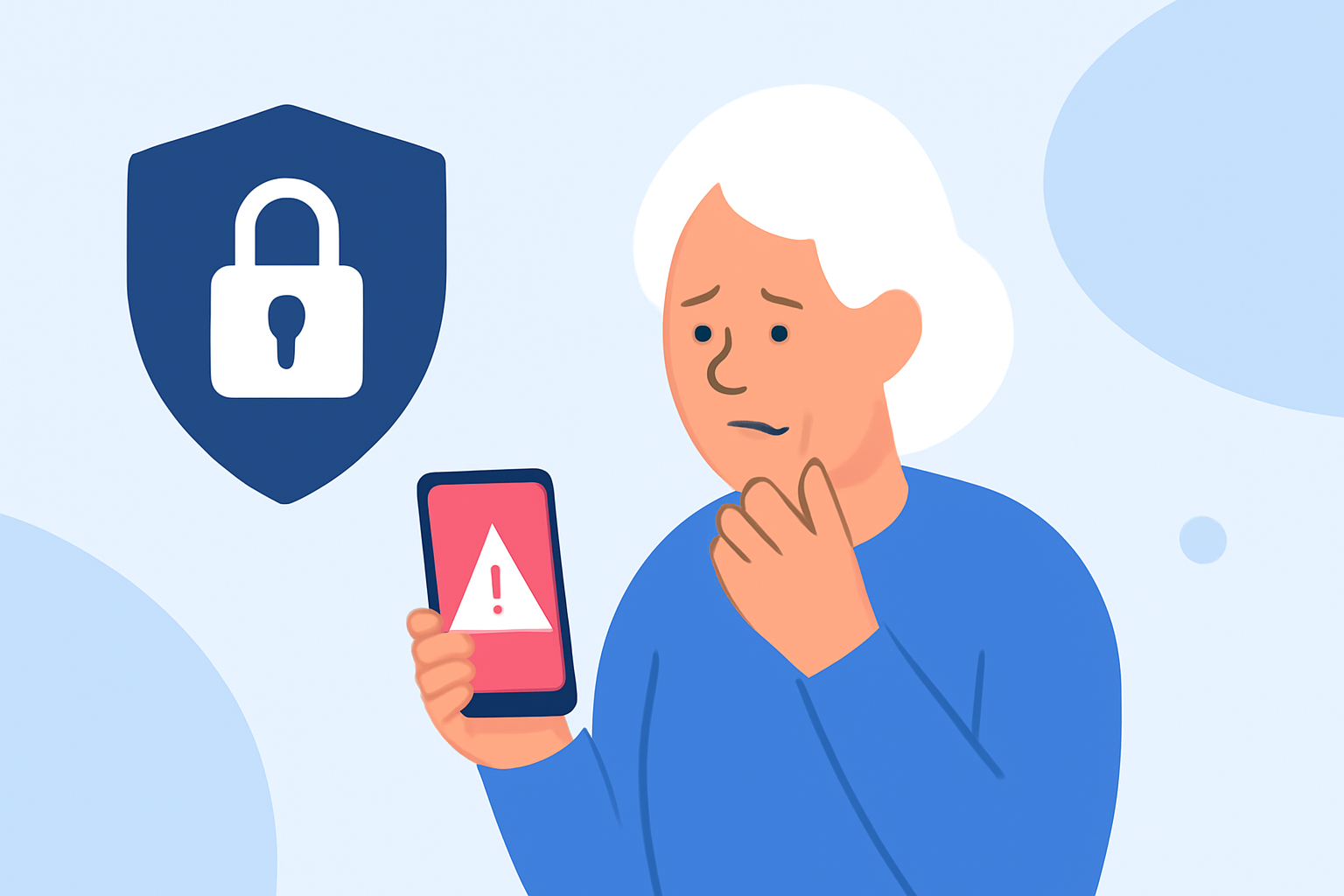
Phone scams are a pervasive issue, especially among older adults who may be more susceptible to fraudulent calls. If your parent uses a T-Mobile iPhone, there are effective tools and strategies to help protect them from these scams.
What Is T-Mobile's Scam Shield and How Does It Work?
T-Mobile's Scam Shield is a free service designed to identify and block scam calls. It utilizes advanced network technology, including AI and machine learning, to analyze incoming calls and flag potential scams. Key features include:
- Scam Block: Automatically blocks calls from likely scammers.
- Scam ID: Identifies and labels scam calls.
- Caller ID: Provides information about incoming calls, even from unknown numbers.
To activate Scam Shield, your parent can download the Scam Shield app from the App Store and follow the setup instructions. Once installed, they can enable Scam Block to prevent scam calls from reaching their phone. (apps.apple.com)
How Can Robokiller Enhance Scam Protection?
Robokiller is a third-party app that offers additional protection against spam and scam calls. It boasts a global database of over 1.5 billion phone numbers, using AI-powered audio fingerprinting technology to block unwanted calls. Unique features include:
- Answer Bots: Engages scammers with pre-recorded messages, wasting their time and providing you with peace of mind.
- Spam Text Blocking: Eliminates 99% of spam text messages.
Robokiller is available for download on the App Store. After installation, your parent can customize their block list and pause spam blocking when expecting important calls from unknown numbers. (apps.apple.com)
How Do T-Mobile's Scam Shield and Robokiller Compare?
While both T-Mobile's Scam Shield and Robokiller aim to protect users from scam calls, they offer different approaches:
- T-Mobile's Scam Shield: Integrated directly into T-Mobile's network, providing automatic call blocking and caller ID features at no additional cost. (apps.apple.com)
- Robokiller: A third-party app that offers advanced features like Answer Bots and spam text blocking, with a subscription fee after a free trial period. (apps.apple.com)
For comprehensive protection, using both services together can be beneficial. T-Mobile's Scam Shield offers foundational protection, while Robokiller provides additional layers of defense.
How Can You Support Your Parent in Setting Up These Tools?
To assist your parent in setting up these tools:
- Download and Install: Guide them to download the Scam Shield app from the App Store and assist with the installation process.
- Activate Features: Help them enable Scam Block and set up the Allow list to ensure important calls are not blocked.
- Set Up Robokiller: Assist in downloading Robokiller from the App Store, setting up the app, and customizing the block list.
- Regular Monitoring: Encourage them to review blocked calls periodically to ensure no important calls are missed.
What Are Additional Tips to Prevent Phone Scams?
Beyond using these tools, consider the following tips:
- Educate About Common Scams: Discuss common scam tactics and advise against sharing personal information over the phone.
- Encourage Caution with Unknown Callers: Advise them to let unknown calls go to voicemail and to be cautious when returning calls.
- Regularly Update Contact Information: Ensure their contact information is up-to-date with trusted sources to avoid phishing attempts.
By implementing these strategies and utilizing tools like T-Mobile's Scam Shield and Robokiller, you can significantly reduce the risk of your parent falling victim to phone scams.
Highlights:
- T-Mobile debuts free robocall-fighting service, Published on Thursday, July 16