Phone scams are a growing concern, especially for older adults who may be more susceptible to fraudulent calls. Protecting your parents from these scams is crucial. One effective solution is using call-blocking apps that can identify and block unwanted calls.
What Are Call-Blocking Apps?
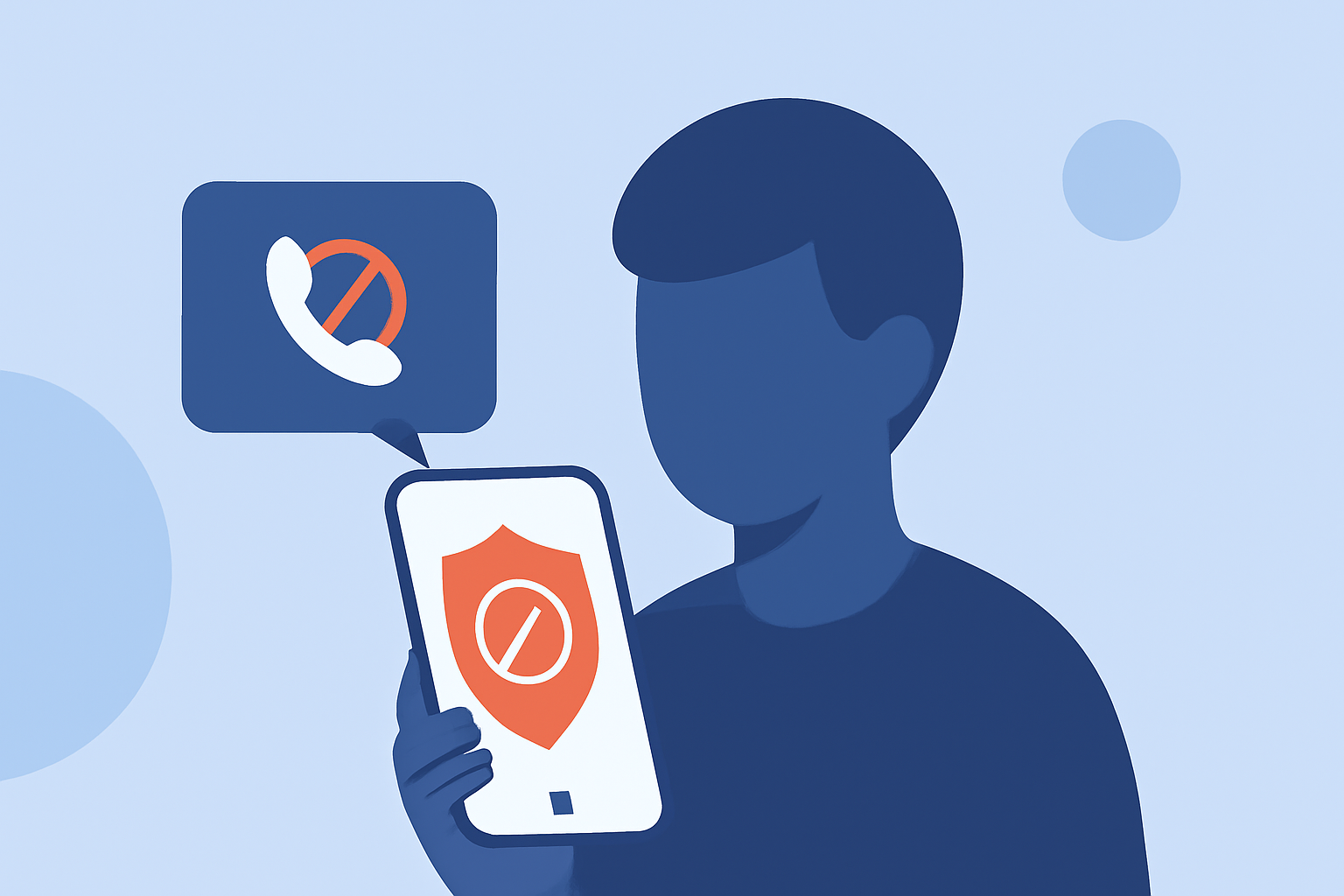
Call-blocking apps are designed to detect and prevent unwanted calls, including robocalls and scams. They work by analyzing incoming calls against databases of known spam numbers and using algorithms to identify suspicious patterns. By installing such an app, you can significantly reduce the number of fraudulent calls your parents receive.
How Do Call-Blocking Apps Work?
These apps operate by cross-referencing incoming calls with extensive databases of known spam numbers. They also analyze calling patterns and behaviors to detect potential scams. Some apps offer additional features like reverse phone lookup, which provides information about unknown callers, and customizable blocking settings to tailor the app's functionality to your needs.
Which Call-Blocking App Is Best for Protecting My Parents?
When choosing a call-blocking app, consider factors such as effectiveness, ease of use, and additional features. Robokiller is a leading solution that offers comprehensive protection against robocalls and scams. It uses advanced algorithms and a vast database to identify and block unwanted calls. Robokiller also features customizable spam filters and call screening, allowing you to tailor its functionality to your parents' needs. Additionally, it offers voicemail transcription and call forwarding features.
How Does Robokiller Compare to Other Call-Blocking Apps?
While other apps like Hiya and Truecaller also offer call-blocking features, Robokiller stands out due to its comprehensive approach. It not only blocks robocalls but also engages scammers with answer bots, wasting their time and reducing the likelihood of future calls. This proactive strategy enhances its effectiveness in protecting users from scams.
Are There Any Free Call-Blocking Apps Available?
Yes, there are free call-blocking apps available, such as Hiya and Truecaller. However, these free versions may have limitations compared to their premium counterparts. For instance, Hiya's free version offers basic spam protection, while the premium version provides advanced features like spam reporting and automatic updates. It's important to assess whether the free version meets your parents' needs or if investing in a premium app like Robokiller would offer more comprehensive protection.
How Do I Set Up a Call-Blocking App for My Parents?
Setting up a call-blocking app typically involves downloading the app from the App Store or Google Play Store, installing it on your parents' device, and following the on-screen instructions to configure the app. Most apps require minimal setup and offer user-friendly interfaces. It's advisable to review the app's settings to customize its functionality according to your parents' preferences.
Can Call-Blocking Apps Block All Unwanted Calls?
While call-blocking apps are highly effective, no solution can guarantee 100% protection against all unwanted calls. Scammers continually adapt their tactics, and some may still get through. However, using a reputable call-blocking app like Robokiller significantly reduces the number of fraudulent calls your parents receive, providing a substantial layer of protection.
By implementing a call-blocking app, you can help safeguard your parents from the growing threat of phone scams, ensuring they receive only the calls that matter.