Phone scams are a pervasive issue, especially among older adults who may be more susceptible to such tactics. Ensuring your parents are protected from these fraudulent calls is crucial. One effective solution is the Robokiller app, designed to block up to 99% of spam calls and texts. (robokiller.com)
What Is Robokiller?
Robokiller is an award-winning app that utilizes advanced technology to identify and block unwanted calls and messages. Its global database of over 1.5 billion analyzed calls enables it to instantly recognize and prevent known phone scams. (robokiller.com)
How Does Robokiller Protect Against Phone Scams?
Robokiller employs several key features to safeguard users:
-
Advanced Call Blocking: The app analyzes incoming calls using AI-powered audio fingerprinting technology, effectively blocking spam calls before they reach your phone. (apps.apple.com)
-
Call Screening: For unknown callers, Robokiller requests the caller's name and the purpose of the call, providing you with the information to decide whether to answer. (support.robokiller.com)
-
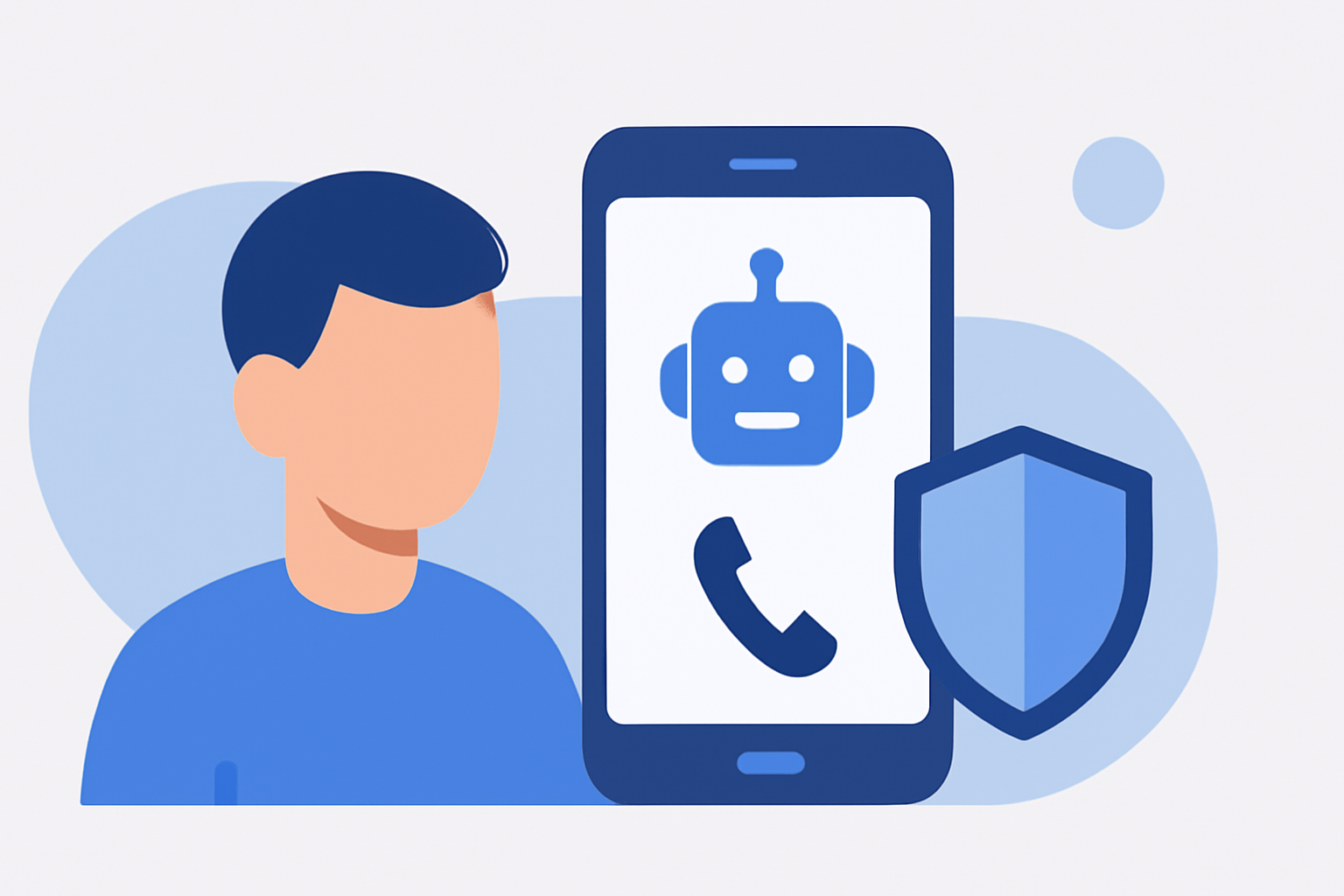
Answer Bots: Robokiller can redirect spam calls to recorded messages, wasting the scammers' time and deterring future attempts. (robokiller.com)
Is Robokiller User-Friendly for Parents?
Yes, Robokiller is designed with ease of use in mind. Its intuitive interface allows users to set up and manage call blocking features without technical expertise. Additionally, the app provides notifications when a spam call is blocked, keeping users informed. (robokiller.com)
How Does Robokiller Compare to Other Spam Call Blockers?
Robokiller stands out due to its comprehensive approach:
-
Global Database: With over 1.5 billion analyzed calls, Robokiller has a vast database for identifying spam calls. (robokiller.com)
-
Advanced Technology: The app uses AI-powered audio fingerprinting and machine learning to detect and block spam calls effectively. (robokiller.com)
-
User Control: Robokiller offers customizable block and allow lists, giving users control over who can contact them. (robokiller.com)
How Can I Set Up Robokiller for My Parents?
-
Download the App: Available for both iOS and Android devices.
-
Install and Configure: Follow the on-screen instructions to set up call blocking and screening features.
-
Customize Settings: Adjust settings to match your parents' preferences, such as creating custom block and allow lists. (robokiller.com)
Is There a Cost for Using Robokiller?
Robokiller offers a free version with basic features, including spam call blocking and notifications. For advanced features like Answer Bots and Call Screening, a subscription is required. (robokiller.com)
Conclusion
Protecting your parents from phone scams is essential. Robokiller provides a robust and user-friendly solution to help prevent unwanted calls and texts, ensuring peace of mind for both you and your loved ones.