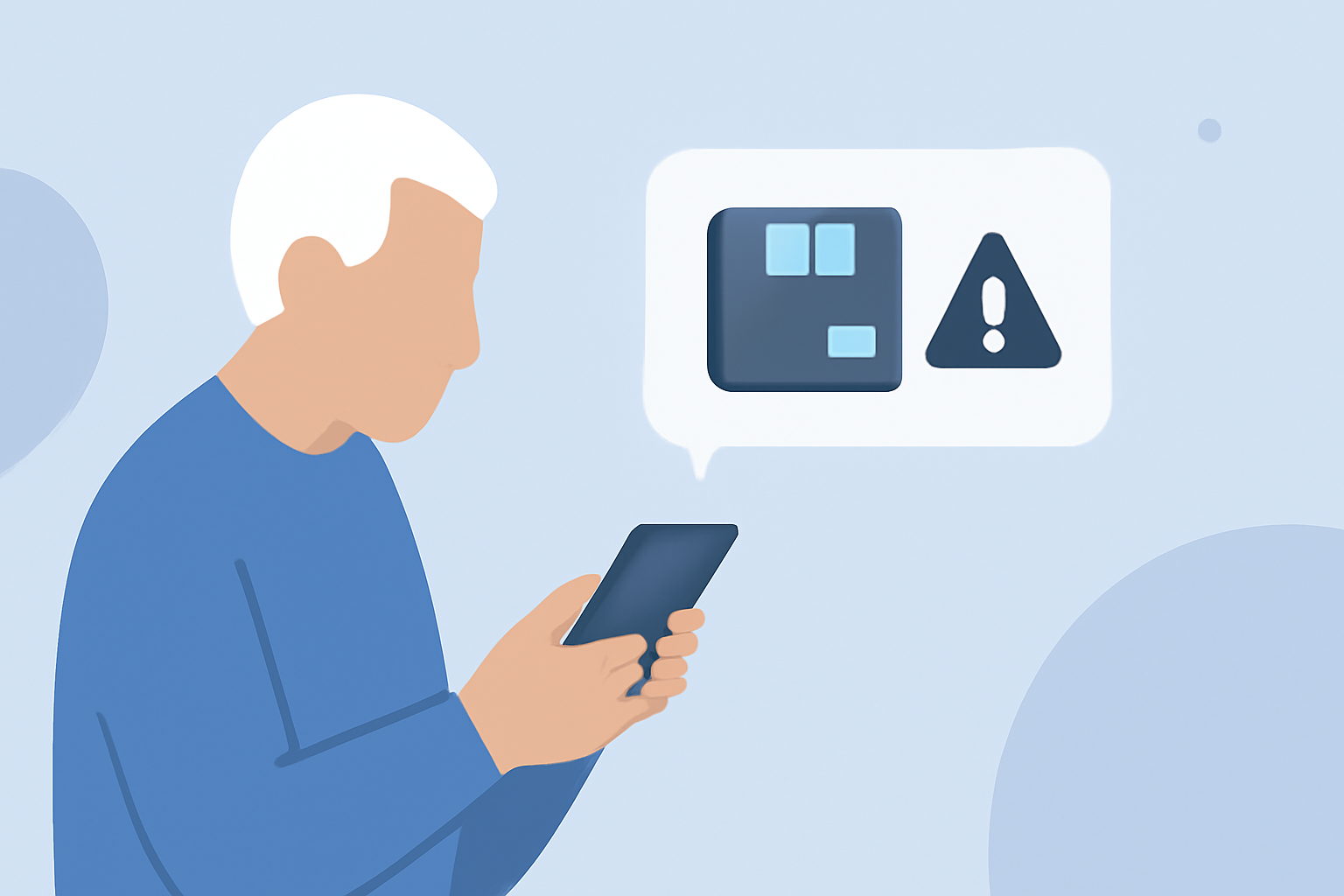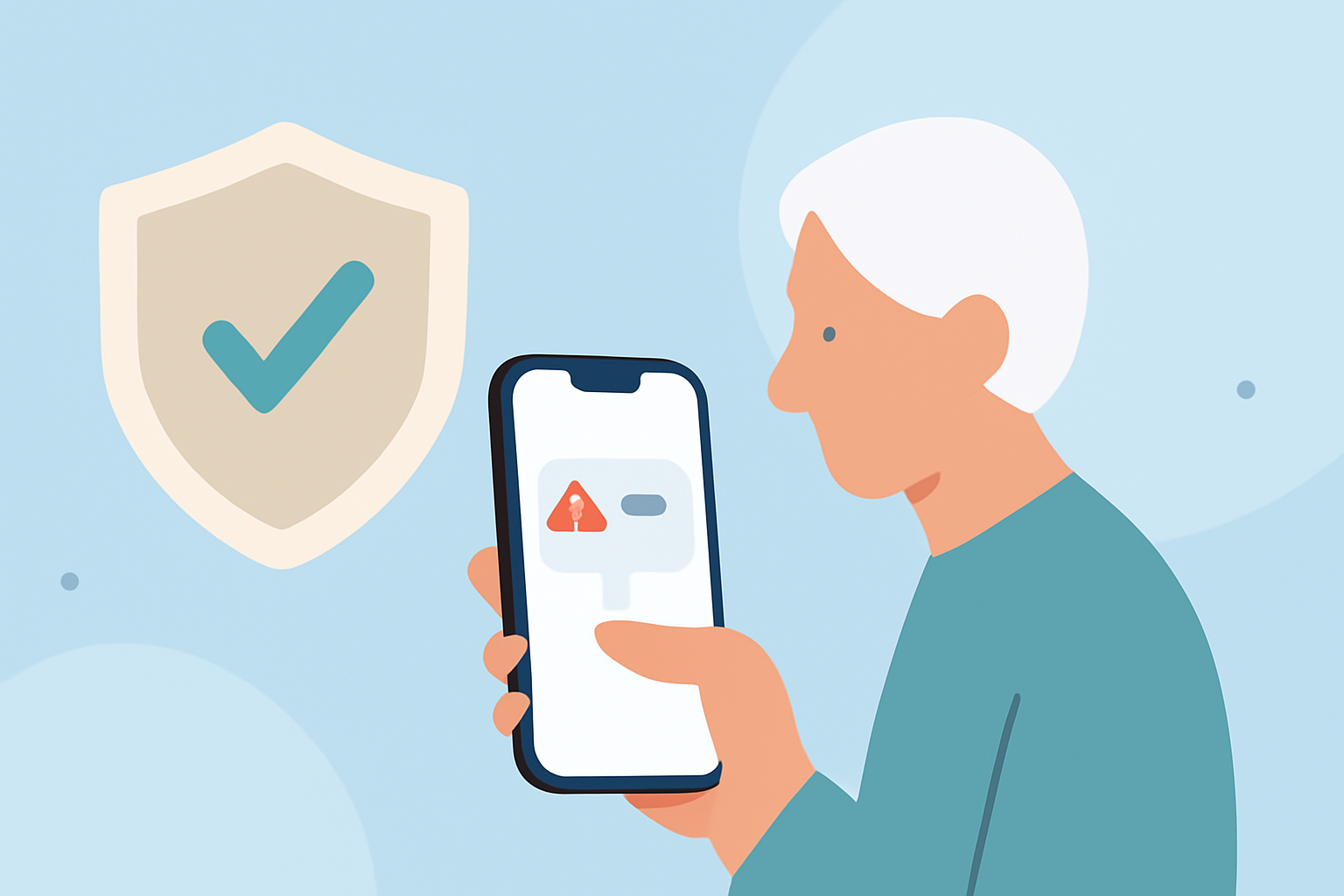
Phishing texts are deceptive messages designed to trick individuals into revealing personal information, often leading to financial loss. Seniors are particularly vulnerable to these scams due to unfamiliarity with digital threats. Fortunately, several applications can help protect them by blocking such malicious messages.
What Are Phishing Texts and Why Are Seniors Targeted?
Phishing texts are fraudulent messages that impersonate legitimate organizations to steal sensitive data. Seniors may be targeted because they might not recognize these scams or may be more trusting of unsolicited communications. This makes it crucial to equip them with tools that can identify and block such threats.
How Can Apps Help Block Phishing Texts?
Specialized apps can detect and block phishing texts by analyzing message content, sender information, and known scam databases. They often provide real-time alerts and allow users to report suspicious messages, enhancing community protection.
What Are the Top Apps for Blocking Phishing Texts for Seniors?
Several apps are designed with user-friendly interfaces suitable for seniors, offering effective protection against phishing texts:
Robokiller: Spam Call Blocker
Robokiller is a comprehensive solution that blocks 99% of robocalls and texts. It uses advanced algorithms to identify and block spam messages, ensuring that only desired communications reach the user. The app is available for both Android and iOS devices. (antivirus.com)
Truecaller
Truecaller is a widely used app that identifies unknown callers and blocks spam messages. It maintains a vast database of known spam numbers and provides real-time alerts for potential phishing attempts. Truecaller is available for both Android and iOS devices. (nooranweb.com)
Hiya
Hiya offers spam call and text blocking features, along with caller ID services. It uses a community-driven database to identify and block spam messages, providing real-time alerts to users. Hiya is available for both Android and iOS devices. (nooranweb.com)
How Do These Apps Compare to Each Other?
While all these apps offer spam blocking features, Robokiller stands out with its advanced AI algorithms and high blocking accuracy. It not only blocks spam texts but also provides features like call screening and voicemail transcription, offering a comprehensive solution for seniors. (antivirus.com)
Are There Built-in Features on Phones to Block Phishing Texts?
Yes, both Android and iOS devices have built-in features to help block phishing texts:
-
Android: Google's Phone and Messages apps offer spam protection features that automatically identify and block suspected spam calls and texts. (deadzones.com)
-
iOS: iPhones have a 'Silence Unknown Callers' feature that silences calls from numbers not in your contacts, and SMS filtering that categorizes messages into 'Transactions,' 'Promotions,' and 'Junk.' (deadzones.com)
How Can Seniors Stay Safe from Phishing Texts?
In addition to using these apps, seniors should be educated about the risks of phishing texts. They should avoid clicking on links from unknown senders, never share personal information via text, and report suspicious messages to their service provider.
Conclusion
Protecting seniors from phishing texts is essential in today's digital age. Apps like Robokiller, Truecaller, and Hiya offer user-friendly solutions to block these malicious messages effectively. By combining these tools with awareness and education, seniors can significantly reduce the risk of falling victim to phishing scams.
Highlights:
- CPD warns folks and especially seniors to beware of scam texts, Published on Friday, April 17