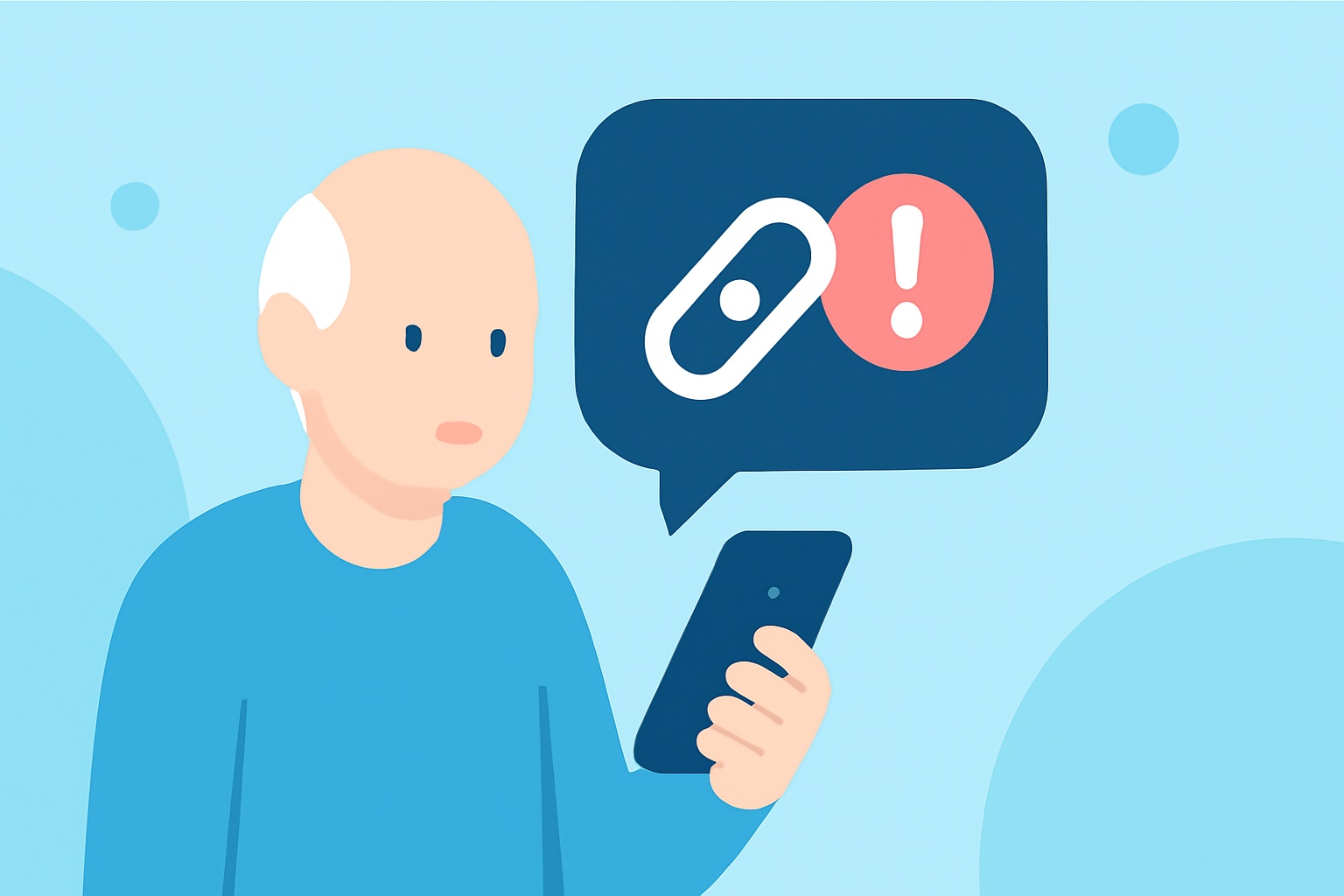
In today's digital age, seniors are increasingly targeted by fraudulent texts containing suspicious links. These deceptive messages can lead to scams, identity theft, and other cyber threats. To safeguard against such risks, it's essential to utilize tools that effectively identify and block these harmful communications.
What Are Suspicious Link Texts?
Suspicious link texts are messages that contain hyperlinks leading to malicious websites designed to steal personal information or install malware on your device. These texts often appear to be from legitimate sources, making them particularly deceptive.
How Can Seniors Protect Themselves from Suspicious Link Texts?
Seniors can enhance their protection by using specialized applications that detect and block spam texts. One such solution is Robokiller, an app designed to identify and eliminate up to 99% of spam calls and texts. Robokiller employs advanced technologies like predictive analytics and audio fingerprinting to effectively block unwanted communications. (robokiller.com)
Why Is Robokiller a Suitable Choice for Seniors?
Robokiller offers a user-friendly interface tailored for ease of use, making it accessible for seniors. The app's AI-powered technology operates continuously, providing real-time protection without requiring constant manual updates. This ensures that seniors can enjoy a spam-free experience without the hassle of regular maintenance. (robokiller.com)
How Does Robokiller Compare to Other Spam Blocking Apps?
When compared to other spam blocking apps, Robokiller stands out due to its comprehensive features and effectiveness. Unlike some competitors, Robokiller offers full spam call blocking, real-time call screening, and a global scammer database with over 1.5 billion phone numbers. Additionally, Robokiller provides customizable block and allow lists, allowing users to tailor their protection according to their preferences. (robokiller.com)
Are There Any Drawbacks to Using Robokiller?
While Robokiller offers robust protection, some users have reported occasional technical issues, such as the app not blocking certain numbers effectively. It's important to note that these instances are relatively rare, and the app's developers are continually working to improve its performance. (trustpilot.com)
How Can Seniors Get Started with Robokiller?
Getting started with Robokiller is straightforward. The app is available for download on both iOS and Android devices. Once installed, seniors can customize their settings to suit their needs, ensuring optimal protection against suspicious link texts and other spam communications. (robokiller.com)
Conclusion
Protecting seniors from suspicious link texts is crucial in maintaining their digital safety. Robokiller offers an effective, low-maintenance solution that combines advanced technology with user-friendly features, making it an excellent choice for seniors seeking to safeguard themselves against digital threats.
Highlights:
- The Text & Spam Call Blocker App That Actually Works | Robokiller
- Compare The Best Spam Blocker Apps | Robokiller
- Robokiller: Spam Call Blocker App - App Store