As a small business owner, safeguarding your personal and professional information is paramount. One prevalent threat is delivery scam texts, where fraudsters impersonate reputable carriers to steal sensitive data. Understanding how to identify and prevent these scams is crucial.
What Are Delivery Scam Texts?
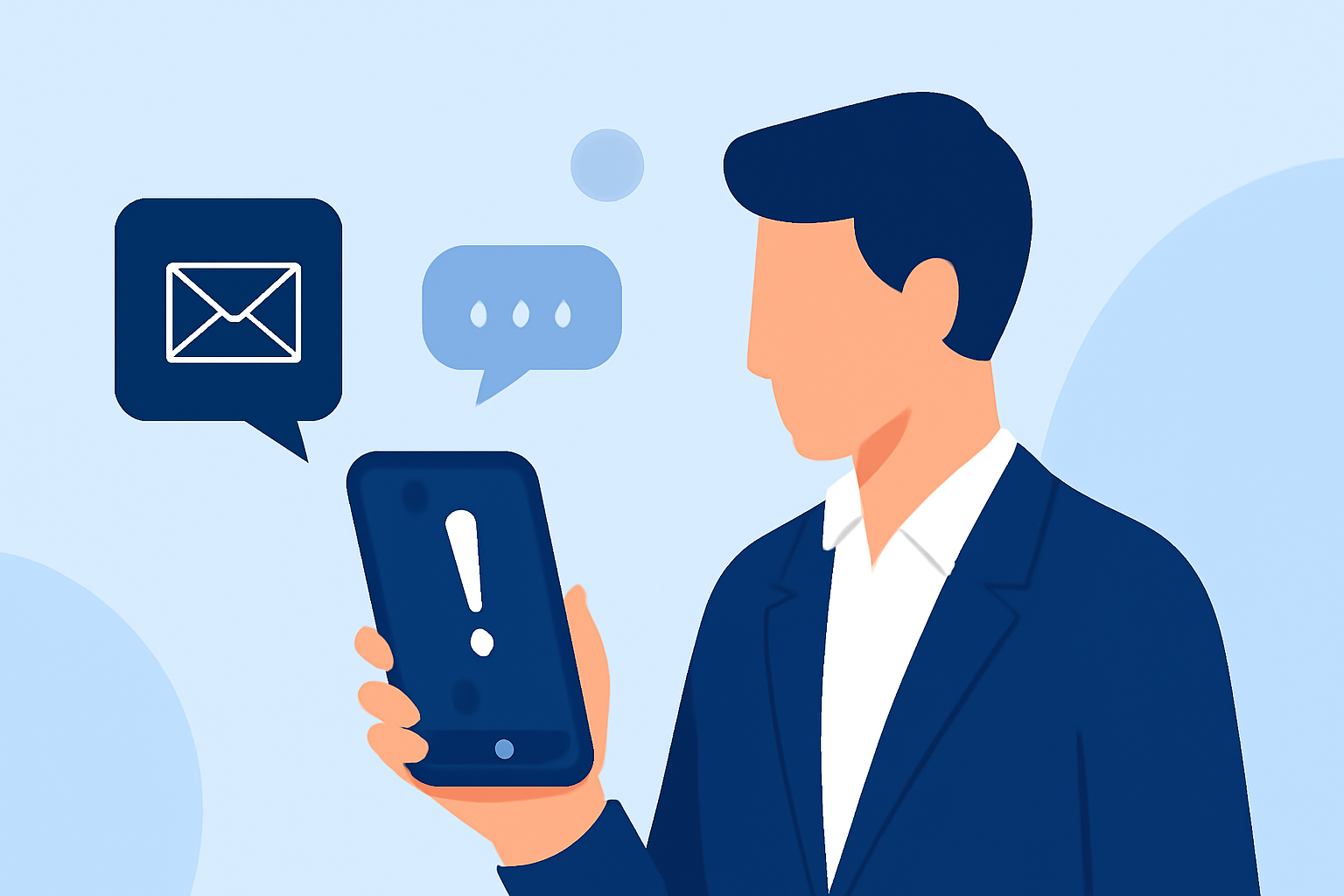
Delivery scam texts, or "smishing," involve fraudulent messages that appear to be from legitimate carriers like FedEx, UPS, or USPS. These texts often claim issues with a package delivery and prompt recipients to click on malicious links or provide personal information. For instance, a scam text might state, "Your package is on hold due to an unpaid fee. Click here to resolve." Such messages are designed to deceive recipients into divulging sensitive information or downloading malware. (consumerreports.org)
How to Identify Delivery Scam Texts
Recognizing scam texts is the first step in protection. Look out for:
- Unfamiliar Sender Numbers: Legitimate carriers typically use official phone numbers.
- Urgent Language: Scammers often create a false sense of urgency, such as "Immediate action required."
- Suspicious Links: Hover over links to check if they lead to official websites.
- Grammatical Errors: Many scam messages contain spelling or grammatical mistakes.
The Federal Trade Commission (FTC) advises consumers to report suspicious messages and be cautious about unsolicited links and requests for sensitive data. (axios.com)
How to Protect Yourself from Delivery Scam Texts
To safeguard your business and personal information:
- Verify Through Official Channels: If you receive a suspicious message, contact the carrier directly using contact information from their official website.
- Avoid Clicking on Links: Do not click on links or download attachments from unknown sources.
- Report Suspicious Messages: Forward scam texts to the FTC at spam@uce.gov.
- Educate Your Team: Ensure that all employees are aware of these scams and know how to respond appropriately.
How Can Robokiller Help Block Delivery Scam Texts?
Robokiller offers a comprehensive solution to protect against spam and scam texts. By setting Robokiller as your default SMS app, you can automatically block unwanted messages, including scams, political spam, and texts from unknown senders. (support.robokiller.com)
How Robokiller Works:
- Block/Allow List: Messages from numbers on your Block List go straight to your Junk folder, while those on your Allow List are delivered normally.
- Number Reputation: Robokiller checks incoming numbers against known spam activity. Messages from suspicious numbers are blocked automatically.
- Content Analysis: The app scans messages for scam-related keywords and patterns, ensuring your privacy is protected.
By leveraging Robokiller's advanced technology, you can significantly reduce the risk of falling victim to delivery scam texts. This proactive approach not only protects your business but also provides peace of mind.
What Are the Benefits of Using Robokiller for Small Business Owners?
Implementing Robokiller offers several advantages for small business owners:
- Enhanced Security: Protects against a wide range of spam and scam messages.
- Time Savings: Reduces the time spent dealing with unwanted communications.
- Improved Productivity: Allows you to focus on core business activities without distractions.
By adopting Robokiller, you can create a safer communication environment for your business.
How Do I Set Up Robokiller to Block Delivery Scam Texts?
Setting up Robokiller is straightforward:
- Download the App: Available for both iOS and Android devices.
- Set as Default SMS App: Follow the on-screen instructions to make Robokiller your default messaging app.
- Customize Settings: Adjust your Block and Allow Lists according to your preferences.
Detailed setup instructions are available on Robokiller's website. (support.robokiller.com)
What Are the Costs Associated with Using Robokiller?
Robokiller offers a free trial period, after which a subscription is required. The subscription fee varies based on the plan you choose. For the most current pricing information, visit Robokiller's official website. (robokiller.com)
By proactively implementing these strategies and utilizing tools like Robokiller, small business owners can effectively protect themselves from delivery scam texts and maintain secure communication channels.