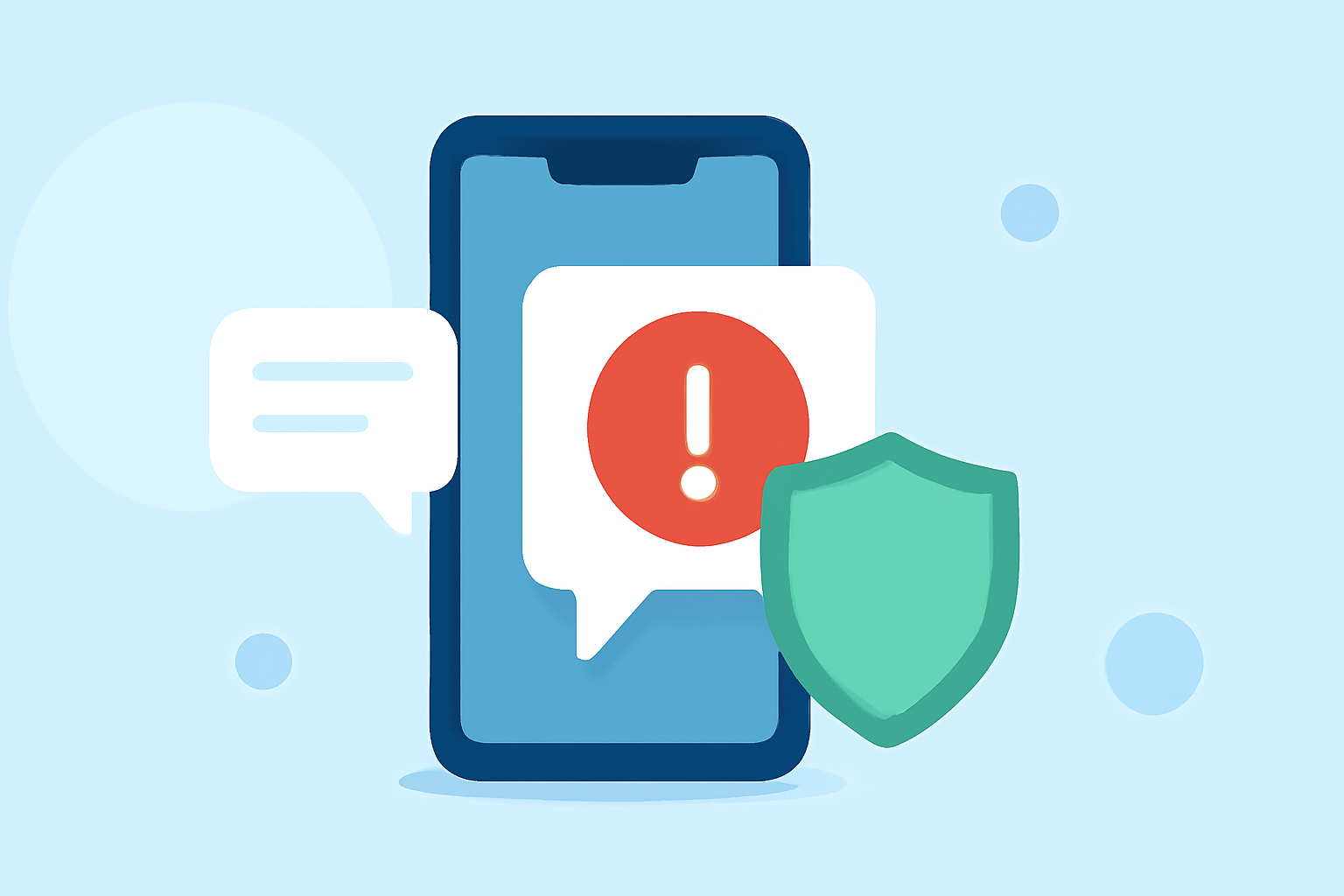
Scam text messages, or "smishing," are a growing concern for iPhone users in the United States. These deceptive messages often impersonate legitimate organizations to steal personal information or money. Fortunately, several apps and built-in features can help filter and block these unwanted texts.
What Are Scam Texts and Why Are They a Threat?
Scam texts are fraudulent messages designed to trick recipients into revealing sensitive information or making financial transactions. They can lead to identity theft, financial loss, and other serious consequences. Recognizing and blocking these messages is crucial for maintaining your privacy and security.
How Can You Block Scam Texts on Your iPhone?
1. Built-in iOS Features:
iOS offers native features to help manage and filter messages:
-
Filter Unknown Senders: This feature separates messages from unknown contacts into a separate tab, reducing the chance of receiving spam. (avg.com)
-
Block Specific Senders: You can block individual contacts by opening the message, tapping the sender's number, and selecting "Block this Caller." (avg.com)
2. Third-Party Apps:
Several apps are designed to enhance spam filtering capabilities:
-
RoboKiller: Known for its AI-powered voice detection system, RoboKiller blocks spam and scam calls and includes spam text filtering. (avnexo.com)
-
TextShield: This app offers advanced spam blocking and text sorting, organizing your inbox into categories like Transactions and Promotions. (apps.apple.com)
-
Simply Filter SMS: An open-source app that uses AI to filter messages in multiple languages, allowing for keyword-based filtering and smart rules. (apps.apple.com)
-
Trend Micro ScamCheck: Provides comprehensive protection against scams, including SMS filtering, call blocking, and malicious website detection. (apps.apple.com)
How Does RoboKiller Compare to Other Apps?
RoboKiller stands out due to its combination of call and text blocking features, AI-driven detection, and a constantly updated spam database. While other apps like TextShield and Trend Micro ScamCheck offer robust features, RoboKiller's integrated approach provides a comprehensive solution for both calls and texts.
What Are the Benefits of Using These Apps?
-
Enhanced Security: Protects personal information by blocking fraudulent messages.
-
Reduced Clutter: Organizes your inbox, making it easier to find important messages.
-
Peace of Mind: Reduces the stress associated with dealing with spam and scam communications.
Are There Any Drawbacks to Consider?
Some apps may require a subscription for full functionality, and there could be occasional false positives where legitimate messages are filtered. It's important to review app settings and periodically check filtered messages to ensure no important communications are missed.
How Do You Choose the Right App for Your Needs?
Consider the following factors:
-
Features: Ensure the app offers comprehensive protection, including call and text filtering.
-
User Reviews: Look for apps with positive feedback regarding effectiveness and ease of use.
-
Privacy Policies: Review how the app handles your data to ensure your privacy is maintained.
Conclusion
Protecting your iPhone from scam texts is essential in today's digital age. Utilizing built-in iOS features alongside reputable third-party apps can significantly reduce the risk of falling victim to smishing attacks. Regularly updating your apps and staying informed about new threats will further enhance your device's security.
Highlights:
- Spam Text Blocker - TextShield App - App Store, Published on Friday, February 21
- Simply Filter SMS App - App Store
- Trend Micro ScamCheck App - App Store