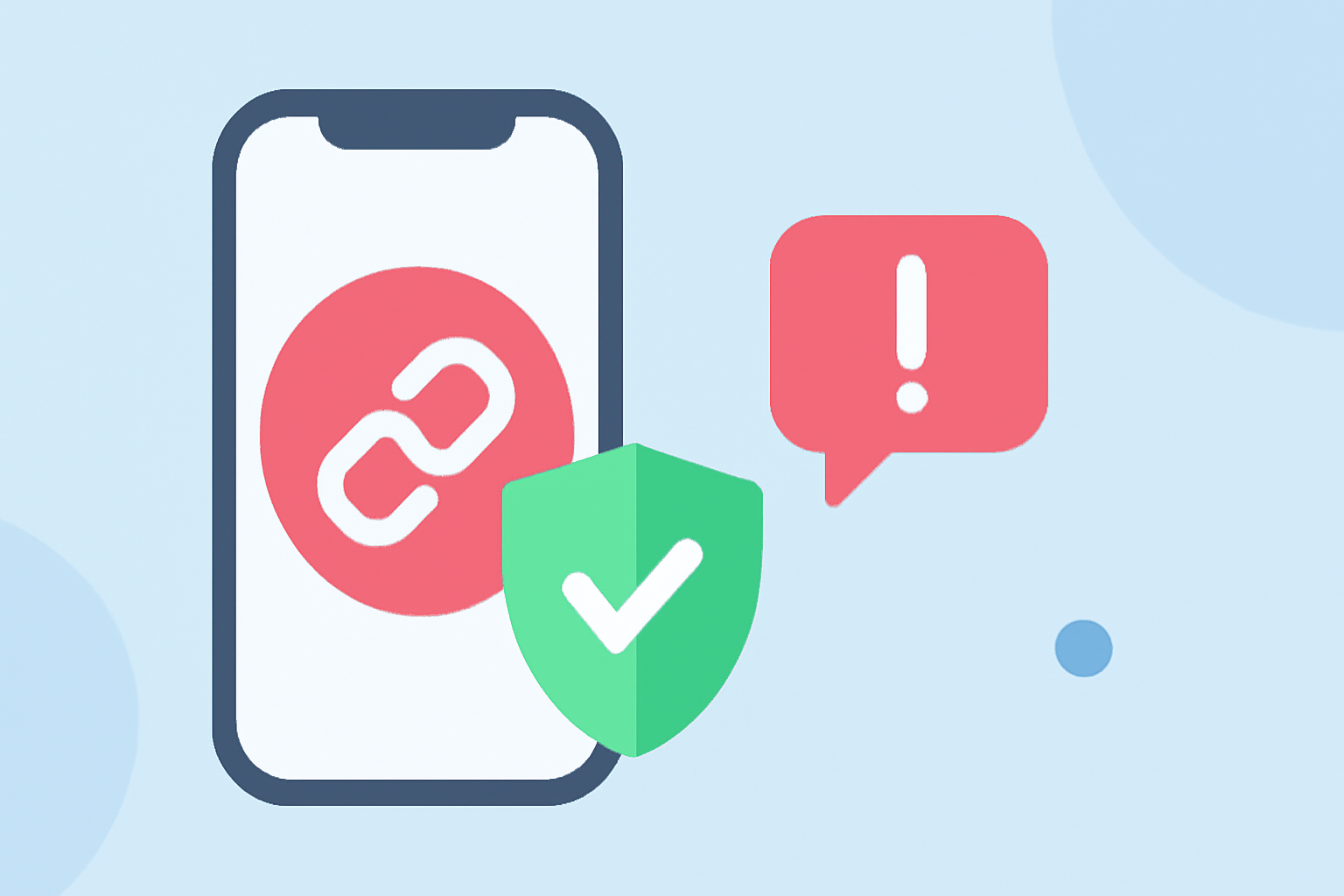
In today's digital age, safeguarding your iPhone from malicious links is paramount. Phishing attempts and malware-laden URLs are prevalent, making it essential to have reliable tools to filter and block these threats. This guide explores top iPhone apps designed to protect everyday users from suspicious links.
Why Is Filtering Suspicious Links Crucial?
Malicious links can lead to phishing sites, malware downloads, and unauthorized data access. By filtering these links, you reduce the risk of falling victim to cyberattacks and ensure a safer online experience.
What Are the Best iPhone Apps for Filtering Suspicious Links?
Several apps offer robust protection against malicious URLs:
1. Malicious URLs Detector
This app allows users to quickly check any link for phishing, malware, or suspicious patterns. It offers both on-device analysis using machine learning and optional cloud checks for deeper insights. The Share Extension integrates seamlessly with Safari, Mail, and other apps, enabling users to scan links with a single tap. Privacy is a priority, as only the URL is sent to the cloud by default, with full text analysis being optional. (apps.apple.com)
2. PhishEye
PhishEye provides silent phishing protection by scanning every webpage in real-time, blocking phishing sites instantly with clear warnings. It also filters suspicious text messages containing phishing links, automatically moving them to the junk folder. The Share Scanner feature allows users to scan any URL from apps like WhatsApp, Instagram, or email using the iOS Share menu. PhishEye emphasizes privacy by analyzing URLs without accessing personal data. (phisheye-detect.com)
3. ScamJunk
ScamJunk offers AI-powered protection against scams, phishing, fraud, malicious links, ads, and trackers. It includes features like image and screenshot scanning, text scam analysis, and a safe QR code scanner. The app operates offline with secure on-device analysis, ensuring user privacy. Advanced AI verification provides detailed risk reports and security recommendations. (apps.apple.com)
4. Norton Mobile Security
Norton provides comprehensive protection with features like Safe Web, which blocks malicious sites and online threats in real-time. It also offers dark web monitoring, AI-powered scam protection, and a secure calendar that flags dangerous links hidden in calendar invites. Norton is known for its minimal impact on device performance and battery life. (safetydetectives.com)
5. Malwarebytes Mobile Security
Malwarebytes offers real-time protection against phishing sites and blocks malicious URLs in browsers. It includes a VPN for encrypted browsing and an ad-blocker to enhance user experience. While the iOS version is limited by Apple's restrictions on background scanning, it effectively blocks access to malicious websites and flags suspicious links. (forbes.com)
How Do These Apps Compare to Robokiller?
Robokiller is renowned for its advanced spam call blocking capabilities. While it excels in preventing unwanted calls, it does not specialize in filtering suspicious links or providing comprehensive web protection. For users seeking robust protection against malicious URLs, the apps mentioned above offer specialized features tailored to this need.
How Do I Choose the Right App for My Needs?
When selecting an app to filter suspicious links, consider the following factors:
-
Features: Ensure the app offers real-time scanning, phishing protection, and integration with your preferred apps.
-
Privacy: Opt for apps that prioritize user privacy by processing data locally on the device.
-
Performance: Choose apps that operate efficiently without significantly impacting device performance or battery life.
-
User Reviews: Check user feedback to gauge the app's effectiveness and reliability.
Conclusion
Protecting your iPhone from malicious links is essential for maintaining your online security. Apps like Malicious URLs Detector, PhishEye, ScamJunk, Norton Mobile Security, and Malwarebytes Mobile Security offer specialized features to safeguard against phishing and malware threats. By selecting the app that best aligns with your needs, you can enhance your device's security and enjoy a safer online experience.
Highlights:
- Malicious URLs Detector App - App Store
- PhishEye — Silent Phishing Protection for iPhone
- ScamJunk App - App Store, Published on Wednesday, January 21