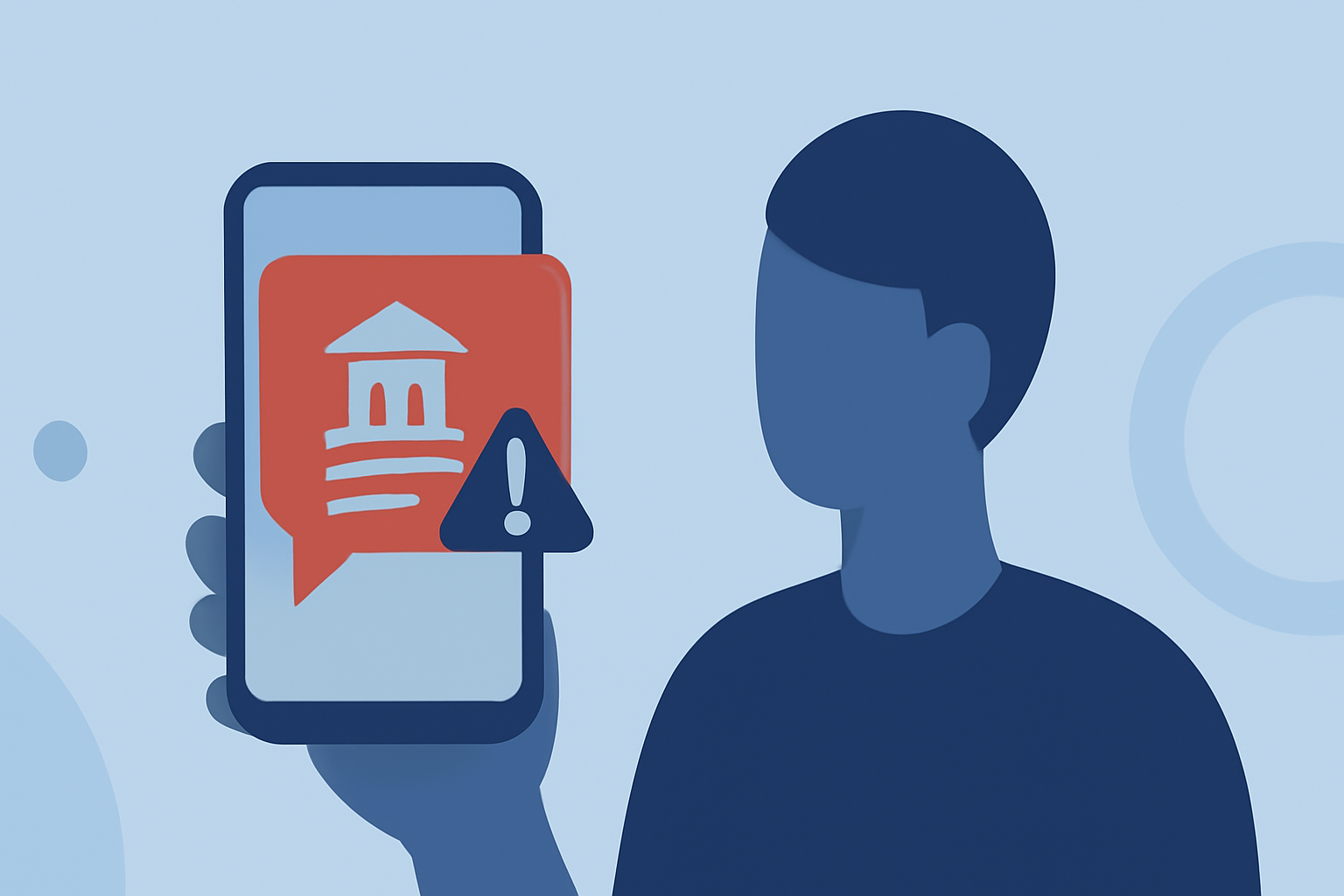
Receiving fraudulent bank alert texts, commonly known as "smishing," is a prevalent issue in the United States. These deceptive messages often impersonate financial institutions to steal personal information. To safeguard your device, consider the following apps and strategies:
1. What Are the Risks of Fake Bank Alert Texts?
Smishing attacks can lead to identity theft, financial loss, and unauthorized access to your accounts. Scammers may request sensitive information or prompt you to click malicious links. Recognizing these threats is the first step in protection.
2. How Can Built-In Phone Features Help?
Both iPhone and Android devices offer native features to filter unknown senders:
-
iPhone: Navigate to Settings > Messages and enable "Filter Unknown Senders." This directs messages from unknown contacts to a separate list.
-
Android: Open the Messages app, access settings, and activate the spam protection feature.
While these tools provide basic filtering, they may not block all fraudulent messages.
3. What Are Carrier-Provided Solutions?
Major US carriers offer services to combat spam texts:
-
AT&T Call Protect: Blocks suspected spam and provides alerts for potential fraud.
-
Verizon Call Filter: Identifies and blocks spam messages, with a premium version offering enhanced features.
-
T-Mobile Scam Shield: Detects and blocks scam texts, with options for additional protection.
These services can be activated through your carrier's app or website.
4. How Does Robokiller Stand Out?
Robokiller is a market-leading app designed to block 99% of robocalls and spam texts. It utilizes AI-powered call screening to answer calls and waste scammers' time, providing a unique defense against fraudulent messages. With over 11 million downloads and a 4.5-star rating, Robokiller offers customizable spam filters and a comprehensive spam database. (appshunter.io)
5. Are There Other Effective Apps?
Several apps offer robust spam protection:
-
Truecaller: Identifies and blocks spam calls and texts, with a global community contributing to its database.
-
Hiya: Provides smart call and text filtering, used by some mobile carriers for spam detection.
-
Nomorobo: Blocks robocalls and telemarketers, with a large database of known spam numbers.
While these apps offer valuable features, Robokiller's unique approach with answer bots and its extensive spam database make it a top choice for comprehensive protection.
6. How Can I Report Spam Texts?
Reporting spam texts helps authorities and carriers combat fraudulent activities:
-
Forward the message to 7726 (SPAM): This alerts your carrier to the suspicious message.
-
Report to the FTC: Visit the Federal Trade Commission's website to file a complaint.
7. What Are Additional Tips for Preventing Smishing?
-
Avoid Clicking Links: Do not click on links or provide personal information in unsolicited messages.
-
Verify Through Official Channels: Contact your bank directly using known contact information to confirm any alerts.
-
Keep Software Updated: Ensure your device's operating system and apps are up to date to benefit from the latest security features.
By implementing these strategies and utilizing effective apps like Robokiller, you can significantly reduce the risk of falling victim to fake bank alert texts.