In today's digital age, privacy-conscious individuals face the growing threat of crypto scam texts. These fraudulent messages often impersonate legitimate entities to steal personal information or funds. Understanding how to identify and block these scams is crucial for maintaining your privacy and security.
What Are Crypto Scam Texts?
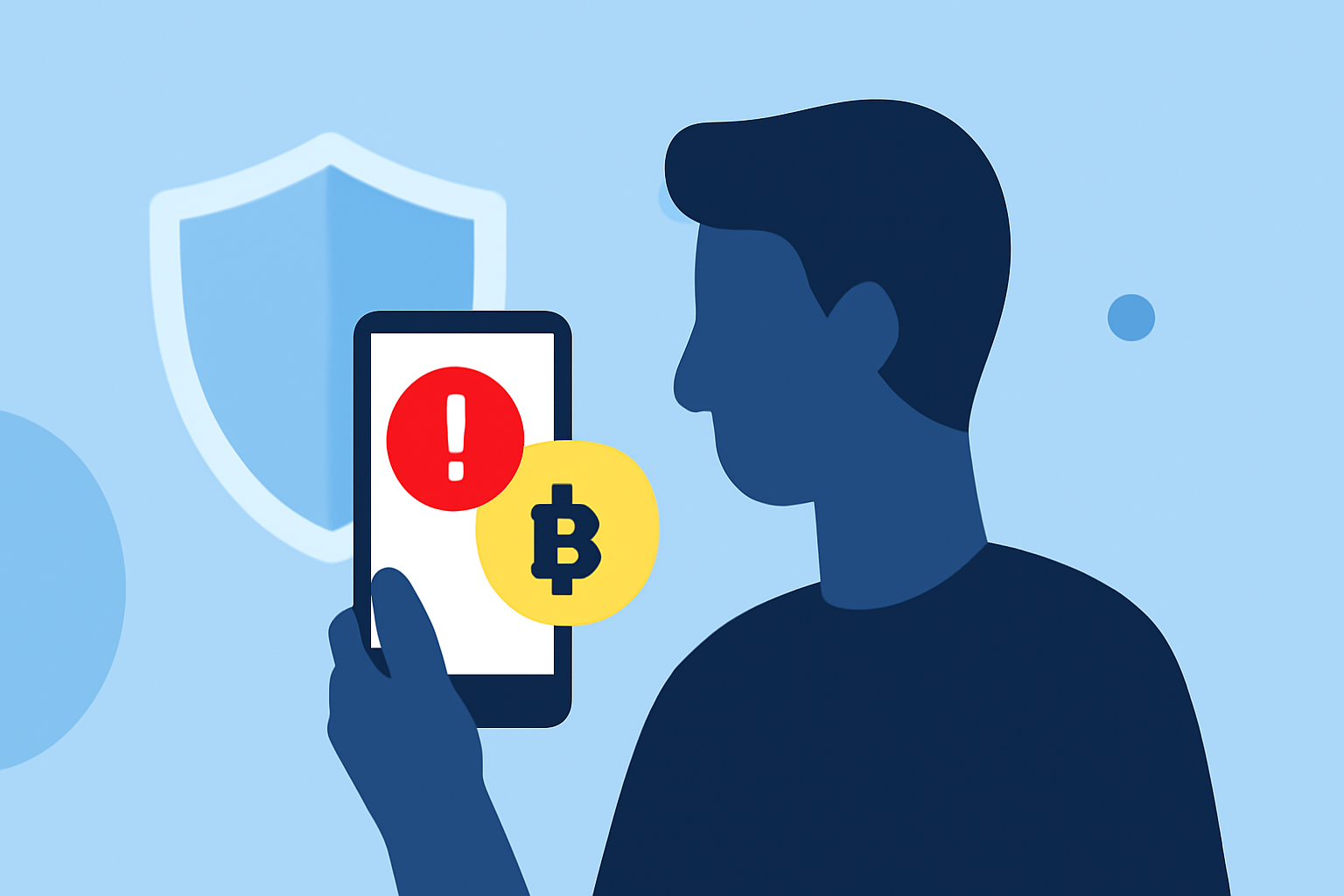
Crypto scam texts are unsolicited messages that claim to offer cryptocurrency-related opportunities, such as investment schemes, giveaways, or urgent account issues. They often include links or phone numbers designed to steal your personal information or funds. The rise of AI-enhanced tactics, like deepfakes and sophisticated phishing, has made these scams more convincing and widespread. (tomshardware.com)
How Can You Identify Crypto Scam Texts?
Recognizing scam texts involves being vigilant about certain red flags:
-
Urgent Language: Messages that create a sense of urgency, such as threats of account suspension or limited-time offers.
-
Suspicious Links: Unfamiliar or misspelled URLs that, when clicked, may lead to phishing sites.
-
Unsolicited Offers: Unexpected messages claiming you've won cryptocurrency or that your account requires immediate action.
-
Impersonation: Messages that mimic legitimate companies or government agencies to gain your trust.
How Can You Block Crypto Scam Texts?
Implementing effective measures can significantly reduce the number of scam texts you receive:
-
Use a Spam Blocking App: Applications like Robokiller can block up to 99% of spam calls and texts, including crypto scams. (robokiller.com)
-
Report Suspicious Messages: Forward scam texts to 7726 (SPAM) to help your carrier identify and block the sender. (mcafee.com)
-
Enable Built-in Spam Filters: Many smartphones have built-in features to filter out spam messages. For instance, Android users can use the Circle to Search feature to detect scam texts. (tomsguide.com)
-
Block Unwanted Numbers: Manually block numbers that send spam texts. While this can be time-consuming, it helps prevent future messages from the same source. (usa.kaspersky.com)
How Does Robokiller Help Protect Your Privacy?
Robokiller offers several features designed to enhance your privacy and security:
-
Advanced Call Screening: Screens unknown callers by asking for their name and the reason for the call, providing you with the information to decide whether to answer. (support.robokiller.com)
-
Personal Data Protection: Scans the web to help you find and remove your private information from public search sites, reducing the risk of it being used for spam calls and identity theft. (apps.apple.com)
-
Answer Bots: Engages with scammers using pre-recorded messages, wasting their time and preventing them from targeting you. (robokiller.com)
What Are the Benefits of Using Robokiller?
By using Robokiller, you can enjoy:
-
Reduced Spam: Eliminate up to 99% of unwanted calls and texts, including crypto scams. (robokiller.com)
-
Enhanced Privacy: Protect your personal information from being exploited by scammers.
-
Peace of Mind: Focus on important communications without the distraction of spam messages.
How Can You Get Started with Robokiller?
Getting started with Robokiller is simple:
-
Download the App: Available for both iOS and Android devices.
-
Set Up Your Account: Follow the on-screen instructions to configure the app according to your preferences.
-
Customize Settings: Adjust features like call screening and personal data protection to suit your needs.
By taking these steps, you can significantly reduce the risk of falling victim to crypto scam texts and enhance your overall privacy and security.
Highlights:
- Your Android can detect scam texts - here's how to use Circle to Search to spot them, Published on Monday, December 22
- Report estimates $17 billion worth of bitcoin was stolen in 2025 alone -massive haul arises from impersonation tactics and the use of AI for scams, Published on Wednesday, January 14