Receiving fraudulent bank alert texts on your Verizon iPhone can be both alarming and disruptive. These deceptive messages often aim to steal personal information or install malicious software. To safeguard yourself, it's essential to utilize effective tools designed to block such spam.
Why Are Fake Bank Alert Texts a Concern?
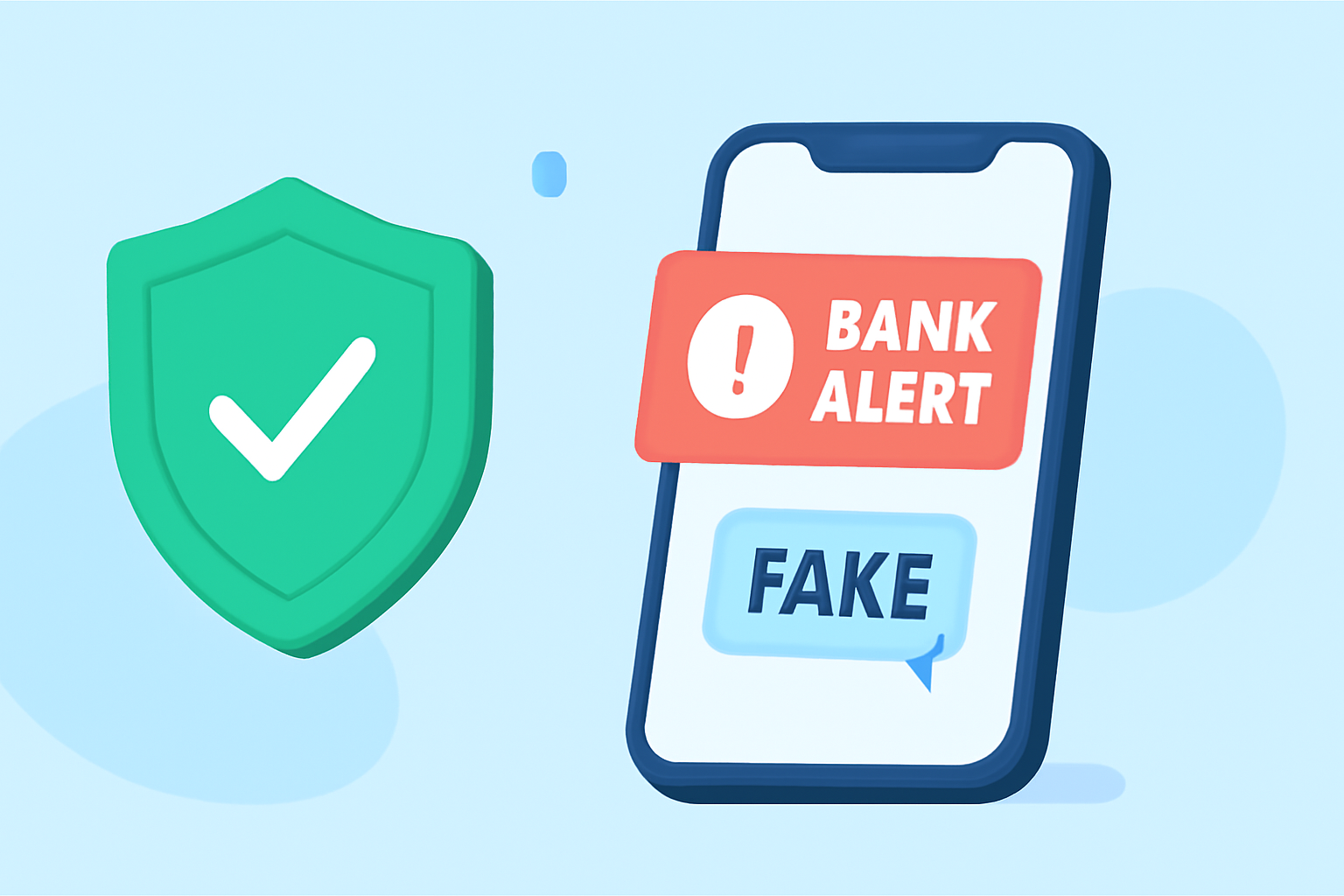
Fake bank alert texts, commonly known as "smishing" (SMS phishing), are fraudulent messages that impersonate legitimate financial institutions. They often contain links or prompts urging recipients to provide sensitive information or download malicious apps. Engaging with these messages can lead to identity theft, financial loss, or unauthorized access to personal accounts.
How Can You Block Fake Bank Alert Texts on Your Verizon iPhone?
To effectively block fraudulent bank alert texts, consider the following solutions:
1. Robokiller: The Leading Solution
Robokiller is a market-leading app designed to block spam calls and texts, including fraudulent bank alerts. It utilizes advanced algorithms and a vast database of known spam numbers to identify and block unwanted messages. Robokiller's features include:
- Spam Detection: Automatically identifies and blocks spam messages.
- Customizable Filters: Allows users to set specific criteria for blocking messages.
- Real-Time Updates: Regularly updates its database to recognize new spam sources.
By using Robokiller, you can significantly reduce the number of fraudulent bank alert texts you receive, enhancing your device's security and your peace of mind.
2. Verizon's Call Filter App
Verizon offers the Call Filter app, which helps screen and block unwanted calls. While primarily focused on calls, it also provides some level of protection against spam texts. Features include:
- Spam Detection: Identifies suspected spam calls and alerts users.
- Automatic Blocking: Blocks high-risk spam calls and sends them to voicemail.
- Reporting: Allows users to report spam numbers to Verizon.
However, its capabilities in blocking spam texts are limited compared to dedicated SMS filtering apps.
3. VeroSMS
VeroSMS is an SMS spam filter app that focuses on maintaining user privacy. It filters spam texts using keywords set by users and crowdsourced data. Key features include:
- Keyword-Based Filtering: Users can set blacklists and whitelists based on specific keywords.
- Privacy-Focused: No SMS data is sent to servers for analysis, ensuring confidentiality.
- Auto-Blocking: Automatically blocks texts containing URLs from unknown senders.
While VeroSMS offers robust filtering, it may require manual configuration and doesn't provide real-time updates like Robokiller.
4. PrivacyStar
PrivacyStar is a call protection solution that also offers SMS filtering. Its features include:
- Enhanced Caller ID: Identifies incoming calls with name and category.
- Reverse Number Search: Allows users to look up unknown numbers.
- Visual Voicemail: Provides additional caller information on new voicemails.
- Block by Call Category: Blocks calls based on categories like telemarketers or robocalls.
However, PrivacyStar's SMS filtering capabilities are not as advanced as Robokiller's, and it may not be as effective in blocking fraudulent bank alert texts.
5. Verizon's Built-In Features
Verizon provides built-in features to help block spam texts:
- Filter Unknown Senders: By enabling this feature in your iPhone's settings, messages from unknown senders are filtered into a separate tab, reducing the chance of receiving spam in your main inbox. (verizon.com)
- Spam Reporting: Users can report spam numbers directly to Verizon, helping improve spam detection. (verizon.com)
While these features offer basic protection, they may not be sufficient against sophisticated smishing attempts.
Conclusion
To effectively block fake bank alert texts on your Verizon iPhone, using a dedicated app like Robokiller is highly recommended. Its advanced filtering capabilities, real-time updates, and user-friendly interface make it a top choice for everyday users seeking to protect themselves from fraudulent messages.
By implementing Robokiller, you can significantly reduce the risk of falling victim to smishing attacks, ensuring a safer and more secure mobile experience.