Charity spam calls, often disguised as legitimate fundraising efforts, can be both intrusive and deceptive. Fortunately, several phone safety apps are designed to help everyday users block these unwanted calls effectively.
What Are Charity Spam Calls and Why Are They a Concern?
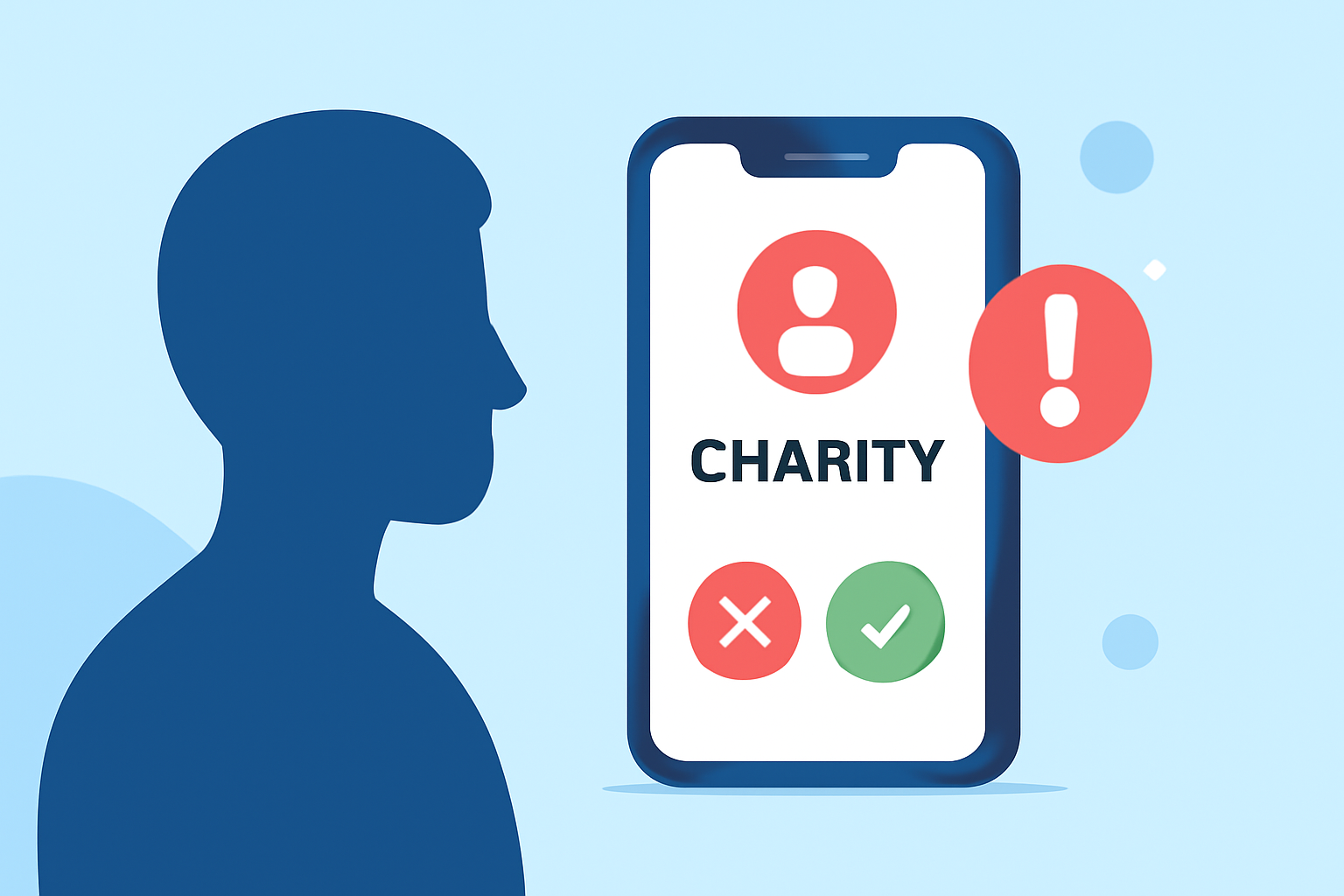
Charity spam calls are unsolicited calls that claim to be raising funds for charitable causes but are actually scams aiming to exploit generous individuals. These calls can be persistent, misleading, and sometimes even aggressive, making it challenging for individuals to discern legitimate charities from fraudulent ones.
How Do Phone Safety Apps Help Block Charity Spam Calls?
Phone safety apps utilize extensive databases of known spam numbers, community reports, and advanced algorithms to identify and block unwanted calls, including those from fraudulent charities. By integrating these apps into your smartphone, you can significantly reduce the number of unsolicited charity calls you receive.
Which Phone Safety Apps Are Most Effective Against Charity Spam Calls?
Several apps stand out in the fight against charity spam calls:
1. Robokiller
Robokiller employs AI-powered call screening to answer and waste scammers' time, effectively reducing the number of spam calls that reach you. Its customizable spam filters allow users to tailor their protection against unwanted calls. Additionally, Robokiller offers unique features like answer bots that engage scammers in fake conversations, adding an element of entertainment while protecting your privacy.
2. Truecaller
Truecaller boasts a vast database of known spam numbers, enabling it to identify and block unwanted calls, including those from fraudulent charities. It provides real-time caller ID and spam detection, helping users recognize and avoid potential scams. However, it's important to note that Truecaller collects a significant amount of user data, which may raise privacy concerns for some individuals.
3. Hiya
Hiya offers robust spam detection and call blocking features, utilizing a collaborative database of recognized spam numbers to thwart robocalls and spam calls. Users can also contribute by reporting suspicious calls, enhancing the app's effectiveness. Hiya is trusted by major carriers like AT&T and Samsung for spam detection, indicating its reliability and effectiveness.
How Does Robokiller Compare to Other Apps in Blocking Charity Spam Calls?
Robokiller distinguishes itself by not only blocking spam calls but also by engaging scammers with answer bots, wasting their time and reducing the number of calls they make. This proactive approach, combined with customizable spam filters, makes Robokiller a comprehensive solution for blocking charity spam calls. While apps like Truecaller and Hiya offer effective spam detection, Robokiller's unique features provide an added layer of protection and user engagement.
Are There Any Free Alternatives to These Apps?
Yes, there are free alternatives available, such as Hiya's basic version, which offers spam detection and call blocking features. However, free versions may come with limitations like ads or reduced functionality compared to premium versions. It's essential to evaluate the features and limitations of each app to determine which best fits your needs.
How Do I Choose the Right Phone Safety App for Blocking Charity Spam Calls?
When selecting a phone safety app to block charity spam calls, consider the following factors:
-
Database Size and Accuracy: A larger and more accurate database increases the app's ability to identify and block spam calls effectively.
-
User Reviews and Ratings: Feedback from other users can provide insights into the app's performance and reliability.
-
Privacy Policies: Review the app's privacy policy to understand how your data is used and protected.
-
Additional Features: Consider extra functionalities like call recording, voicemail services, or integration with other security tools.
How Do I Install and Set Up a Phone Safety App to Block Charity Spam Calls?
Installing and setting up a phone safety app typically involves the following steps:
-
Download the App: Visit the App Store (iOS) or Google Play Store (Android) and search for the desired app.
-
Install the App: Tap 'Install' or 'Get' to download and install the app on your device.
-
Grant Necessary Permissions: Allow the app to access your contacts, call logs, and other required data to function correctly.
-
Configure Settings: Customize the app's settings to suit your preferences, such as enabling spam blocking, setting up call screening, or reporting unwanted numbers.
-
Regularly Update the App: Keep the app updated to ensure you have the latest features and security patches.
Conclusion
Charity spam calls are a significant nuisance, but with the right phone safety app, you can effectively block these unwanted calls and protect your privacy. Apps like Robokiller, Truecaller, and Hiya offer robust features to identify and block charity spam calls. By evaluating your specific needs and preferences, you can choose the app that best fits your requirements and enjoy a more secure and spam-free phone experience.