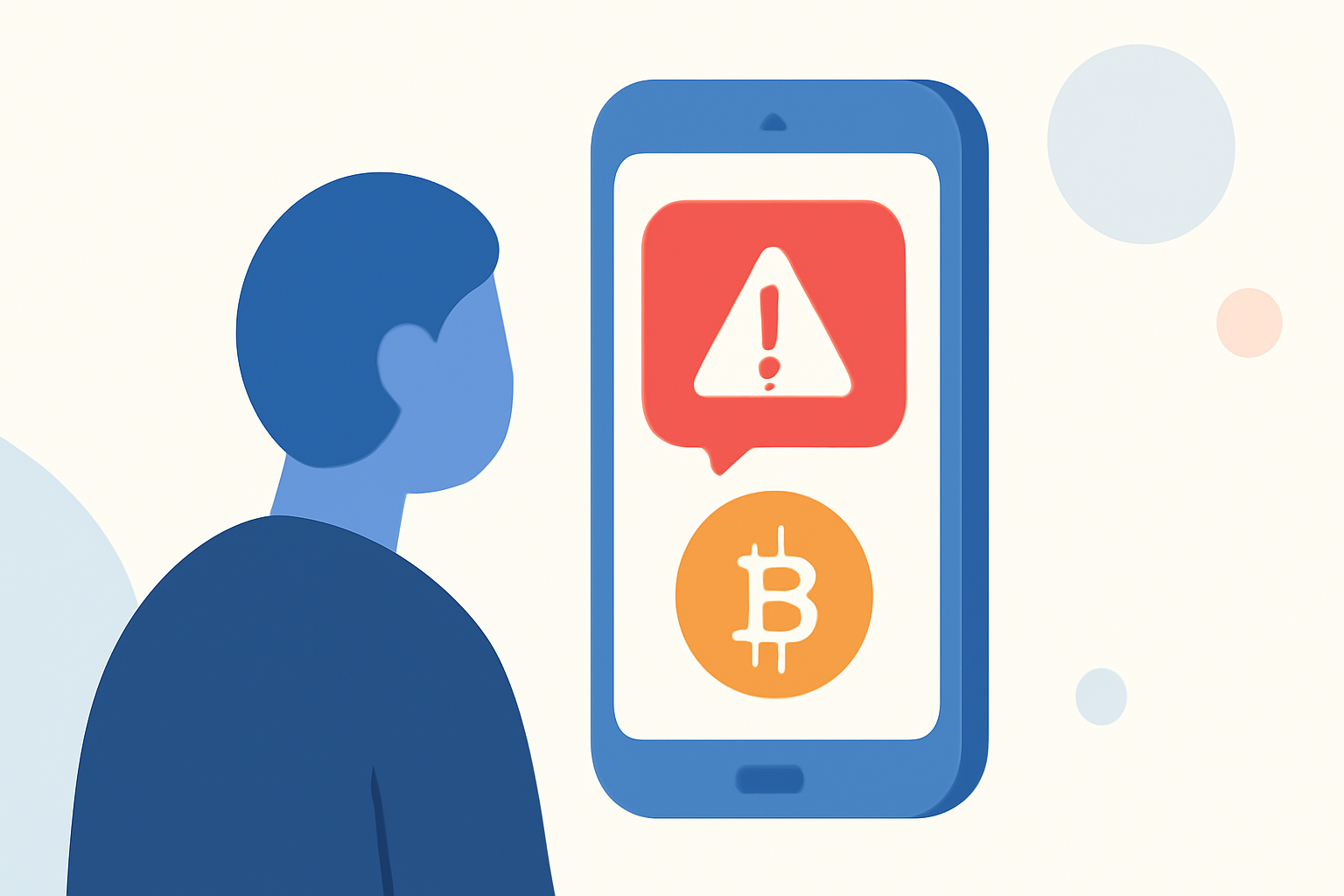
Cryptocurrency scams are on the rise, with fraudsters increasingly targeting individuals through deceptive text messages. These scams often promise high returns on crypto investments, aiming to steal personal and financial information. Protecting yourself requires a combination of vigilance, technological tools, and informed decision-making.
What Are Crypto Scam Texts?
Crypto scam texts are fraudulent messages that impersonate legitimate entities, offering fake cryptocurrency investment opportunities or claiming issues with your crypto accounts to steal your funds. They often include urgent calls to action, such as clicking on malicious links or providing sensitive information.
How Can I Recognize a Crypto Scam Text?
Identifying scam texts involves looking for certain red flags:
-
Unsolicited Messages: Receiving unexpected texts about crypto investments or account issues.
-
Urgent Language: Messages that create a sense of urgency, pressuring you to act quickly.
-
Suspicious Links: Links that lead to unfamiliar or misspelled websites.
-
Unusual Sender Information: Messages from unknown numbers or addresses.
What Should I Do If I Receive a Suspicious Crypto Text?
If you receive a suspicious text, follow these steps:
-
Do Not Respond: Replying can confirm your number is active, leading to more scams.
-
Do Not Click Links: Links may lead to phishing sites or install malware on your device.
-
Block the Sender: On iPhone, open the conversation, tap the sender’s name at the top, scroll to the bottom, and select “Block this Caller.” On Android with Google Messages, open the thread, tap the three-dot menu, and choose “Block.” (kaspersky.com)
-
Report the Message: Forward the message to 7726 (SPAM) to help your carrier identify and block similar messages in the future. (consumer.ftc.gov)
-
Review Privacy Settings: Adjust your phone’s privacy settings to limit who can contact you.
How Can I Block Scam Texts on My Phone?
Both iPhone and Android devices offer built-in features to block spam texts:
-
iPhone: Go to Settings → Messages → Filter Unknown Senders.
-
Android: Open the Messages app, tap the three-dot menu, and select “Spam & blocked.”
Additionally, many carriers provide spam-blocking services:
-
AT&T: ActiveArmor blocks scam calls and texts.
-
Verizon: Call Filter detects and blocks spam calls and texts.
-
T-Mobile: Scam Shield uses AI to recognize and block fraudulent calls and texts. (mcafee.com)
How Can Robokiller Help Protect Me from Crypto Scam Texts?
Robokiller is a leading app designed to block spam calls and texts, including crypto scams. It uses a proprietary algorithm to analyze every text message for its origin phone number, content, and attachments, determining whether it’s allowable or spam in less than a millisecond. If Robokiller determines a message is spam, it moves it to a special folder in your Messages app called “Unknown & Junk.” You can review these flagged messages anytime to ensure everything in there is definitely spam. (robokiller.com)
Are There Other Tools to Protect Against Crypto Scam Texts?
Yes, several tools can help protect against crypto scam texts:
-
StopScam.ai: This app helps block suspicious calls, inspect risky texts and links, scan files, and provides AI-driven scam guidance. (stopscam.ai)
-
NordVPN's Crypto Wallet Address Checker: This tool scans web pages for crypto wallet addresses and checks them against fraud databases, alerting users to dangerous wallets. (techradar.com)
How Can I Report a Crypto Scam Text?
Reporting scam texts helps authorities and carriers take action against fraudsters:
-
Forward to 7726 (SPAM): This helps your wireless provider spot and block similar messages in the future. (consumer.ftc.gov)
-
Report to the FTC: File a complaint at ReportFraud.ftc.gov.
-
Use Your Phone’s Reporting Feature: Many phones have built-in options to report spam or junk messages.
What Are the Legal Protections Against Spam Texts?
Federal regulators have been taking aggressive action against spam texts to create real protections for you:
-
FCC Crackdown on Robotexts: In 2024, the Federal Communications Commission (FCC) ordered mobile providers to block text messages from numbers that are likely to be illegal and proposed making email-to-text an opt-in service. (mcafee.com)
-
The One-to-One Consent Rule: On January 27, 2025, the FCC enacted the one-to-one consent rule, which prohibited multiple companies from texting or calling you after you sign up on only one website. (mcafee.com)
-
Your Right to Opt Out Anytime: As of April 11, 2025, you are legally protected from unwanted texts when you withdraw your consent by replying “stop.” (mcafee.com)
Conclusion
Protecting yourself from crypto scam texts requires a combination of vigilance, technological tools, and informed decision-making. By utilizing built-in phone settings, carrier tools, and dedicated apps like Robokiller, you can significantly reduce the risk of falling victim to these scams. Always stay informed and cautious when dealing with unsolicited messages, especially those related to cryptocurrency.
Highlights:
- Forget crypto scams - NordVPN's new tool helps you keep your funds safe, Published on Tuesday, September 23