In today's digital age, cryptocurrency has become a popular investment avenue, attracting both legitimate enthusiasts and malicious actors. One prevalent threat is crypto scam texts, which deceive individuals into sharing sensitive information or making fraudulent transactions. To safeguard against these scams, it's essential to utilize a robust phone safety app.
What Are Crypto Scam Texts?
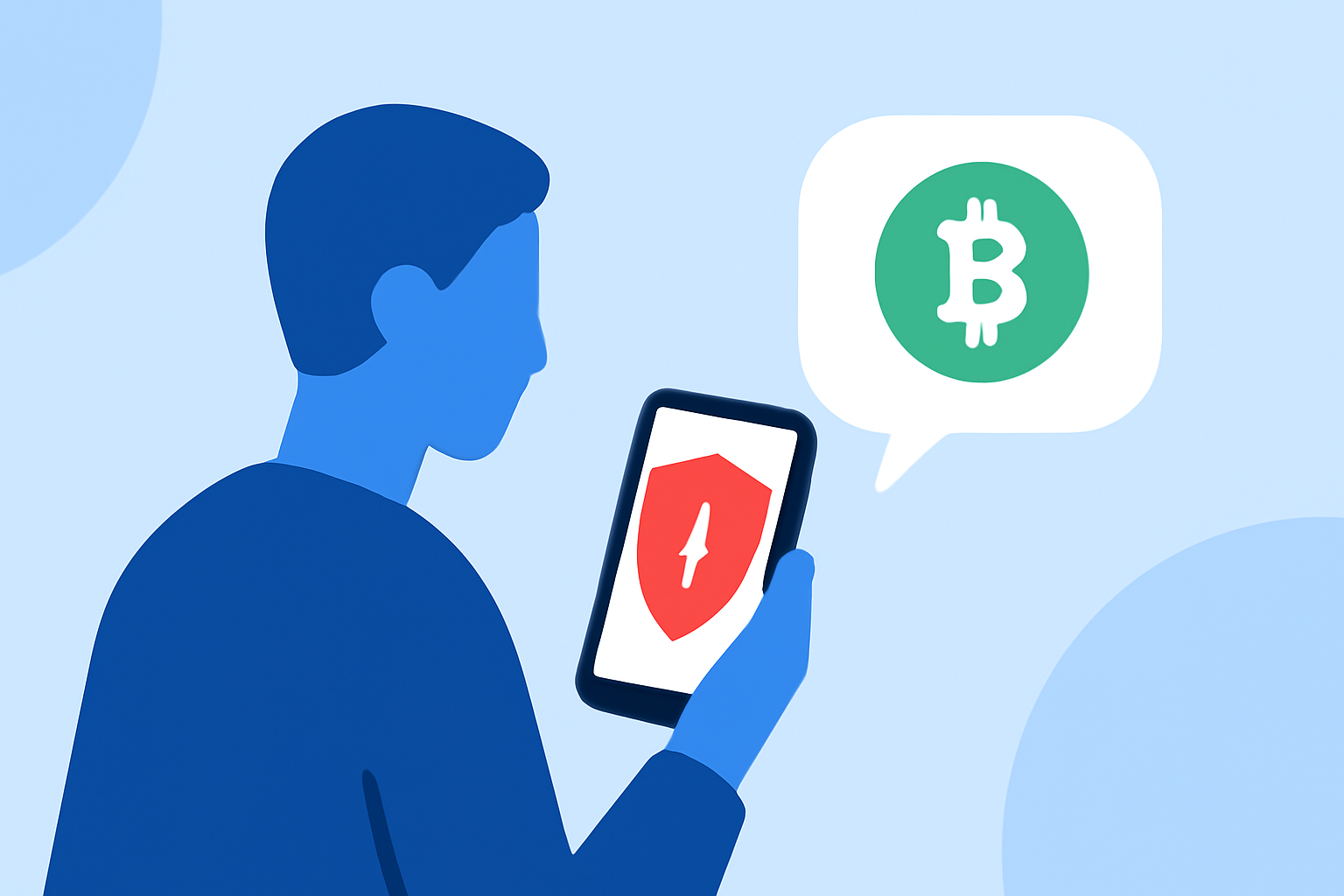
Crypto scam texts are fraudulent messages that impersonate legitimate cryptocurrency platforms or services. They often contain urgent messages about account issues, investment opportunities, or security alerts, prompting recipients to click on malicious links or provide personal information. These scams can lead to financial losses and identity theft.
How Does Robokiller Protect Against Crypto Scam Texts?
Robokiller employs a comprehensive, multi-layered approach to block spam texts, including crypto scams:
-
Block/Allow List: Users can customize their experience by adding known contacts to the Allow List, ensuring important messages are received, while blocking known spam numbers.
-
Number Reputation: Robokiller checks incoming numbers against a global database of known spam sources. Messages from suspicious numbers are automatically blocked.
-
Content Analysis: The app scans messages for scam-related keywords and patterns, such as terms like "urgent," "investment opportunity," or "account verification," which are commonly used in crypto scams. (support.robokiller.com)
Why Choose Robokiller Over Other Apps?
While several apps offer spam text protection, Robokiller stands out due to its:
-
Advanced Technology: Utilizing artificial intelligence and machine learning, Robokiller analyzes every text message for its origin, content, and attachments, determining its safety in less than a millisecond. (robokiller.com)
-
Comprehensive Coverage: Beyond blocking spam texts, Robokiller also protects against spam calls and voicemails, offering a holistic defense against unwanted communications. (robokiller.com)
-
User Control: Robokiller allows users to customize their block and allow lists, providing greater control over who can contact them. (support.robokiller.com)
How to Enable SMS Spam Protection with Robokiller
For Android Users:
-
Open your phone's Settings.
-
Tap on "Apps."
-
Navigate to "Default apps" and select "SMS app."
-
Choose Robokiller as your default SMS app.
For iOS Users:
-
Open the Settings app.
-
Tap on "Messages."
-
Select "Unknown & Spam."
-
Toggle on Robokiller.
Once enabled, Robokiller will automatically detect and block spam texts, moving them to your SMS Junk folder on iOS or filtering them silently on Android. (support.robokiller.com)
Conclusion
In the battle against crypto scam texts, Robokiller offers a powerful and user-friendly solution. Its advanced technology, comprehensive coverage, and customizable features make it a top choice for everyday users seeking to protect themselves from digital threats.
Highlights:
- Spam Texts 101 | Robokiller
- How can I improve my spam text protection? – Robokiller Help Center
- Block Spam