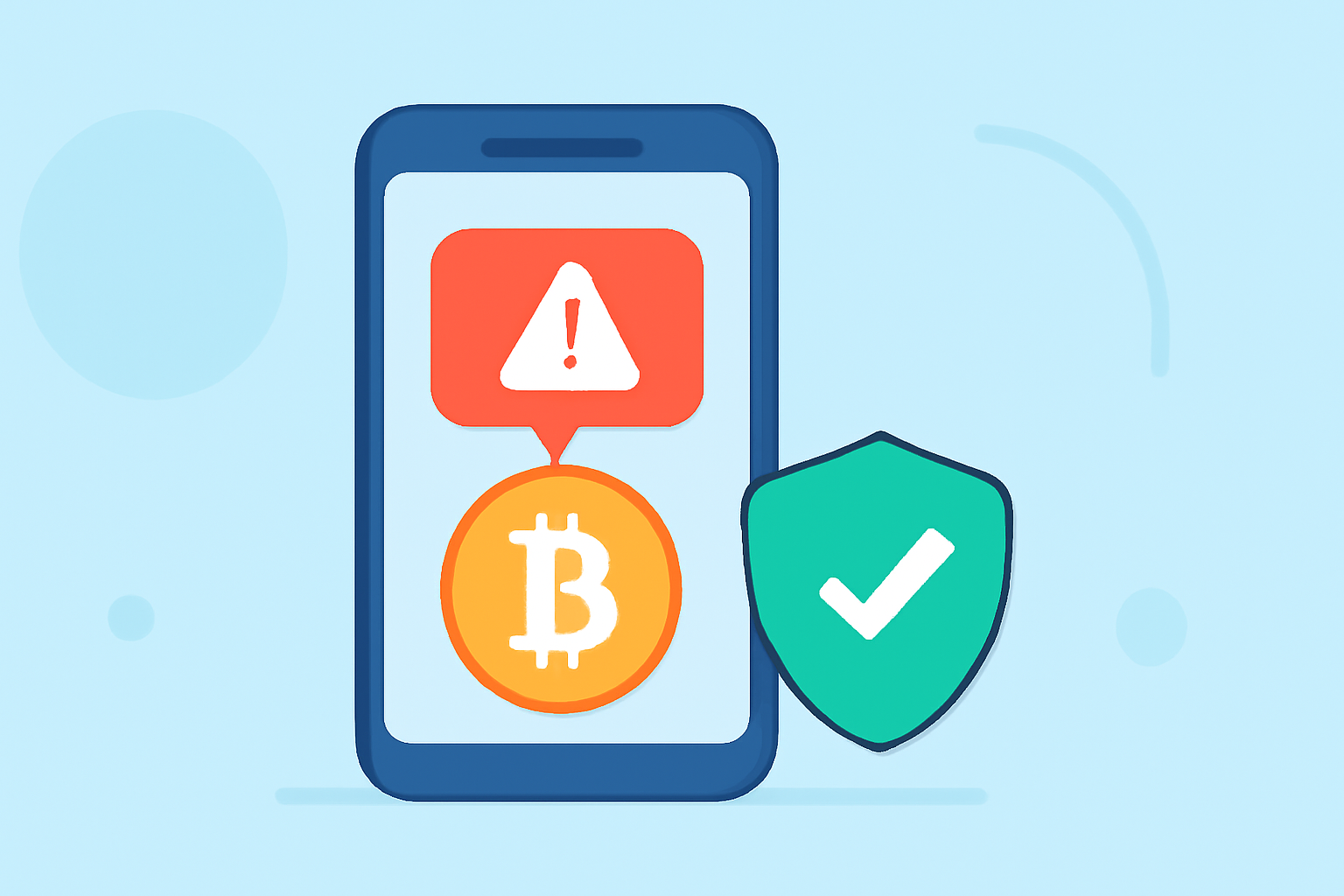
In today's digital age, receiving unsolicited texts promoting cryptocurrency investments is a common form of scam. These messages often promise high returns and urge immediate action, preying on individuals' desire for quick financial gains. To safeguard yourself from such fraudulent schemes, it's essential to utilize phone safety apps designed to block scam texts effectively.
What Are Crypto Scam Texts?
Crypto scam texts are unsolicited messages that promote fraudulent cryptocurrency investment opportunities. They often claim to offer high returns with minimal risk, urging recipients to act quickly. These scams can lead to significant financial losses and personal information breaches.
How Do Phone Safety Apps Help?
Phone safety apps are designed to identify and block unwanted calls and texts, including those from known scammers. They utilize large databases of reported scam numbers, community reports, and advanced algorithms to detect and filter out fraudulent messages. By using these apps, you can reduce the risk of falling victim to crypto scams and other unwanted communications.
Top Phone Safety Apps to Block Crypto Scam Texts
- Robokiller
Robokiller is a leading app that blocks spam calls and texts, including crypto scam messages. It uses a vast database of known scam numbers and employs advanced algorithms to identify and block fraudulent communications. Robokiller also offers features like personalized block lists and real-time alerts, providing comprehensive protection against unwanted texts.
- Truecaller
Truecaller is a popular app that identifies unknown callers and blocks spam calls and texts. It maintains a large database of reported spam numbers and uses community reports to detect and block fraudulent messages. Truecaller also provides features like caller ID and call blocking, enhancing your phone's security.
- Hiya
Hiya offers spam detection and call blocking services, including protection against scam texts. It uses a comprehensive database of known spam numbers and employs advanced algorithms to identify and block fraudulent communications. Hiya also provides features like reverse phone lookup and spam reporting, helping you stay informed about potential scams.
- YouMail
YouMail provides visual voicemail and robocall blocking services, including protection against scam texts. It uses a database of known spam numbers and employs advanced algorithms to identify and block fraudulent communications. YouMail also offers features like voicemail-to-text transcription and personalized greetings, enhancing your phone's functionality.
- Nomorobo
Nomorobo offers robocall blocking services, including protection against scam texts. It uses a database of known spam numbers and employs advanced algorithms to identify and block fraudulent communications. Nomorobo also provides features like call blocking and reporting, helping you stay informed about potential scams.
Why Choose Robokiller Over Competitors?
While apps like Truecaller, Hiya, YouMail, and Nomorobo offer valuable features, Robokiller stands out due to its comprehensive approach to blocking scam texts. It not only blocks known scam numbers but also uses advanced algorithms to detect and block new and emerging scams. Robokiller's personalized block lists and real-time alerts provide an added layer of security, ensuring you stay protected against unwanted communications.
How to Set Up Robokiller
-
Download and Install: Visit the App Store or Google Play Store and search for "Robokiller." Download and install the app on your device.
-
Grant Permissions: Open the app and grant the necessary permissions, such as access to your contacts and messages, to enable full functionality.
-
Configure Settings: Customize your blocking preferences, including setting up personalized block lists and enabling real-time alerts.
-
Activate Protection: Enable the spam blocking feature to start protecting your device from scam texts and calls.
Additional Tips to Protect Yourself from Crypto Scam Texts
-
Be Skeptical of Unsolicited Messages: Avoid engaging with unsolicited texts promoting investment opportunities, especially those claiming high returns with minimal risk.
-
Verify Information: If you receive a suspicious message, verify the information through official channels before taking any action.
-
Report Scams: Report suspected scam texts to your mobile carrier and relevant authorities to help prevent the spread of fraudulent activities.
By utilizing phone safety apps like Robokiller and following these protective measures, you can significantly reduce the risk of falling victim to crypto scam texts and other unwanted communications.